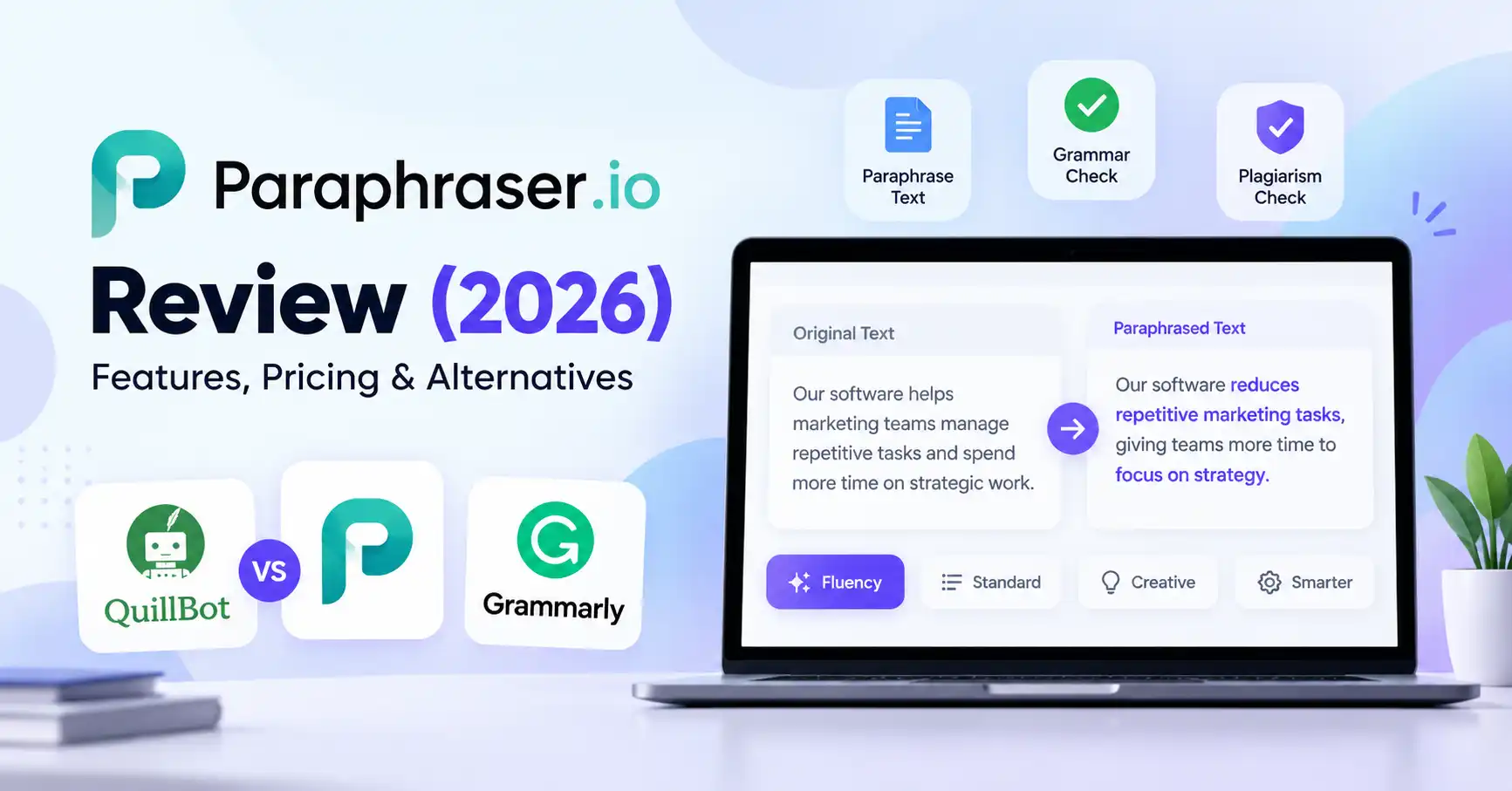
Paraphraser.io Review (2026): Features, Pricing & Alternatives
Published October 28, 2026
Rewriting content without losing its original meaning can be challenging, especially when you're working on blog posts, product descriptions, emails, or marketing copy. Paraphraser.io aims to simplify that process by helping users rephrase sentences, improve readability, and find clearer ways to communicate their ideas.
But is Paraphraser.io worth using in 2026? That depends on what you write, how much content you need to process, and whether you're looking for a basic rewriting tool or a more comprehensive writing assistant.
This review covers Paraphraser.io's features, free plan limits, pricing, practical applications, and alternatives such as QuillBot and Grammarly. We'll also look at where paraphrasing fits into content creation and why human editing still matters.
What Is Paraphraser.io?
Paraphraser.io is an online tool that rewrites existing text while aiming to preserve its central meaning. It helps users rephrase sentences, explore alternative expressions, and improve the flow of a draft.
It's designed for several types of users:
Bloggers and SEO writers: Refine awkward sentences and make drafts easier to read.
Digital marketers: Develop alternative versions of product descriptions, email copy, and promotional messages.
Students and researchers: Improve the clarity of their own writing while maintaining appropriate citations.
Freelancers and small businesses: Edit short pieces of content without rewriting every sentence manually.
Developers: Explore automated rewriting through the platform's API, subject to its access requirements and usage limits.
Paraphrasing works best when you already understand your subject and want to express an idea more clearly. It doesn't replace research, fact checking, or original thinking.
Paraphraser.io Features: What Do You Get?
Paraphraser.io combines text rewriting with other writing related tools. The features available depend on the tool you select, your subscription plan, and the options currently offered on the platform.
1. Multiple paraphrasing modes
Paraphraser.io offers different modes for rewriting text. Its registration page lists Fluency, Standard, Creative, and Smarter modes for free users, although other product pages advertise additional options.
Each approach can serve a different purpose. A marketer might want a more natural sounding product description, while a blogger may need to simplify a sentence that feels unnecessarily complicated.
Still, selecting a different mode doesn't guarantee a better result. Review the output carefully to ensure it retains the original facts, terminology, and intended meaning.
2. Grammar and plagiarism related tools
The platform also offers grammar related and plagiarism checking functionality.
These features can help during editing, but their results aren't definitive proof that content is accurate or original. A grammar checker may overlook contextual errors, while a plagiarism checker may fail to identify some forms of unattributed copying.
3. Online access and API availability
You can access Paraphraser.io through its official website. The company also provides API documentation and separate API plans for developers who want to incorporate paraphrasing into applications or automated workflows.
Before choosing an API plan, check the current pricing, request limits, supported parameters, and authentication requirements. A regular website subscription shouldn't be assumed to include API access.
How to Use Paraphraser.io for Better Content
You don't need to rewrite an entire article to benefit from paraphrasing. In many cases, it's more effective to use the tool selectively when a sentence feels repetitive, unclear, or difficult to follow.
Open the Paraphraser.io website.
Paste a paragraph you've written or have permission to edit.
Select an available paraphrasing mode.
Compare the rewritten version with your original.
Correct factual errors, awkward wording, or changes in meaning before using the result.
Example
Original: “Our software helps marketing teams manage repetitive tasks and spend more time on strategic work.”
Possible rewrite: “Our software reduces repetitive marketing tasks, giving teams more time to focus on strategy.”
The revised sentence is shorter and more direct while preserving the main idea. This is an illustrative example, not a claim about text generated by Paraphraser.io.
For SEO content, retain important product names, technical terms, and factual details. There's little value in changing a sentence simply for the sake of making it different when the original already communicates the message effectively.
Is Paraphraser.io Good for SEO Content?
Paraphraser.io can support parts of an SEO writing workflow, particularly when you're editing existing drafts. However, paraphrasing alone doesn't make content more useful or improve its search rankings.
Here are a few practical applications:
Updating older blog posts: Improve clunky sentences while preserving accurate information and the article's original purpose.
Editing product descriptions: Make copy easier to understand without changing product specifications or promised benefits.
Refreshing email copy: Explore alternative wording while maintaining the message's intended tone.
Improving readability: Simplify complex sentences to suit your target audience.
For instance, an older SaaS article might describe a feature using outdated terminology. A paraphrasing tool can help refine the wording, but you'll still need to verify the feature's current functionality and update the supporting information.
For more options, explore Allaipedia's guide to AI tools for content writing.
One distinction is worth emphasizing: rewriting copied material doesn't automatically make it original or remove the need for attribution. Use reliable sources, cite borrowed ideas, and contribute your own analysis or examples to make the content genuinely useful.
Paraphraser.io Pricing and Free Plan
Paraphraser.io offers free and paid plans. However, its registration and pricing pages don't present every detail identically, so confirm the current terms before subscribing.
Sources: Official pricing page and registration page. These are advertised figures, not independently verified checkout totals. Taxes, billing terms, and the precise meaning of each allowance should be checked before purchase.
Is the paid plan worth it?
The free plan is a sensible starting point if you rewrite occasional paragraphs or want to try the available modes. Writers who process content frequently may need higher allowances, while developers should review the separate API plans.
Before upgrading, estimate how much text you actually rewrite each month. A higher allowance isn't necessarily better value if you only edit a few paragraphs each week.
Paraphraser.io vs QuillBot vs Grammarly
The right alternative depends on whether you primarily need to rewrite text, correct errors, or improve your overall writing style.
For the latest details, consult QuillBot's official plans and Grammarly's pricing information. Prices and limits may vary by subscription and region.
For a more detailed comparison, see Allaipedia's guide to Grammarly vs QuillBot.
Which tool should you choose?
Choose Paraphraser.io if you want to explore different rewriting modes and its free allowance meets your needs.
Choose QuillBot if paraphrasing is a regular part of your workflow and you want specialized rewriting controls.
Choose Grammarly if your priority is correcting grammar, improving clarity, and maintaining a professional tone.
Choose Paraphraser.io if you want to explore different rewriting modes and its free allowance meets your needs.
Choose QuillBot if paraphrasing is a regular part of your workflow and you want specialized rewriting controls.
Choose Grammarly if your priority is correcting grammar, improving clarity, and maintaining a professional tone.
You don't necessarily need all three. Try the free features on the types of content you create most often, compare how much editing each output requires, and pay only for features you regularly use.
Is Paraphraser.io Safe and Reliable to Use?
Paraphraser.io can be a useful writing aid, but its reliability depends on the content you're working with and how carefully you review the output.
Before uploading unpublished business documents, client content, or sensitive information, read the platform's privacy policy to understand how submitted text is handled.
Keep these limitations in mind:
Rewritten sentences can still contain factual errors.
Different wording doesn't guarantee originality or eliminate plagiarism.
Automated rewriting may change technical terminology or distort the intended meaning.
Claims, quotations, and research findings still need proper attribution and verification.
For professional work, treat the output as a draft that needs editorial review rather than publication ready copy.
FAQ’s
Is Paraphraser.io free to use?
Yes. The official registration page advertises a free plan with a 600 word paraphrasing limit per task and plagiarism checking up to 1,000 words. Check the website for current limits before relying on them.
Is Paraphraser.io worth paying for?
It may be worthwhile if you regularly rewrite content and need more capacity than the free plan provides. Compare the advertised allowances, billing terms, and output quality with competing tools before subscribing.
Does Paraphraser.io remove plagiarism?
No paraphrasing tool can guarantee plagiarism free content. Rewording doesn't remove the need to cite sources, respect copyright, and ensure the final work is genuinely original.
Is Paraphraser.io good for SEO?
It can help improve sentence clarity and revise existing drafts. However, SEO performance depends on the usefulness, accuracy, relevance, and quality of the finished content not simply how much text has been paraphrased.
Conclusion
Paraphraser.io is worth considering if you regularly need to reword sentences, simplify paragraphs, or explore alternative expressions. Its free plan provides a starting point, while paid plans offer higher advertised allowances.
It's not necessarily the right choice for every writer. QuillBot is a strong alternative for dedicated paraphrasing workflows, whereas Grammarly is better suited to proofreading and improving clarity.
Our recommendation: Start with the free plan and try it on a few representative paragraphs. Assess how much manual editing the results require and whether the rewritten text preserves your intended meaning. If it consistently helps you produce clearer content, consider upgrading. If your main priority is polishing grammar rather than rewriting, another tool may be a better fit.