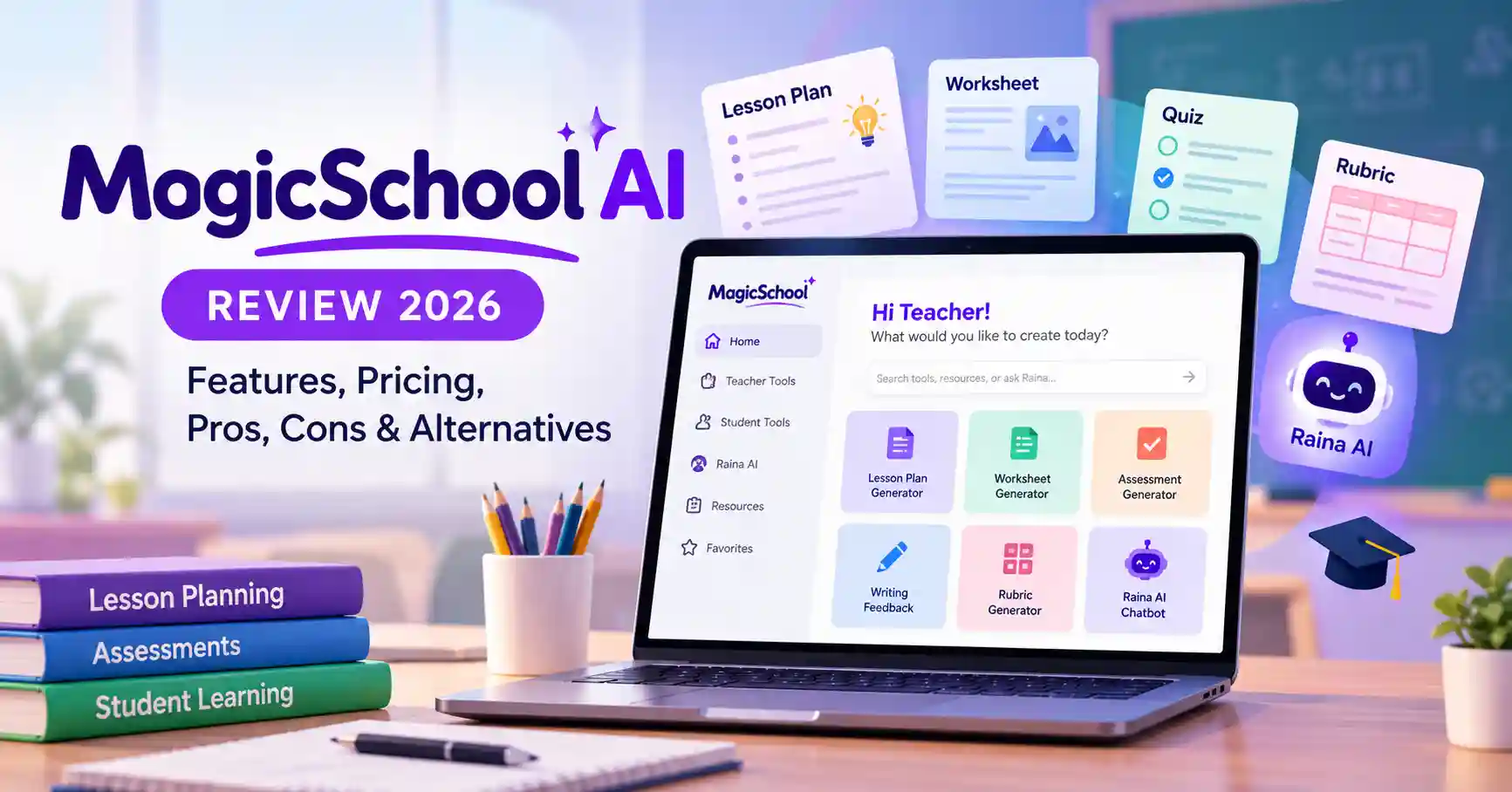
MagicSchool AI Review 2026: Features, Pricing, Pros, Cons & Alternatives
Published October 30, 2026
Teachers spend a considerable part of their day planning lessons, preparing worksheets, creating assessments, and reviewing student work. MagicSchool AI brings these activities together in one platform, helping educators manage routine tasks without building every resource from scratch.
Unlike general purpose AI assistants, MagicSchool AI is built around teaching and classroom needs. It includes tools for developing lesson materials, generating quizzes, creating grading rubrics, and providing writing feedback. Teachers can also access student facing features designed to support guided learning.
But is MagicSchool AI worth using in 2026? Does the free plan cover enough features, and how does it compare with alternatives such as Brisk Teaching and SchoolAI?
This review examines its features, pricing, practical applications, limitations, and alternatives to help educators decide whether it belongs in their teaching workflow.
What Is MagicSchool AI?
Official website: MagicSchool AI
MagicSchool AI is an education focused platform designed to make everyday teaching tasks easier. It offers more than 80 teacher tools and over 50 student tools, covering lesson planning, assessment creation, content development, and learning activities.
The process is simple: teachers enter details such as the subject, grade level, topic, and learning objectives. MagicSchool uses that information to generate an editable draft that educators can review and adapt.
The platform also includes Raina, an AI chatbot that helps teachers identify relevant tools and work through education related tasks.
For K–12 educators who regularly prepare structured learning materials, MagicSchool can help cut down on repetitive preparation work.
Key MagicSchool AI Features and Tools
MagicSchool combines several classroom workflows in one place, giving teachers access to different resources without having to rely on separate applications for every task.
1. AI Lesson Plan Generator
A good lesson plan needs more than a topic. Teachers must consider learning objectives, classroom activities, discussion questions, and assessments.
MagicSchool's Lesson Plan Generator helps organize these elements into a structured draft. Teachers can provide details such as the subject, grade level, curriculum standards, and instructional objectives to get started.
For example, a Grade 7 science teacher preparing a lesson on photosynthesis can generate learning objectives, suggested activities, discussion questions, and assessment ideas. The teacher can then refine the material to suit the curriculum and students' learning requirements.
2. Worksheet and Assessment Generator
Preparing worksheets and assessments for students with different learning abilities can be time consuming. MagicSchool helps teachers create worksheets, multiple choice quizzes, comprehension questions, and other assessment materials.
One useful application is developing different versions of the same classroom activity for students with varying reading abilities. Teachers can adjust the questions and instructions instead of creating each version independently.
3. AI Writing Feedback and Rubric Generator
MagicSchool also helps educators develop grading rubrics and provide structured feedback on student writing.
For instance, an English teacher can create a rubric covering grammar, vocabulary, organization, and clarity. The generated criteria can then be adjusted to reflect the specific assignment.
This gives teachers a consistent starting point for evaluating student work while keeping the final assessment under their control.
4. Raina AI Chatbot
Raina is MagicSchool's education focused AI assistant. Teachers can explain what they're trying to accomplish and get guidance on the tools and workflows that may help.
It's particularly useful when educators know what they need to do but aren't familiar with all the features available on the platform.
5. MagicStudent and Student Learning Tools
MagicSchool also provides tools designed for students, including research assistance, writing feedback, quizzes, custom chatbots, and AI learning assistants.
Teachers can use these features to create structured learning activities while maintaining control over how students interact with AI.
How to Use MagicSchool AI for Lesson Planning
Getting started is straightforward, even if you're new to education focused AI platforms.
Follow these steps:
Visit the MagicSchool website and create an account.
Navigate to the teacher tools section and select Lesson Plan Generator.
Enter the subject, grade level, topic, and learning objectives.
Include relevant curriculum standards and any additional instructions.
Generate the lesson plan and review the suggested activities.
Edit the output to fit your teaching approach and classroom requirements.
Practical example: Suppose you're teaching Grade 8 mathematics and introducing linear equations. Enter the topic, learning objectives, and lesson duration. MagicSchool can generate an outline with explanations, practice questions, and assessment activities.
The generated lesson should still be reviewed before use. Check the explanations, verify the questions, and make sure the material is appropriate for your students.
MagicSchool AI Pricing: Is It Free?
MagicSchool offers Free, Plus, and Enterprise plans to accommodate individual teachers and educational institutions.
Pricing checked against the official website in October 2026. Prices are in USD.
The Free plan is a reasonable starting point for individual teachers, although it comes with standard generation limits.
Plus is better suited to educators who use MagicSchool regularly and need unlimited generations, output history, editing capabilities, and additional student tools.
Enterprise is intended for schools and districts that require centralized administration, LMS and SIS integrations, single sign on, and additional privacy controls.
For individual teachers, starting with the free version makes sense. Upgrade only when usage limits or missing features become a regular problem.
Check the official MagicSchool pricing page for the latest subscription details.
Is MagicSchool AI Safe for Students?
Student privacy needs careful consideration whenever schools introduce AI powered learning platforms.
MagicSchool publishes a student data policy explaining how it handles children's personal information. Its stated commitments include not selling student personal data, not using student data for targeted advertising, and not allowing external AI providers to train their models on student personal information processed under its school arrangements.
The platform also offers teacher guided student tools and moderation features.
However, a provider's privacy commitments don't automatically mean that every classroom use meets a school's requirements.
Before introducing student accounts, schools should:
Review the platform's privacy policy and relevant data agreements.
Check applicable student data protection requirements.
Obtain the necessary school or parental authorization.
Avoid entering unnecessary personal or sensitive student information.
Review AI generated material before sharing it with students.
Educators can find further details in the official MagicSchool Student Data Policy.
Best MagicSchool AI Alternatives
MagicSchool covers several teaching tasks, but other platforms offer different approaches. Some focus on adapting existing classroom materials, while others specialize in resource creation or student interaction.
1. Brisk Teaching
Brisk Teaching is worth considering if you regularly work with existing teaching materials. It helps educators create quizzes, presentations, lesson plans, and differentiated learning resources.
It's a relevant option for teachers who want to adapt existing documents and classroom content.
2. Eduaide.AI
Eduaide.AI focuses on generating education specific resources. It helps teachers prepare instructional materials and classroom activities.
Consider it if creating teaching resources is your main requirement and you want a platform centered on educational content generation.
3. SchoolAI
SchoolAI focuses on interactive student learning experiences. Its classroom oriented tools help teachers create guided AI interactions and learning activities.
It's worth exploring if student engagement and structured AI assisted classroom interactions are priorities.
4. Gemini for Education
Gemini for Education provides general purpose AI assistance for educational settings. Teachers can use it to brainstorm explanations, develop examples, summarize information, and prepare learning activities.
Its education specific availability depends on the institution and applicable Google Workspace offering.
MagicSchool is a suitable option when you want multiple teacher specific tools in one platform. Brisk is relevant for adapting existing content, while SchoolAI is worth exploring for guided student interactions.
Pros and Cons of MagicSchool AI
Who Should Use MagicSchool AI?
MagicSchool can serve different needs across the education sector:
Classroom teachers: Useful for preparing lesson plans, worksheets, quizzes, and grading rubrics.
School administrators: Relevant for evaluating AI adoption and centralized classroom technology.
Students: Provides access to teacher guided learning activities.
International educators: Offers a way to generate teaching resources, although materials may need adjustments to match local curricula and educational standards.
It may be less useful for educators who only need occasional general purpose writing assistance or already have tools that cover their classroom requirements.
FAQ’s
1. Is MagicSchool AI free for teachers?
Yes. MagicSchool offers a free plan with access to 80+ teacher tools, Raina, quizzes, and writing feedback. However, the plan has standard generation limits. Plus provides unlimited generations and additional features.
2. Can MagicSchool AI create lesson plans?
Yes. Its Lesson Plan Generator creates structured lesson drafts using details such as subjects, grade levels, learning objectives, and curriculum standards. Teachers should review and customize the output before using it in class.
3. Does MagicSchool AI work with Google Classroom?
Yes. MagicSchool's FAQ lists Google Classroom integration, allowing teachers to connect resources and classroom workflows. Additional LMS and school system integrations are available through its Enterprise offering.
4. What are the best MagicSchool AI alternatives?
Brisk Teaching, Eduaide.AI, SchoolAI, and Gemini for Education are worth considering. Each addresses different requirements, from adapting existing teaching materials to creating guided student learning experiences.
Conclusion
MagicSchool AI is worth exploring if you regularly prepare lesson plans, create classroom resources, and develop assessments. Its main advantage is the range of education focused tools available within a single platform.
Rather than switching between different applications for basic teaching tasks, educators can access lesson planning, assessment creation, and feedback tools in one place.
The free plan also gives teachers an opportunity to explore the platform before paying for a subscription. Still, it's important to consider generation limits, content quality, curriculum suitability, and school privacy requirements before adopting it more widely.
If classroom preparation takes up a significant part of your working day, try MagicSchool with a real teaching task first. Review the output and decide whether its features genuinely improve your workflow.
You can also explore Allaipedia's AI tools directory to discover other AI platforms for education and productivity.