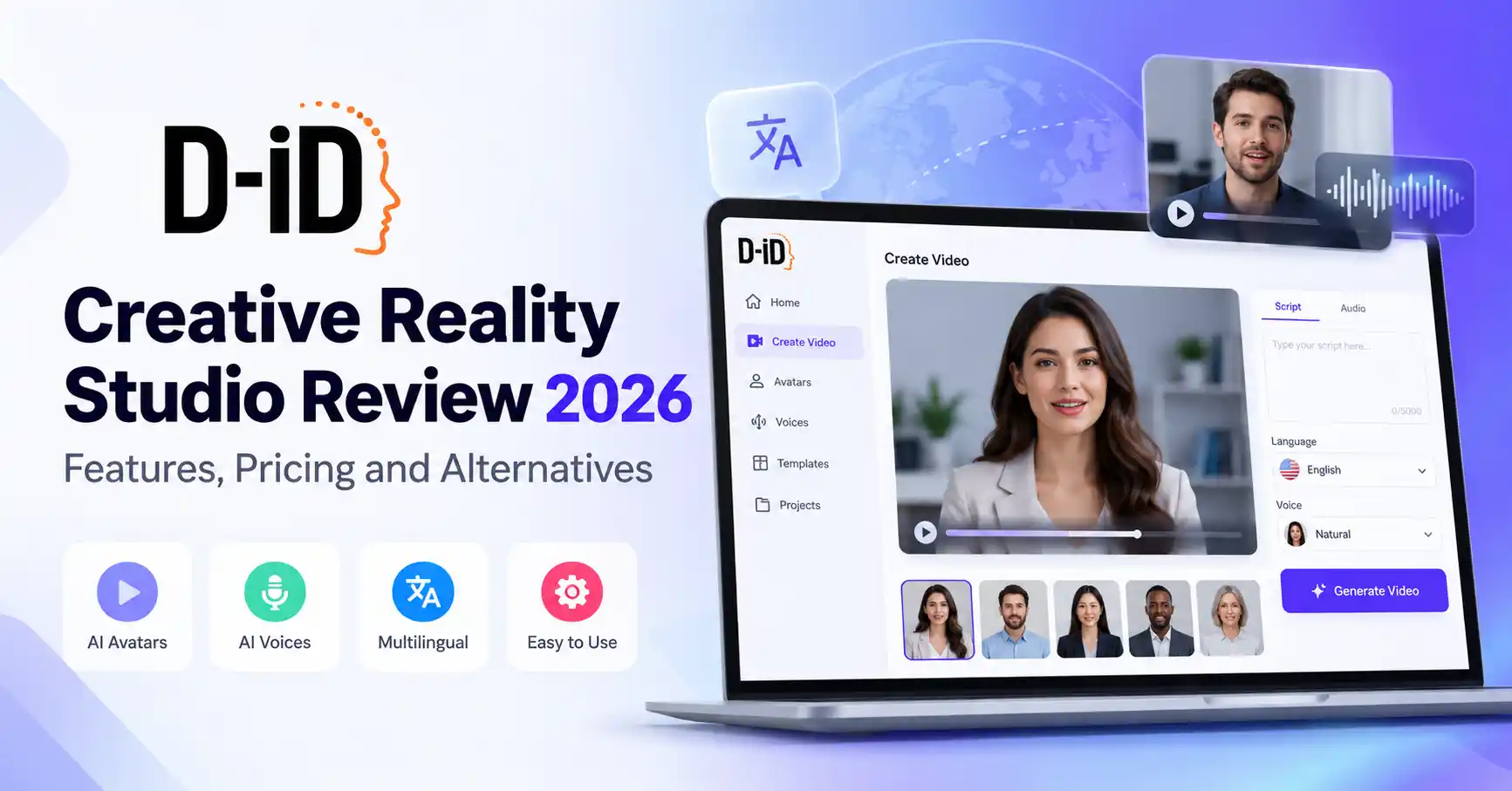
D ID Creative Reality Studio Review 2026: Features, Pricing and Alternatives
Published October 30, 2026
Producing professional videos often requires a camera, microphone, presenter, and editing software. AI avatar platforms offer a different approach, allowing creators to turn photographs, scripts, or audio recordings into videos featuring digital presenters.
D ID Creative Reality Studio is one platform built around this idea. It helps creators and businesses produce talking avatar videos without filming a presenter for every project. Users can choose an existing avatar, upload a portrait, add a script or voice recording, and generate a video.
But does D ID offer enough value for content creators, marketers, and businesses in 2026?
This review looks at its key features, pricing, practical applications, limitations, and alternatives to help you decide whether it fits your video production needs.
What Is D ID Creative Reality Studio?
D ID Creative Reality Studio is an AI powered video creation platform developed by D ID. It uses facial animation and generative AI to create videos in which digital presenters speak using supplied text or audio.
The platform is aimed at individual creators and businesses that want presenter led videos without arranging traditional filming sessions.
For instance, a digital marketer could upload a portrait, write a short product introduction, select an AI voice, and generate a spokesperson style video for a landing page or social media campaign.
D ID supports desktop and mobile access. Its official documentation also covers image based avatars, ready made presenters, and AI generated portraits.
Visit the official D ID Creative Reality Studio website to explore the platform.
Key Features of D ID Creative Reality Studio
1. AI Talking Avatar Generator
Talking avatar creation is at the heart of D ID. Users can choose a ready made presenter or upload a suitable portrait. The platform then generates facial movements and synchronizes speech with the supplied script or audio.
This feature can be useful for marketing spokesperson videos, educational presentations, product introductions, and personalized communication.
The source image matters, though. A clear, front facing photograph with good lighting generally provides a better starting point for avatar generation.
2. AI Voice Generation and Audio Upload
D ID lets users generate speech from written scripts or upload their own audio recordings.
The platform also documents voice cloning functionality, which allows users to create a digital presenter using a cloned voice. For businesses producing multiple videos, this can help maintain a consistent presentation style.
Voice cloning should always be used with the appropriate permission from the voice owner.
3. Multilingual Video Creation
D ID supports multilingual video creation, making it relevant for businesses targeting audiences in different regions.
For example, a company could prepare a product explanation in English and produce localized versions for other language audiences.
Before choosing a language, check the available voices and features in the current Studio interface. Support for a particular language doesn't necessarily mean that every voice will deliver the same quality.
4. AI Generated Portraits and Customization
Don't have a suitable presenter photograph? D ID also offers image generation capabilities, alongside the option to upload your own images.
This gives creators more flexibility when preparing digital presenters for different projects.
Available presenter options and output quality can vary depending on the subscription plan.
How to Use D ID Creative Reality Studio
Creating a talking avatar video involves a fairly straightforward workflow:
Create an account: Visit D ID and sign up for Creative Reality Studio.
Choose a presenter: Select a ready made avatar or upload a suitable portrait.
Add your script: Enter the text you want the presenter to speak, or upload an audio recording.
Select a voice: Choose an available voice and language.
Generate the video: Review your settings and submit the video for processing.
Download and review: Check the finished video before publishing it.
For better results, start with a clear portrait showing the face, preferably with a neutral expression and minimal obstructions.
According to D ID's documentation, supported image formats include JPEG, JPG, and PNG, with an upload limit of 10 MB. Its Studio and API video generation documentation also specifies a maximum video length of five minutes.
D ID Creative Reality Studio Pricing
D ID provides different subscription options for creators, businesses, and developers.
Its documented Studio subscription structure includes a 14 day free trial and Lite, Pro, Advanced, and Enterprise plans. Pricing and included allowances can change, so check the official D ID Studio pricing page before subscribing.
One detail worth paying attention to is how D ID calculates video usage. Its pricing documentation explains that generated video duration is rounded up to the nearest 15 second interval. Unused monthly minutes also don't carry over.
For example, generating a video lasting 1 minute and 10 seconds can consume 1 minute and 15 seconds from your available allowance.
Before choosing a plan, consider:
Monthly or annual billing.
Available video generation minutes.
Presenter and resolution restrictions.
Watermark conditions.
Commercial usage rights.
API access.
A practical tip: Don't compare subscriptions by monthly price alone. Estimate how many videos you'll produce and how much generation time they'll consume. This gives you a clearer picture of the plan's actual value.
D ID Creative Reality Studio Use Cases
D ID can fit into several content production workflows, particularly when a digital presenter is more practical than filming a person.
Marketing and Social Media
Marketing teams can produce product announcements, promotional videos, and short presenter led content without organizing a filming session for every campaign.
YouTube and Educational Content
Educators and YouTube creators can use talking avatars to introduce topics, explain concepts, or add supplementary content to their videos.
For more production ideas, check out our guide to AI tools for YouTube creators.
Product Demonstrations
Businesses can use digital presenters to introduce products, explain features, and create customer onboarding videos.
Employee Training
Organizations can prepare internal training materials and onboarding explanations using AI presenters. For longer training programs, however, it's important to check whether D ID's video duration and usage limits fit the requirements.
D ID vs HeyGen vs Synthesia
D ID isn't the only platform offering AI generated presenters. HeyGen and Synthesia are two alternatives worth comparing before making a decision.
D ID: A suitable option when talking photo animation and image based digital presenters are central to your workflow.
HeyGen: Worth exploring if you need a broader creator focused video workflow, custom avatars, and localization options. Its official free plan lists three videos per month, each up to one minute.
Synthesia: A relevant choice for structured business communication, employee training, and organizational videos. Its Basic plan provides a free way to explore the editor and create videos within the available usage allowance.
If you're also exploring editing software, our guide to AI video editing tools covers additional options.
Pros and Cons of D ID Creative Reality Studio
Advantages
Creates talking avatar videos from photographs.
Supports text and audio based video generation.
Offers multilingual video creation.
Provides API options for developers.
Supports desktop and mobile workflows.
Limitations
Studio and API video generation have a five minute maximum duration.
Usage allowances depend on the subscription.
Trial and lower tier plans may include watermarks.
Results depend partly on portrait quality and voice selection.
AI generated expressions may not suit every professional video.
Commercial rights and plan restrictions need checking before publication.
Is D ID Creative Reality Studio Worth It in 2026?
D ID Creative Reality Studio is worth considering if you regularly produce presenter led videos and want to animate photographs without recording traditional footage.
It can work well for marketers creating promotional content, educators preparing explanations, and businesses producing multilingual communications.
However, it may not be the best fit if your projects involve long form cinematic videos, extensive editing controls, or highly customized scenes.
Before committing to a subscription, compare D ID's generation allowances, output quality, and commercial licensing with alternatives such as HeyGen and Synthesia.
FAQ’s
D ID documents a 14 day free trial for its Studio subscription. Check the current trial conditions and available credits before signing up. The trial shouldn't be confused with a permanent free subscription.
Can D ID turn a photograph into a talking video?
Yes. Upload a suitable photograph, add a script or audio recording, select a voice, and generate a talking avatar video.
Does D ID support commercial video creation?
D ID offers commercial oriented subscription options, but usage rights depend on the applicable plan and terms. Review the current licensing conditions before using generated videos in paid campaigns or client projects.
What are the best D ID alternatives?
HeyGen and Synthesia are two alternatives worth exploring. HeyGen is relevant for creators looking for broader avatar and localization workflows, while Synthesia is suited to business presentations and training content.
Conclusion
D ID Creative Reality Studio provides a practical way to turn photographs, scripts, and audio recordings into talking avatar videos. Its image based presenter workflow makes it relevant for creators, marketers, educators, and businesses that need digital spokesperson content.
Rather than replacing the entire video production process, D ID focuses on making one part of it easier: creating videos featuring AI generated presenters.
If that's what your workflow requires, compare D ID's current subscription plans with HeyGen and Synthesia before making a decision.