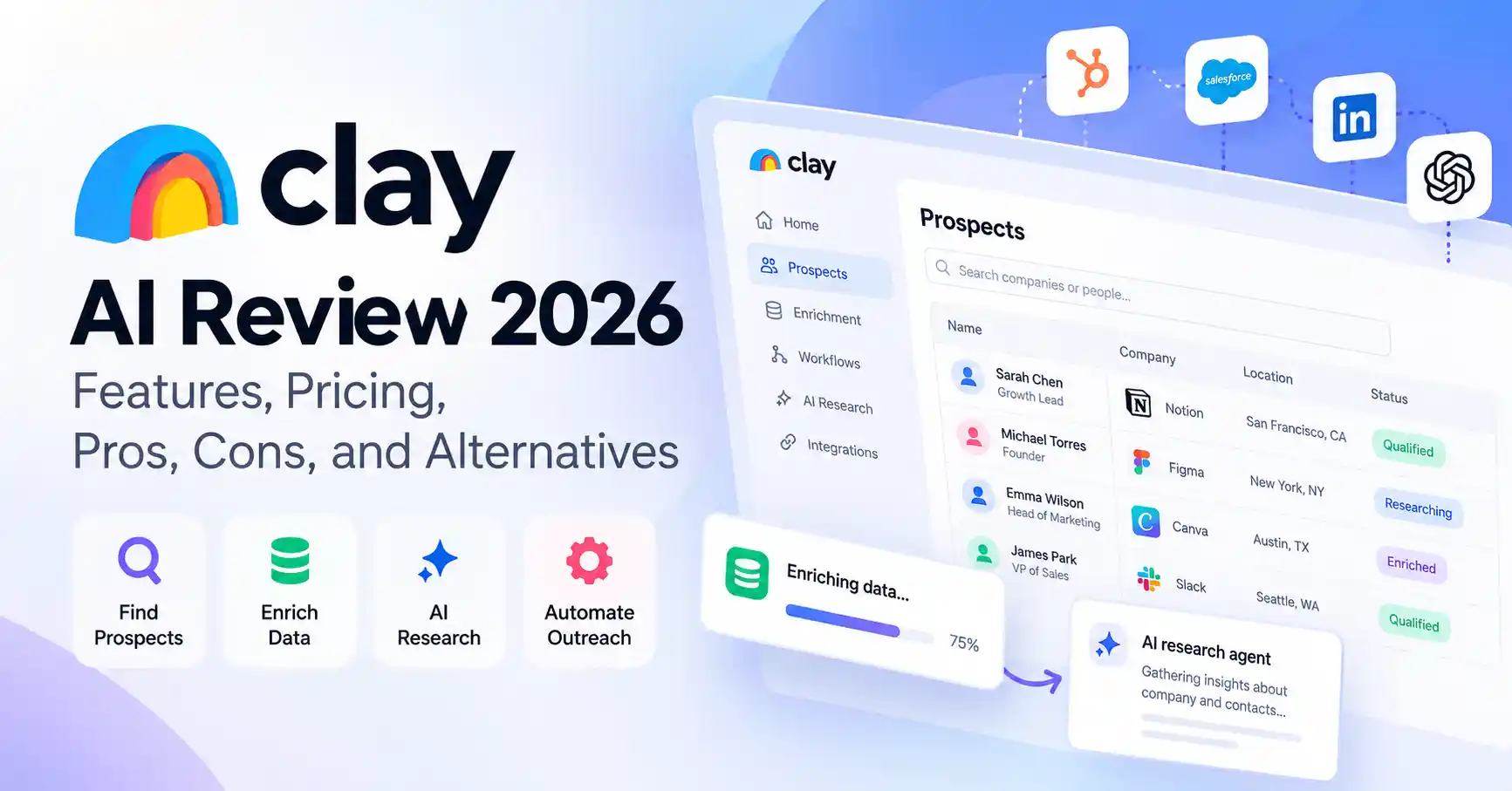
Clay AI Review 2026: Features, Pricing, Pros, Cons, and Alternatives
Published October 29, 2026
Clay AI helps sales and marketing teams find prospects, enrich contact records, research companies, and automate personalized outreach. Instead of jumping between data providers and researching every lead manually, teams can bring much of that work into one workflow.
Is Clay AI worth the cost and setup time? That depends on how much prospect research you do, how complex your sales process is, and whether you need flexible automation or a simpler sales platform.
This review covers Clay's features, pricing, integrations, advantages, limitations, and alternatives to help you decide whether it's right for your business.
What Is Clay AI?
Clay is a sales intelligence and workflow automation platform built primarily for B2B sales teams, growth marketers, revenue operations professionals, and outbound agencies.
It helps businesses turn scattered information into useful prospect data. Teams can enrich company and contact records, research potential customers with AI, and build workflows for lead qualification and personalized outreach.
For example, a SaaS company targeting marketing agencies could use Clay to identify suitable businesses, gather information about their size and services, research relevant business signals, and prepare personalized messages for its sales team.
Clay is particularly useful when a basic prospecting database doesn't offer enough flexibility.
Who should use Clay AI?
Clay is worth considering for:
B2B marketers building targeted prospect lists.
Sales development representatives researching potential customers.
Growth teams automating account research and lead qualification.
Revenue operations teams connecting data sources and CRM workflows.
Outbound agencies personalizing campaigns for multiple clients.
Bloggers looking for an AI writing assistant or small businesses that only need a basic contact database may find Clay more complex than necessary. Visit Allaipedia AI tools directory
How Does Clay AI Work?
Clay combines data enrichment, AI-powered research, and workflow automation. Teams can configure workflows to collect and process information from different providers instead of relying on a single source.
1. Enrich prospect data
Start with a list of companies or contacts. Depending on the providers selected, Clay can fill gaps in company information, professional details, and other available business data.
This is useful when your CRM contains incomplete records or you're building a new prospect list.
2. Research prospects with Claygents
Claygents are AI-powered research agents that investigate information and return structured results. Teams can use them to research company products, identify relevant business context, and support lead qualification.
AI research still requires human review. Public information can be outdated, incomplete, or misinterpreted, so verify important details before using them in outreach.
3. Automate repetitive sales tasks
Clay lets users combine enrichment, research, and data processing in automated workflows. Its waterfall enrichment feature can try multiple data providers in sequence, increasing the chances of finding the information a team needs.
Consider a SaaS company preparing to contact 100 marketing agencies. Its workflow could enrich company records, research each agency's services, identify a relevant business detail, and draft an opening line for a sales representative to review.
The goal isn't simply to send more messages. It's to cut down repetitive research while making outreach more relevant to each prospect.
Clay AI Pricing: Free Plan and Paid Plans
Clay uses usage-based pricing built around two measures: Actions, which cover platform operations, and Data Credits, which pay for data and AI services purchased through its marketplace.
According to Clay's official pricing page, the plans include the following allowances. The paid prices shown are annual-billing rates, so check the website for current monthly-billing prices and checkout terms.
The Free plan includes 100 Data Credits per month and supports up to 200 rows per table. Launch includes phone enrichment and signal tracking. Growth adds CRM and data warehouse synchronization, HTTP API integrations, and webhook automation. Enterprise includes features such as single sign-on (SSO), role-based access control, and dedicated support.
Actions vs. Data Credits: What's the difference?
These limits affect your total costs in different ways:
Actions: Measure platform operations, including enrichment and workflow activity.
Data Credits: Cover data and AI services purchased through Clay's marketplace.
Enriching a list with company details, email addresses, phone numbers, and AI research may consume both. Actual usage depends on the fields you request, the providers you choose, and how your workflow is configured.
Start with the free plan and test a representative sample of prospects. Calculate the cost per usable record before upgrading. A workflow that looks affordable on a small list can become expensive when you add more fields, phone numbers, or extensive AI research.
Key Clay AI Features
Multi-provider data enrichment
Clay connects users to a marketplace of data providers. Its waterfall enrichment feature can try different sources in sequence when one provider can't supply a required field.
This helps teams fill gaps in prospect records without searching every source manually. However, additional enrichment attempts can increase credit consumption, so prioritize fields that genuinely matter to your sales process.
AI research with Claygents
Claygents can research information and populate custom data fields. Sales teams can use them to summarize company activity, investigate target accounts, and gather context for outreach.
For instance, a representative targeting cybersecurity companies could research their products and market focus before writing an introduction.
Treat AI-generated findings as a starting point, not verified evidence. Check important claims before including them in customer communications.
Integrations and workflow automation
Clay connects with external services, although availability depends on the plan and configuration. The Growth plan includes CRM and data warehouse synchronization, HTTP API integrations, and webhook automation.
Visit the official integrations directory to check available connections.
These capabilities are particularly useful when teams need to move information between prospecting, research, and existing sales systems without building every connection from scratch.
Pros and Cons of Clay AI
Clay's biggest advantage is flexibility. The trade-off is the time required to build and maintain workflows, along with the need to monitor usage.
Where Clay delivers the most value
Clay makes the most sense when prospect research involves several steps. A sales team might otherwise look up company information, check contact details, review recent announcements, and draft personalized messages across multiple tools.
A well-configured workflow can bring these tasks together and make the process more consistent.
Where Clay falls short
Clay isn't the right fit for every sales team. If you only need a contact database and email sequences, a simpler platform may be easier to manage.
Data availability also varies by provider, geography, and individual record. Not every prospect will have a verified email address or complete company profile. Test coverage for your target market before committing to a larger plan.
Best Clay AI Alternatives Compared
Clay focuses on customizable data enrichment and workflow automation. These alternatives may suit teams with different prospecting, outreach, or CRM requirements.
1. Apollo.io: Best for prospecting and outreach
Apollo combines contact and company data with prospecting and email sequencing features. It's a practical choice for teams that want a more integrated outbound sales workflow without configuring every research step themselves.
Apollo's official pricing page lists a free plan and paid tiers, with Basic displayed at $49 per seat per month when billed annually. Check Apollo's current pricing for the latest allowances and feature limits.
Choose Apollo if finding prospects and running outbound campaigns are your main priorities. Choose Clay if you need more control over custom enrichment workflows.
2. HubSpot Sales Hub: Best for CRM-centered sales
HubSpot suits teams that need contact management, deal pipelines, sales automation, and customer records in one connected environment.
Its official pricing page offers free tools and paid Sales Hub plans. Costs depend on the tier, seats, and billing terms. See HubSpot Sales Hub pricing for current details.
Choose HubSpot if managing customer relationships and sales pipelines is your main concern. Choose Clay if enriching and researching prospect data is the bigger challenge.
3. Clay: Best for customized GTM workflows
Clay is a strong fit when your process combines multiple data sources, custom research, enrichment logic, and downstream integrations. This flexibility benefits advanced outbound teams, but it also requires more setup and ongoing usage management.
For more options, explore Allaipedia's guide to the best AI tools for sales teams .
Is Clay AI Worth It?
Clay is worth considering if your team regularly researches B2B accounts, enriches incomplete contact data, and personalizes outreach at scale. It becomes more valuable when you can replace several disconnected manual tasks with a reliable, reusable workflow.
It may not justify the expense if you only need occasional lead searches, basic email outreach, or a straightforward CRM. Apollo or HubSpot may cover more of those needs with less configuration.
Before committing to a paid plan, run a small pilot. Track how many records meet your requirements, how many credits the workflow consumes, how much time it saves, and how much manual correction remains. Those measurements offer a more useful basis for deciding than a feature list alone.
FAQ’s
Is Clay AI free to use?
Yes. Clay's free plan includes 500 Actions, 100 Data Credits per month, and up to 200 rows per table. It's a useful starting point for learning the platform and testing basic workflows. Check the official pricing page for current limits.
Does Clay AI integrate with HubSpot and Salesforce?
Clay supports CRM integrations and synchronization options, depending on the plan and setup. Growth includes CRM synchronization and HTTP API integrations. Check the official integrations directory for available connections and requirements.
Can Clay AI find and verify email addresses?
Clay can enrich contact records through data providers that return email addresses. However, finding an address doesn't guarantee that it's current or deliverable. Verify important contact details before launching campaigns.
Is Clay AI suitable for small businesses?
Yes, particularly for small B2B businesses with repeatable prospect research needs. The free plan offers a way to test the platform. Businesses that only need basic contact discovery and outreach may find Apollo or a CRM-based solution easier to manage.
Conclusion
Clay AI offers a flexible way to research B2B prospects, enrich contact data, and automate sales workflows. Its strength lies in bringing multiple information sources and custom AI research into one process.
That flexibility comes with a learning curve. Teams need to configure workflows carefully, verify data quality, and keep an eye on usage costs.
Our verdict: Try Clay if customized prospecting workflows could save your team significant manual effort. If you want a simpler prospecting and outreach platform, compare Apollo first. If customer and pipeline management matter most, evaluate HubSpot.
The best choice depends on the work you need to improve, not simply the number of AI features a platform offers.