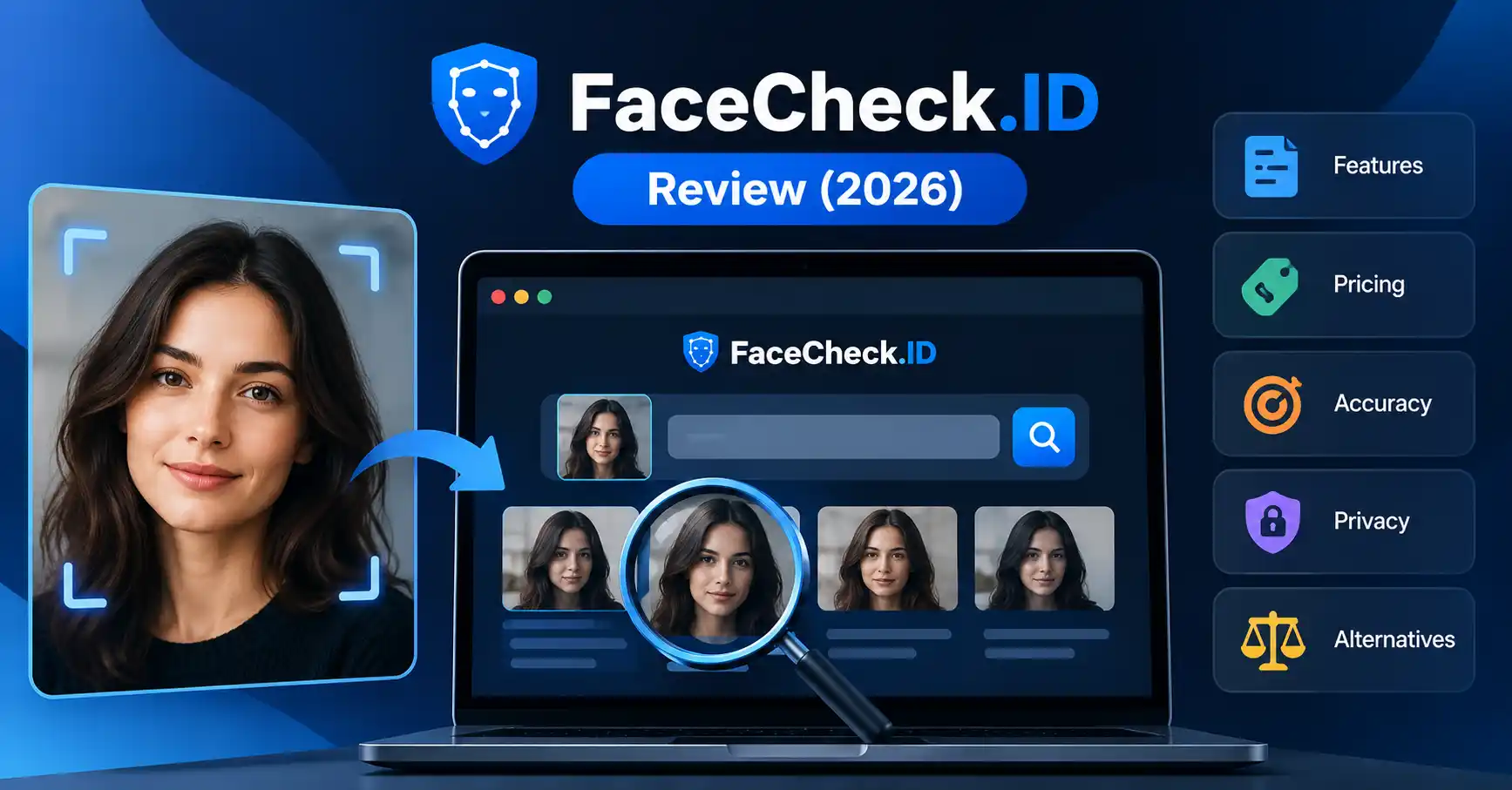
FaceCheck.ID Review (2026): Features, Pricing, Accuracy & Alternatives
Published October 29, 2026
FaceCheck.ID is a reverse face-search tool that helps users find publicly indexed webpages featuring faces similar to a photo they upload. It can help you check your online image footprint, investigate unfamiliar profile pictures, or look for potential unauthorized uses of your photographs.
Still, a face-search result shouldn't be treated as proof of identity. People who look alike can produce misleading matches, while a lack of results doesn't mean someone's photos aren't available online.
This FaceCheck.ID review covers how the service works, its features, pricing, accuracy limitations, privacy concerns, and alternatives such as PimEyes, Lenso.ai, Google Lens, and TinEye. Here's what to consider before uploading a photo or paying for a search.
What Is FaceCheck.ID?
Official website: FaceCheck.ID
FaceCheck.ID is a web-based facial search engine that looks for online images of people based on facial similarity. Traditional reverse-image search generally focuses on identical or visually similar images. Face search, by contrast, analyzes facial characteristics to find potential matches.
A content creator, for example, might use the tool to check whether their portrait appears on unfamiliar websites. Someone investigating a suspicious dating profile could also search for other publicly indexed appearances of the same face.
However, finding a similar-looking face doesn't establish someone's name, occupation, location, or intentions. Any potential match needs to be checked against independent evidence.
Who should consider using it?
Content creators and photographers: Look for possible unauthorized appearances of their own images.
Privacy-conscious users: Investigate where their face appears on publicly indexed websites.
Researchers and journalists: Find potential image sources for further investigation.
People checking suspicious profiles: Gather additional context about a profile photo without assuming a match proves identity.
FaceCheck.ID is less appropriate as a standalone identity-verification system, background-check service, or basis for accusing someone of fraud.
How Does FaceCheck.ID Work?
The process is straightforward: submit a face image, review possible matches, and examine the webpages associated with the results.
Visit the official FaceCheck.ID website and review its current usage and privacy terms.
Upload a suitable photo, ideally one in which the face is clearly visible.
Start the search and follow the website's instructions for accessing results.
Examine the returned images and source links available under your access level.
Visit the original webpages and check whether the surrounding context supports a meaningful match.
Consider a creator who discovers that someone is using their photograph on an unfamiliar profile. A face search returns a similar image on another website. Before concluding that both profiles belong to the same person, the creator should examine the original pages, image context, dates, and other reliable evidence.
How accurate are the results?
FaceCheck.ID returns potential facial matches, but its similarity scores shouldn't be interpreted as probabilities that the identities are correct. A high score doesn't prove two images show the same person, and a lower score doesn't necessarily rule it out.
Lighting, camera angles, image quality, age differences, and lookalikes can all complicate facial comparisons. Coverage also matters: the tool can only return material it can access and index.
For anything consequential, corroborate the findings with independent evidence. Never rely on a face-search result alone to identify a suspected criminal, reject an applicant, or make another important decision. Visit Allaipedia AI tools directory
FaceCheck.ID Features: What Do You Get?
According to its official documentation, FaceCheck.ID offers several features beyond basic facial search:
Facial similarity search: Finds webpages containing faces resembling the submitted photo.
Source links: Allows users to visit pages where matching images were found.
Priority searches: Included in the listed paid credit packages.
Continuous search and Telegram alerts: Available with selected packages for ongoing monitoring.
PDF and Excel exports: Included in the highest listed package.
Developer API: Supports integration with applications and software through the official API documentation.
These features can support image monitoring and online research, but their value depends on search coverage, result relevance, and the user's ability to verify potential matches. Check the official website for current feature availability and package terms before purchasing.
FaceCheck.ID Pricing: Is It Free?
FaceCheck.ID's published pricing page lists paid credit packages rather than a conventional free subscription tier. Each search costs three credits, and packages are priced in cryptocurrency.
The following prices reflect the package information listed when this review was researched. Check the offical pricing page before paying, as prices and terms can change.
Prices are USD equivalents, payable in cryptocurrency. At three credits per search, these packages provide approximately 50, 133, 666, and 3,333 searches, respectively, before accounting for other conditions or payment fees.
The official page lists Bitcoin and Litecoin payment options and states that purchases are non-refundable.
Is it worth paying? If you only need to investigate one suspicious image, even the entry-level package may be more than you need. For recurring image monitoring, compare the included alerts, credit expiry periods, and expected search frequency before choosing a plan. It's sensible to establish whether the tool suits your needs before committing to a larger package.
FaceCheck.ID Privacy, Safety, and Limitations
Face search comes with privacy considerations because a person's face is a sensitive identifier. Before uploading a photograph, consider whether you have permission to use it and whether the search is necessary.
In its official FAQ, FaceCheck.ID states that uploaded search images aren't added to its index and that search history is deleted within 24 hours. These are the provider's stated practices, not findings from an independent privacy audit.
Can you remove your photos?
FaceCheck.ID provides a photo removal process. Users can locate their own images in search results and submit a removal request, generally verified through a selfie or, where necessary, an anonymized identity document.
The provider says requested photos are hidden immediately, while some requests involving identity documents undergo review. Removing an image from FaceCheck.ID doesn't automatically remove the original from the website hosting it.
Other limitations are worth considering:
Incomplete coverage: Not every publicly accessible webpage is indexed.
False matches: Similar-looking people may be mistaken for the same person.
Payment risk: Cryptocurrency transactions and the stated no-refund policy require caution.
Legal restrictions: Privacy and biometric-data laws vary by jurisdiction.
Don't use FaceCheck.ID as the sole basis for employment, housing, credit, insurance, or other consequential decisions. Its own disclaimer prohibits several such uses.
Best FaceCheck.ID Alternatives
FaceCheck.ID isn't the only option for finding images online. The right alternative depends on whether you're searching for a similar face, copies of an existing photograph, or broader visual matches.
PimEyes offers facial search and monitoring features, while Lenso.ai combines face search with other image-discovery features. Google Lens supports image-based searches for similar images and related webpages. TinEye focuses on matching images and finding their appearances across the web.
Which alternative should you choose?
PimEyes: Consider it if your priority is finding appearances of your own face and monitoring your digital footprint.
Lenso.ai: Consider it if you want facial search alongside broader image-discovery features.
Google Lens: Start here if you need general-purpose visual search before paying for a specialist service.
TinEye: Choose it when you're trying to find copies, altered versions, or other appearances of a particular photograph.
Developers can also compare the API options offered by FaceCheck.ID and Lenso.ai. Before integrating either service, review its documentation, billing, permitted uses, and data-handling terms.
Content creators may find Allaipedia's guide to AI tools for graphic designers useful for their wider creative workflow.
FAQ’s
Is FaceCheck.ID free to use?
Its published pricing page lists paid credit packages. Each search costs three credits, and credits expire according to the package purchased. Check the official website for current pricing and payment terms.
Can FaceCheck.ID identify someone by photo?
It can return webpages containing faces that resemble an uploaded image, but it can't guarantee a person's identity. Verify potential matches using independent evidence.
Is FaceCheck.ID safe?
The provider describes its data-handling and search-history practices in its FAQ. However, those statements aren't an independent security audit. Review the privacy terms and consider the sensitivity of a photograph before uploading it.
Can I remove my photos from FaceCheck.ID?
Yes. FaceCheck.ID offers a removal-request process for users seeking to remove their own photos from its search results. This doesn't automatically delete images hosted on other websites.
Conclusion
FaceCheck.ID can be useful when you need to investigate where a face appears on publicly indexed webpages. Its source links, monitoring features, and API may suit users with ongoing research or image-protection needs.
There are trade-offs. Paid credits expire, purchases are non-refundable according to the published terms, and similarity scores can't establish identity. For casual image searches, Google Lens or TinEye may be a more practical starting point. If you specifically need facial search, compare FaceCheck.ID with PimEyes and Lenso.ai before committing to a paid plan.
The bottom line: Treat FaceCheck.ID as an investigative starting point, not a source of definitive identity claims. Verify results independently, respect other people's privacy, and choose a tool that fits your actual search needs.