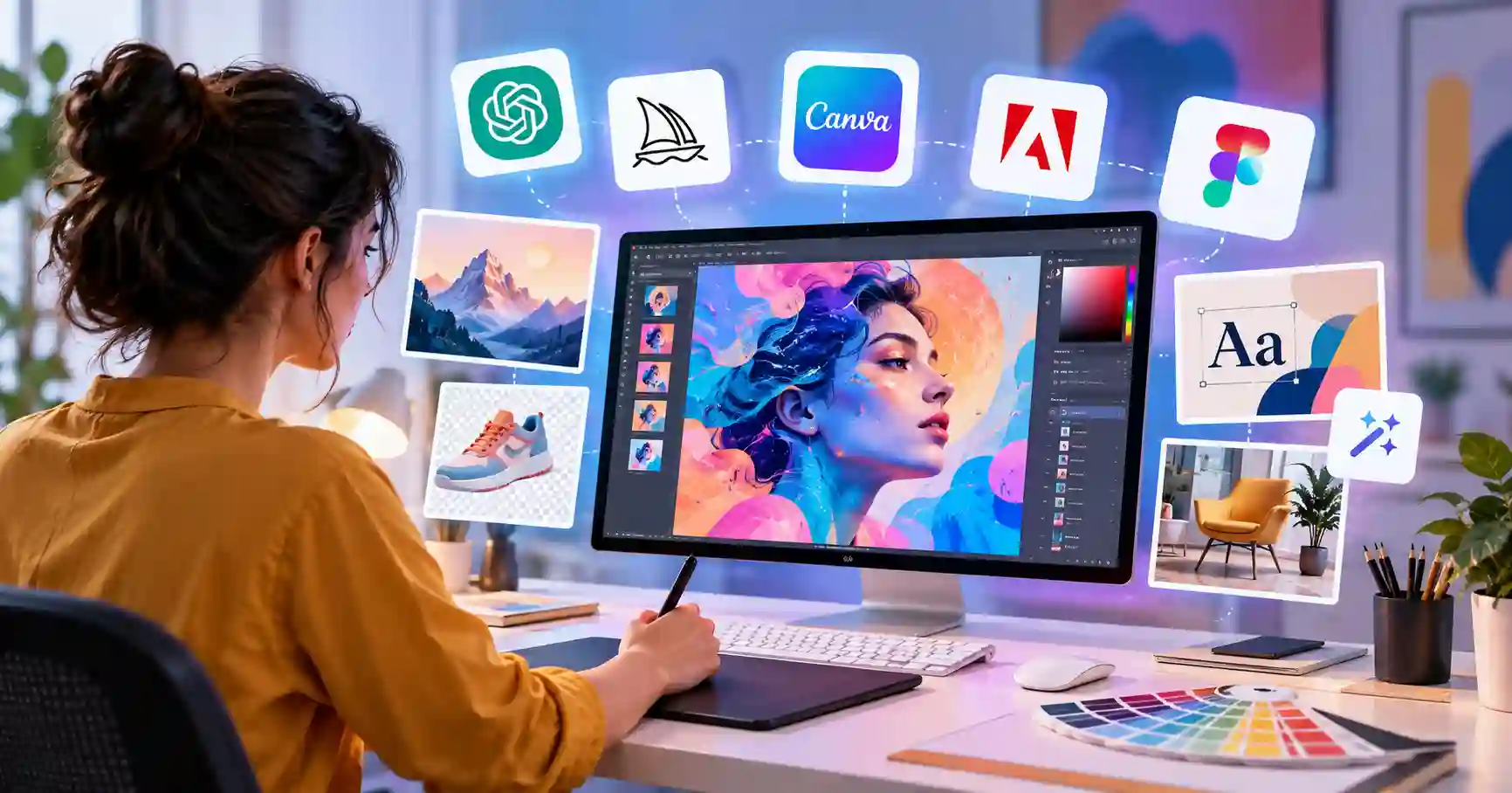
Best AI Tools for Graphic Designers: 7 AI Tools for Designers to Work Smarter
Published September 30, 2026
Artificial intelligence is totally shifting how creative teams handle everything from early research to final production. Instead of pushing designers out, these systems absorb the boring chores. Leaving actual humans with genuine breathing room to chase high level vision.
The trick is picking the right software from a towering mountain of options. Some shine at generating raw imagery, while others zero in on complex page layouts, strict brand identities, subtle touch ups, or intricate product design.
This guide breaks down what these AI design tools actually are, why they matter, how to plug them into a real workflow, and which ones truly deserve your time.
Table of Contents
What are AI tools for designers
Why AI tools for designers are important
Step by step guide to using AI in graphic design
Best practices and tips
Common mistakes
Best AI design tools comparison
FAQs
Conclusion
What are AI tools for designers
Designers now use AI tools to speed through creative work. These programs whip up images, edit photos, sketch out layouts, write copy, strip away backgrounds, test ideas, and build prototypes.
Say you are putting together a social media campaign. AI can sketch a handful of visual concepts, crop out product backgrounds, test layout tweaks, and resize assets for different platforms in seconds.
The human still steers the ship. You make the big calls on composition, typography, brand alignment, color. And overall direction, while the machine merely handles the grunt work.
Why AI tools for designers are important
AI is becoming useful across different parts of the design workflow, from the first concept to final production.
Faster ideation, Designers test out several wild directions before locking anything down.
Less repetitive work. AI burns right through tedious chores like background removal, resizing, layer sorting, and basic image edits.
More creative experimentation. Suddenly, trying out weird visual styles or crazy compositions takes zero effort.
Better production efficiency. Teams crank out channel ready variations of approved designs in a fraction of the time.
Easier collaboration: Modern design platforms can combine AI features with shared design systems and team workflows.
For example, Canva uses AI features for design generation, image editing, media creation, and content transformation through its Magic Studio tools.
Step by Step Guide to Using AI in Graphic Design
Step 1: Define the design objective
Figure out your actual business goal before you even touch an AI tool, What are you building, exactly? Who looks at it, where does it live, and what do you want people to do next?
Take a LinkedIn graphic for some SaaS outfit, Your goal might just be showing off one single product perk cleanly. Or maybe you just want clicks. Who knows.
Nail down that objective first, since it feeds the AI real context, bypassing a dozen useless design variations.
Step 2: Create your initial concepts
Fire up an AI image generator or design assistant right now. Poke around at different visual routes by asking for a slick SaaS dashboard graphic, a minimal tech backdrop, or a clean editorial illustration. Never settle for the first render. Spin up a few distinct versions and cherry pick what works. It is a killer trick for early creative exploration. You get to test concepts out before sinking hours into actual production work.
Step 3: Refine the strongest concept
Once you lock down a solid direction, start fine tuning the details. Adjust typography, spacing, hierarchy, imagery, color, alignment, and brand elements by hand, Sure, machines handle the grunt work, but real design judgment? That's all human.
Figma, for example, now includes AI capabilities for generating and editing visuals, finding assets, rewriting content, renaming layers, and creating interactions. Its AI agent can also work within the design canvas using existing design context.
Step 4: Create variations for different channels
A single campaign demands a website banner, Instagram post, LinkedIn graphic, presentation slide, ad, and email visual. Don't rebuild everything from scratch. Just use AI tools for resizing, editing, and layout where it makes sense.
For example, Canva includes AI features designed to help transform and adapt creative assets, while its Magic Grab and Magic Expand features can assist with image editing and framing changes.
You can also explore more creative and productivity tools through the AI tools directory.
Step 5: Perform a human quality check
Never publish raw machine design online. Inspect every little detail first, Check typography, spelling, proportions, brand hues, imagery, hierarchy, and accessibility. Missing something hurts.For client work, also check whether generated assets are appropriate for commercial use under the specific tool's current terms.
The goal is not to produce the most AI generated content. The goal is to produce a design that solves the communication problem effectively.
Best Practices and Tips
Start with the problem, not the tool
Pick the proper artificial intelligence for your job, rather than relying on any available image generator without thinking.
Give AI useful context
Rich prompts land best, Target audience? Style, Subject, lighting, composition, format, and where it goes.
Use AI for exploration
Draft many concepts first, Fight that early visual sketch. Digging deep stops you from committing too soon.
Keep your brand system in control
Guard your visual identity ruthlessly, Never let AI shatter your brand rules, no matter what happens.
Edit AI output manually
AI generated assets often need refinement. Treat them as starting material rather than automatically finished artwork.
Build reusable workflows
If you repeatedly create similar assets, document your prompts, editing steps, brand rules, and export settings.
Check commercial and usage requirements
Before using AI images in client campaigns, ads, packaging, or any commercial work, check the current licensing terms. Tools change rules fast. Make sure you are legally covered.
Common Mistakes
Using AI without a clear creative brief
A vague prompt often produces generic results. Define the communication objective before generating anything.
Accepting the first AI output
That first draft always fails, Build options, pick the finest concept, and polish it carefully.
Ignoring brand consistency
That crisp photo looks sharp. Yet when every single color, font, tone, and hidden structural detail completely ignores established guidelines, it misses the mark.
Overusing AI generated visuals
Not every design needs AI generated imagery. Stock photography, custom illustration, photography, and traditional design techniques can still be more appropriate for certain projects.
Skipping the final quality check
AI can make mistakes in text, proportions, objects, or visual details. Always inspect the final asset before delivery.
Best AI Tools for Graphic Designers
The following comparison focuses on where each platform can fit into a practical design workflow.
No single tool handles every design job. That is the core takeaway. The best workflow usually pairs AI generation with professional design and editing software.
For a deeper selection of AI platforms, designers can also explore the Allaipedia AI tools collection.
FAQ’s
Are AI tools replacing graphic designers
AI automates parts of the design workflow, sure. But designers still steer the creative vision, brand integrity, and final quality. The job is shifting. Instead of grinding through repetitive tasks, creators spend their time guiding and refining the tech.
What are the best AI tools for graphic design
You pick the tool based on what you actually need done. Canva handles quick marketing flyers. Figma tackles interface layouts. Adobe fits heavy creative work. Then there is Midjourney. That one helps you brainstorm wild visual concepts from scratch.
Can AI create professional graphic designs
Sure, machines pump out decent drafts. Sometimes finished assets too. But professional work demands a genuine human soul, Typography, branding, layout, accessibility, and absolute consistency. Algorithms miss all of that entirely.
How should designers use AI in client projects
Figure out what the client really wants, and what the tool is capable of. AI turbocharges brainstorming, then, do your usual design reviews. Only then can it go out the door.
Should beginners use AI design tools
AI tools might ignite your design spark, offering loads of creative possibilities. Still, you absolutely must ground yourself in typography, hierarchy, layout, color, and composition. Keep those fundamentals.
Conclusion
AI assistance is becoming standard for designers now. It aids in sparking notions, conjuring visuals, refining compositions, experimenting with arrangements, crafting copy, and managing those mind numbing, recurring chores.
However, the crucial point is this: you absolutely don't want the AI dictating the creative direction. Its real strength lies in assisting with exploration and execution, always under human guidance to maintain the grand vision and ensure exceptional quality.
Consider targeting just one tedious, repetitive task you currently handle. Give an AI tool a spin on that. Compare its results with your usual process. If it genuinely shaves off significant time, integrate it into your workflow.
Curious for more AI insights and resources? Explore the AI tools directory and the official Figma AI design tools documentation.