Best AI Tools for Video Editing: Top AI Video Editing Tools for Creators
Published September 30, 2026
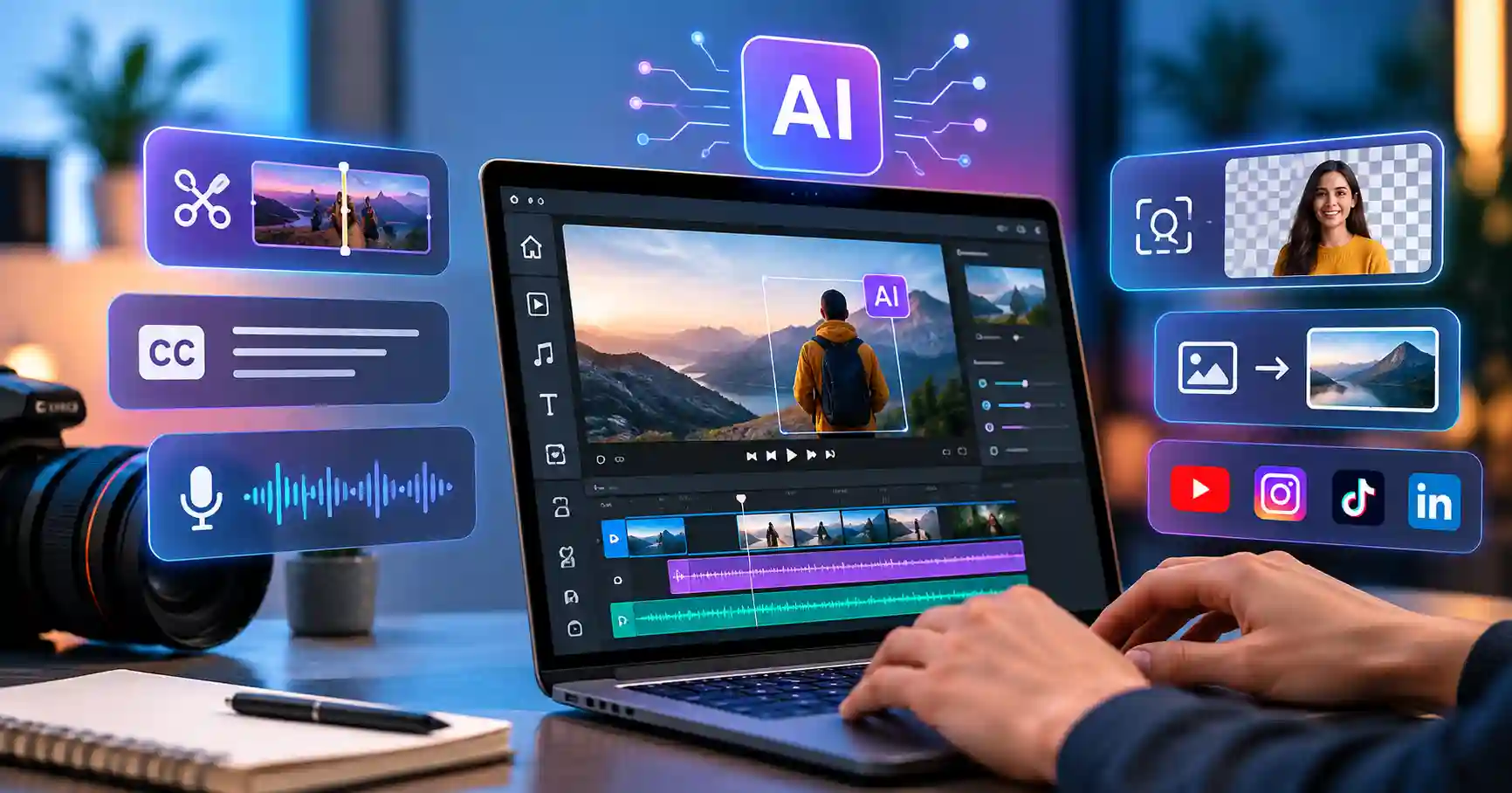
AI video editing tools are changing how creators, marketers, YouTubers, and businesses make videos. Forget spending hours cutting clips, cleaning audio, adding captions, and chopping up social media versions. AI handles the grunt work.
The trick is picking the right tool for your setup. Certain platforms zero in on short form clips. Others handle pro editing, text based cuts, or raw video creation from scratch.
This guide breaks it down. You will see what these tools actually do, why they matter, how to use them without messing up your workflow. And which options deserve a look for your next project.
Table of Contents
What are AI Video Editing Tools
Why AI Video Editing Tools are Important
Best AI Video Editing Tools Comparison
Step by Step Guide
Best Practices and Tips
Common Mistakes
Tools
FAQs
Conclusion
What are AI Video Editing Tools
AI video editing tools run on software that lets artificial intelligence handle the heavy lifting. They automate all the tedious cutting and tweaking. Transcription, auto captions, background stripping, crisp audio, scene picking, masking objects, slicing clips, and resizing video. All of it.
Take a half hour interview, for instance. Instead of sitting through the whole thing just to find the gold, the editor scans the footage and flags the exact spots worth turning into punchy short clips.
Descript takes a different approach by turning video into an editable transcript. You can remove words from the transcript and the corresponding video and audio are edited automatically.
This makes AI editing useful for content teams that need to produce YouTube videos, social media clips, tutorials, webinars, product videos, and marketing content regularly.
Why AI Video Editing Tools are Important
AI editing is valuable because video production often becomes slow at the editing stage rather than the recording stage.
Key benefits include:
Faster editing because repetitive tasks can be automated.
Easier caption creation for YouTube, Instagram, LinkedIn, and other platforms.
Faster repurposing of long videos into short form content.
Better audio quality through automated noise reduction and voice enhancement.
Easier editing for teams that do not want to spend hours working through complex timelines.
For example, a marketing team can record one webinar and turn it into a long form YouTube video, several short clips, captioned social posts, and promotional content instead of creating every asset from scratch.
Best AI Video Editing Tools Comparison
Different tools, different editing headaches. What's right for you? It all depends on your final goal, how much control you want, and if you just need something easy or a full blown professional timeline.
There is no single universal tool. Pick yours based completely on the specific style of videos you tend to produce most often. That makes sense.
Descript is particularly useful when your content depends heavily on spoken dialogue because its transcript based workflow lets you edit video almost like a document.
Adobe Premiere Pro is better suited to editors who need detailed control. Its current AI features include Object Mask and Generative Extend, which can help with subject masking and extending video or audio clips.
CapCut is designed around fast video production and offers AI powered editing features for trimming, captions, scene arrangement, and other social video workflows.
Canva is useful when video editing is part of a wider marketing workflow. Its Magic Video feature can automatically style, cut, and sequence uploaded clips, while its Highlights feature can create shorter snippets from longer footage.
For more AI focused creative production, Runway ML can be considered when generative video and visual experimentation are important parts of the workflow.
Step by Step Guide
Step 1: Define the Video Goal
Pick your format first. A YouTube tutorial demands deep cuts, clean screen captures, chapters, captions, plus B roll. Reels require speed, vertical framing, bold subtitles, and a hook right at the start. Nail down the platform, audience, length, and goal on paper before you even touch your editing software.
Step 2: Upload and Organize Your Footage
Import your main video, B roll, images, music, voice recordings, and other assets.
Keep your files organized before editing. Keep your clips, graphics, music, and exports tucked inside separate folders. Seriously. Doing this saves hours when you are drowning in heavy edits.
Step 3: Use AI for the Repetitive Work
This is where AI can save the most time.
Use automatic transcription to identify important sections. Remove filler words, silence, mistakes, and unnecessary pauses. Generate captions instead of creating them manually.
With Descript, for example, editing the transcript directly changes the underlying video and audio, making spoken content much faster to refine.
For professional editors, Premiere Pro can assist with tasks such as object masking and extending clips when additional frames are needed for a smoother edit.
Step 4: Refine the Human Parts
Do not publish the first AI generated edit.
Evaluate pacing, sound balance, visuals, subtitles, and narrative flow. AI handles plenty today, yet that absolute creative verdict rests entirely with the editor. Consider an interview, where algorithms will often butcher the rhythm by automatically erasing every single hesitation. Some pauses, however, may create emphasis and should remain.
Step 5: Create Multiple Versions
Once the main video is finished, repurpose it.
A 15 minute YouTube tutorial could become three short videos, several social clips, a short promotional video, and a few educational snippets.
This is where AI video editing becomes particularly useful for marketers because one recording can support multiple content channels.
You can also explore more AI tools through the AI Tools directory when building a broader content production workflow.
Best Practices and Tips
Start with a rock solid script.
AI cannot fix weak messaging.
Don't surrender every creative choice, but use the tech strictly for tedious, repetitive editing instead.
Always review automatic captions carefully for weird names, technical jargon, and brand terms.
Keep your raw footage archived.
You will inevitably need to revisit the source when an automated clip inadvertently chops out something crucial.
Build reusable templates for recurring video styles.
Export distinct cuts for YouTube, Instagram, LinkedIn, and the rest rather than shoving one awkward format everywhere.
Inspect generated visuals and voice tracks thoroughly before publishing.
Content creators push out a ton, so they need speed, but consistency counts. A good workflow just slashes editing time, and no, not every clip's a clone.
Common Mistakes
Choosing a Tool Only Because It Has AI
Smart AI tools matter solely when they remove actual friction. Yet a bloated editor packed with pointless automated tricks somehow crushes a simple app that handles daily tasks with genuine, blazing speed. Why?
Letting AI Make Every Creative Decision
Smart algorithms whip up clips, captions, and cuts, still, they totally miss the room. Review the work manually. Never skip this vital check before going live to everyone.
Ignoring Audio Quality
Great visuals disappear when the sound is awful, Use clever AI if you want, but capturing pristine audio has to come first.
Using the Same Format Everywhere
A horizontal YouTube video and a vertical social video require different framing and pacing. Create platform specific versions when the content justifies it.
Skipping the Final Review
Play your exported video straight through without pausing. Hunt relentlessly for bad captions, weird cuts, dropped frames, audio glitches, or visual bugs..
Tools
Descript
Descript is useful for interviews, podcasts, tutorials, webinars, and talking head content. Its text based workflow, transcription, filler word removal, audio enhancement, captions, and AI editing features make it practical for content teams.
Adobe Premiere Pro
Premiere Pro is designed for editors who need deeper timeline control. Its AI features can speed up tasks such as masking and clip extension while retaining professional editing capabilities.
You can learn more about its AI editing capabilities through the official Adobe Premiere Pro AI video editing page.
CapCut
CapCut works well for creators who produce short form social content.This video editor's smart. It handles cuts, captions, and workflows easily. Truly effortless..
Canva
Canva bails marketers out daily. It tackles social graphics, video edits, slick AI clip stitching, and full presentations. The platform just handles everything smoothly.
Runway
Running Runway needs sharp focus when daily AI video and creative visual experiments drive your workflow. It can complement a traditional editor when you need generated visuals or experimental video assets.
FAQ’s
What are AI video editing tools?
Artificial intelligence handles video editing chores now. These smart algorithms slice footage, transcribe dialogue, strip backgrounds, and rapidly spit out clips. It is shockingly fast.
Which AI video editing tool is best for YouTube?
Descript handles talking heads effortlessly. Premiere, though? It demands complete, frame by frame precision. Your workflow dictates the call, Choose wisely.
Can AI edit a video automatically?
Some AI video editors trim dead air, generate captions, spot good clips, clean audio, and condense long footage. Still, a human editor needs to check the final result. Always keep that in mind.
Are AI video editors useful for social media?
Indeed, they accelerate captions, resizing, clip picks, and shortcuts. This enables marketers to quickly churn out countless variations from a single asset. Honestly, it changes everything.
Can AI replace professional video editors?
AI handles the boring editing grunt work. But human pros still steer the creative ship. They nail the pacing, the storytelling, the visual eye, and quality control. Most workflows run best when AI just assists. Total replacement? Not yet.
Conclusion
AI video editors slice hours off turning raw footage into something ready for the world. But simple automation is rarely the actual victory. What really matters is crafting a system you can reliably repeat, day after day, without losing your sanity entirely. Transcription, captioning, audio polishing, selecting peak cuts, and slicing content for secondary channels all accelerate massively.
Start small. Pick a single tool matching your exact video format, then push an actual project all the way through it. Track the saved minutes before constructing templates around your most tedious, repetitive chores.
Check out the Allaipedia AI Tools directory whenever you need broader software options. Compare everything strictly against your actual production needs rather than getting blinded by flashy gimmicks.