Astrocade AI Review 2026: Features, Pricing, Pros, Cons, and Alternatives
Published October 27, 2026
Creating a game traditionally calls for design skills, programming knowledge, and plenty of testing. Astrocade AI aims to simplify that process, helping users turn their ideas into playable experiences with AI.
Whether you're building a simple arcade game, experimenting with interactive content, or exploring AI assisted development, Astrocade is worth considering before you settle on a platform. Visit AI TOOLS
This Astrocade AI review covers its features, pricing, game creation workflow, strengths, limitations, and alternatives to help you decide whether it suits your project.
What Is Astrocade AI?
Astrocade AI is an AI powered game creation platform that helps users build interactive games without having to start from scratch with traditional programming. It aims to make game development more approachable for beginners while supporting workflows that involve AI agents.
You can explore the platform on the official Astrocade website.
Traditional game engines typically require developers to assemble scenes, configure mechanics, and manage code. Astrocade, by contrast, emphasizes AI assisted creation and refinement, offering another way to move from an idea to a playable game.
Who Should Use Astrocade AI?
Astrocade may appeal to several types of users:
Beginners: People who want to experiment with game creation before learning a programming language.
Indie creators: Developers testing early concepts before investing in a larger project.
Educators and students: People exploring game design or building interactive learning experiences.
Content creators: Creators experimenting with playable concepts for their audiences.
AI developers: Users interested in connecting compatible AI agents to game development workflows through Astrocade's MCP capabilities.
There's an important distinction, though: building a playable prototype isn't the same as producing a polished commercial game. Projects involving complex physics, sophisticated multiplayer systems, or highly customized mechanics may need more specialized development tools.
Key Astrocade AI Features
Astrocade's product announcements describe AI assisted game creation and workflows involving AI agents. The exact capabilities available may vary by product version and account access.
1. AI Assisted Game Creation
Astrocade lets users start with a game idea and use AI to help turn it into an interactive experience.
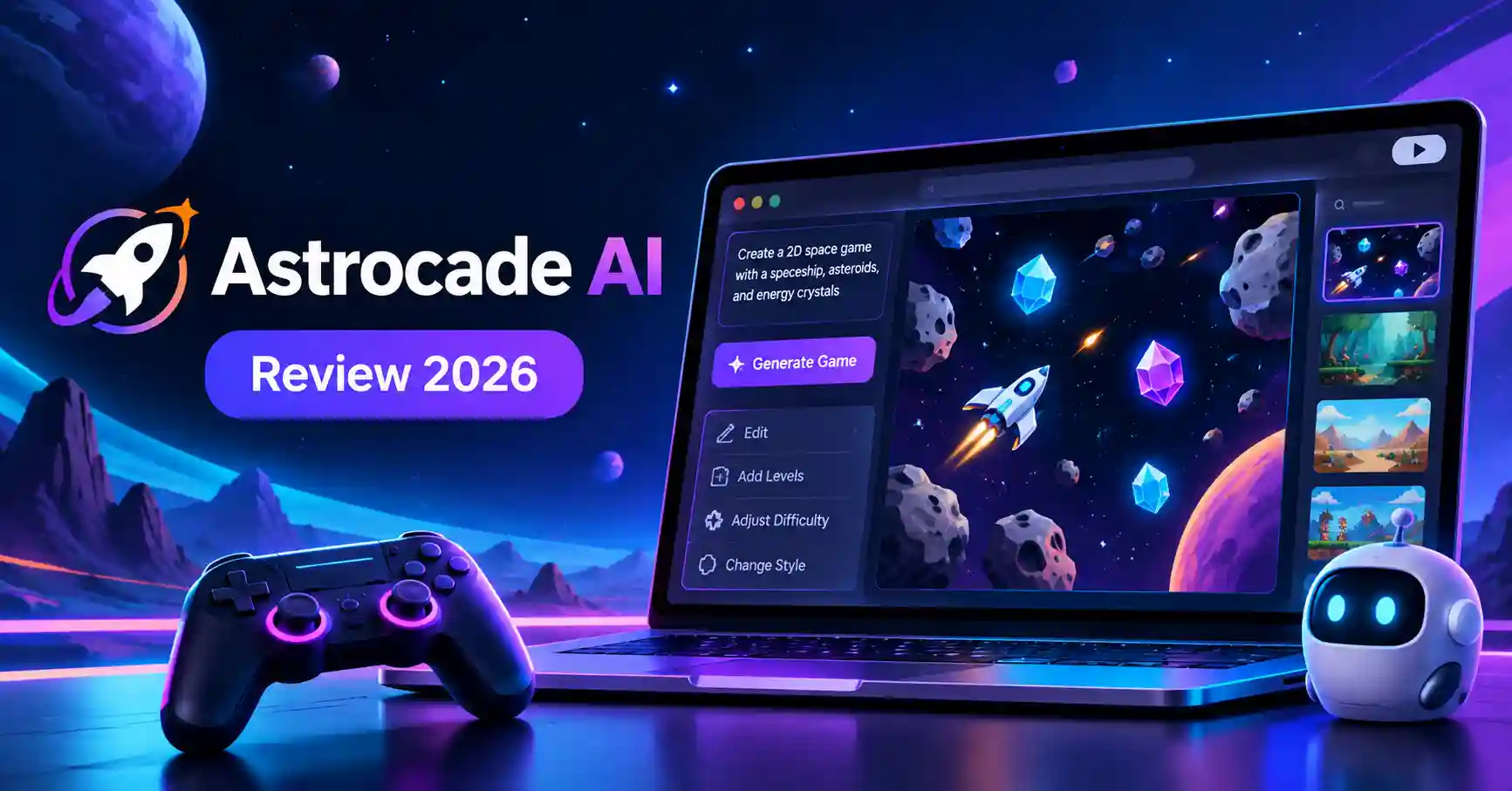
Imagine a space game in which a spaceship collects energy crystals while avoiding asteroids. Instead of planning every implementation detail upfront, you can use an AI assisted workflow to begin developing the concept.
This makes experimentation more accessible, particularly for people without extensive programming experience. You'll still need to check whether the resulting controls, mechanics, and gameplay behave as intended.
2. Game Editing and Iteration
The first version of a game rarely matches the original idea perfectly. Mechanics need adjusting, visuals may need refinement, and difficulty often requires balancing.
An iterative workflow allows creators to improve an initial concept rather than treating the first generated version as the finished product.
For instance, if the game becomes too difficult after the first level, you might request a more gradual difficulty curve or clearer visual feedback. Check the current interface to understand which editing options and controls are available.
3. Astrocade MCP and AI Agent Workflows
One notable development is Astrocade's MCP announcement, published in October 2026.
The announcement describes an MCP based workflow that connects compatible AI agents with Astrocade's game creation and publishing capabilities. Listed environments include Claude Code, Codex, Cursor, ChatGPT on the web, Claude, and Gemini CLI.
This could be particularly useful for developers who already work with AI assistants. Rather than handling game creation as a separate activity, they can explore how an agent based workflow fits into their existing development process.
Keep in mind that support for a particular AI agent doesn't guarantee identical capabilities across every environment. Review the official integration instructions for supported operations, account requirements, and setup steps before relying on a specific workflow.
4. Game Discovery and Sharing
Astrocade also focuses on interactive experiences and game discovery. Creators can explore games made by others, find inspiration, and investigate ways to share their own work through the platform.
Before using it for a commercial project, check the available publishing options, distribution restrictions, and whether games can be exported or hosted independently.
How to Create a Game With Astrocade AI
Start with a small project rather than an ambitious game. It's easier to understand the workflow, test the results, and identify what needs improvement.
Step 1: Describe Your Game Idea
Explain the gameplay, objective, controls, and visual style clearly.
For example:
Create a 2D space adventure where a spaceship collects energy crystals while avoiding asteroids. Add three levels, a score counter, simple controls, and gradually increasing difficulty.
A prompt like this gives the AI a clearer starting point than a vague request to make a fun game.
Step 2: Generate and Test the First Version
Once the game is generated, check whether its main objective is clear. Test the controls, scoring system, level progression, and win or loss conditions.
If something doesn't work as expected, describe the specific problem and request a targeted change instead of redesigning the entire game.
Step 3: Refine the Gameplay
Make adjustments one at a time. You might change movement speed, introduce obstacles, improve visual feedback, or make the first level easier.
For more involved projects, Astrocade MCP provides another workflow in which compatible AI agents can help write, modify, and test game code before publishing.
Step 4: Publish and Collect Feedback
When the game is ready, review the available publishing process and its requirements. Astrocade's official MCP announcement describes publishing to its game feed, where creators can receive plays and comments and access game analytics.
Use that feedback to identify confusing controls, sudden difficulty increases, or features players might want. Remember that publishing on Astrocade isn't necessarily the same as exporting a standalone game for distribution elsewhere.
Astrocade AI Pricing: Is It Free?
Astrocade's official website has promoted free game creation, including in its June 2026 World Cup announcement. However, its Terms of Service also describe free services, paid services, subscriptions, and usage based charges.
As of October 2026, a complete, current public pricing table with fixed subscription prices and universal usage limits could not be verified. Rather than relying on potentially outdated figures, check the platform's current terms and account options before committing.
Pay particular attention to:
Whether game generation is available without payment.
Whether generations or editing actions have usage limits.
Whether additional features require a subscription or separate payment.
Whether publishing and analytics are included.
Whether commercial use restrictions affect your project.
The terms deserve a closer look if you plan to build a business around the platform. They distinguish between user provided content and platform provided assets, grant the platform certain licenses over published content, and warn that AI generated games may be inaccurate, unsuitable, or similar to other users' outputs.
Astrocade AI Pros and Cons
Astrocade is most appealing when you want to move from an idea to a playable experiment and share it with an audience. It may be less suitable as your primary development environment if you need complete control over source code, deployment, or commercial distribution.
Best Astrocade AI Alternatives
The best alternative depends on how much control you need and where you intend to publish your game.
GDevelop: For More Development Control
GDevelop is a strong option if you prefer a visual game engine over relying primarily on generated results. Its official pricing page lists a free plan, although publishing and usage restrictions depend on the feature.
Choose GDevelop if you want to learn game logic, build structured projects, and exercise greater control over how your mechanics work.
Rosebud AI: For AI Generated Games
Rosebud AI turns natural language descriptions into playable games. Its official pricing page lists a free tier and paid plans with different credit allowances, code access, and commercial use options.
It's worth considering if you want to experiment with AI generated code and assets or need a potential route toward code export and commercial development. Check the current plan terms before purchasing.
Roblox Studio: For Roblox Experiences
Roblox Studio is free to use and provides tools for building, scripting, testing, and publishing games within the Roblox ecosystem.
It's a better fit if you want to develop a more involved Roblox experience and learn detailed game development. However, it isn't a direct replacement for every prompt based game creation workflow.
For more options, explore Allaipedia's guides to AI app development tools.
FAQ's
Is Astrocade AI free to use?
Astrocade has promoted free game creation, but the service also supports paid offerings. Verify current prices, usage limits, and included features on the official platform before starting a larger project.
Can beginners create games with Astrocade AI without coding?
Astrocade is designed to make game creation more accessible through prompts. Its MCP workflow also allows compatible AI agents to generate and modify code, although complex projects may require technical knowledge and testing.
Can you sell games made with Astrocade AI?
Don't assume that publishing a game on Astrocade automatically grants unrestricted commercial rights or standalone distribution rights. Review the official Terms of Service and confirm the permissions that apply to your game and its assets.
Is Astrocade AI better than GDevelop?
Neither is the best choice for everyone. Astrocade is appealing for prompt based creation and sharing games through its platform, while GDevelop offers a visual engine and more structured development control. Your decision should depend on your workflow, publishing requirements, and technical needs.
Conclsuion
Astrocade AI is worth exploring if you want to turn a game idea into a playable experience without starting with a traditional development workflow. Its MCP integration also makes it interesting for creators who want to build and publish games through compatible AI agents.
Still, it won't suit every project. If you need extensive customization, independent deployment, or clearly defined commercial rights, compare Astrocade with GDevelop, Rosebud AI, and Roblox Studio before committing.
Start with a small game, test the creation and publishing workflow, and review the terms before investing in a commercial project. The right platform is the one that helps you build what you need while providing the control and distribution options your project requires.