Best AI App Development Tools to Build Apps Faster in 2026
Published October 1, 2026
Building an application traditionally requires planning, coding, testing, debugging, and deployment. Today, ai app development tools can speed up many of these tasks by helping developers generate code, fix errors, create interfaces, and even build working applications from natural language prompts. The challenge is choosing the right tool for the project instead of relying on AI for everything. In this guide, you will learn what AI app development tools are, why they matter, how to use them effectively, and which tools are worth considering.
Table of Contents
What are ai app development tools
Why ai app development tools are important
Step by step guide to building an app with AI
Best practices and tips
Common mistakes
Best AI app development tools
FAQs
Conclusion
What are ai app development tools
AI app development tools are software platforms that use artificial intelligence to assist with application development. Depending on the tool, they can generate code, explain existing code, create user interfaces, find bugs, write tests, connect APIs, or build complete applications from prompts.
For example, instead of manually creating a login page, a developer could ask an AI coding assistant to create a React login form with email validation, password requirements, error messages, and API integration.
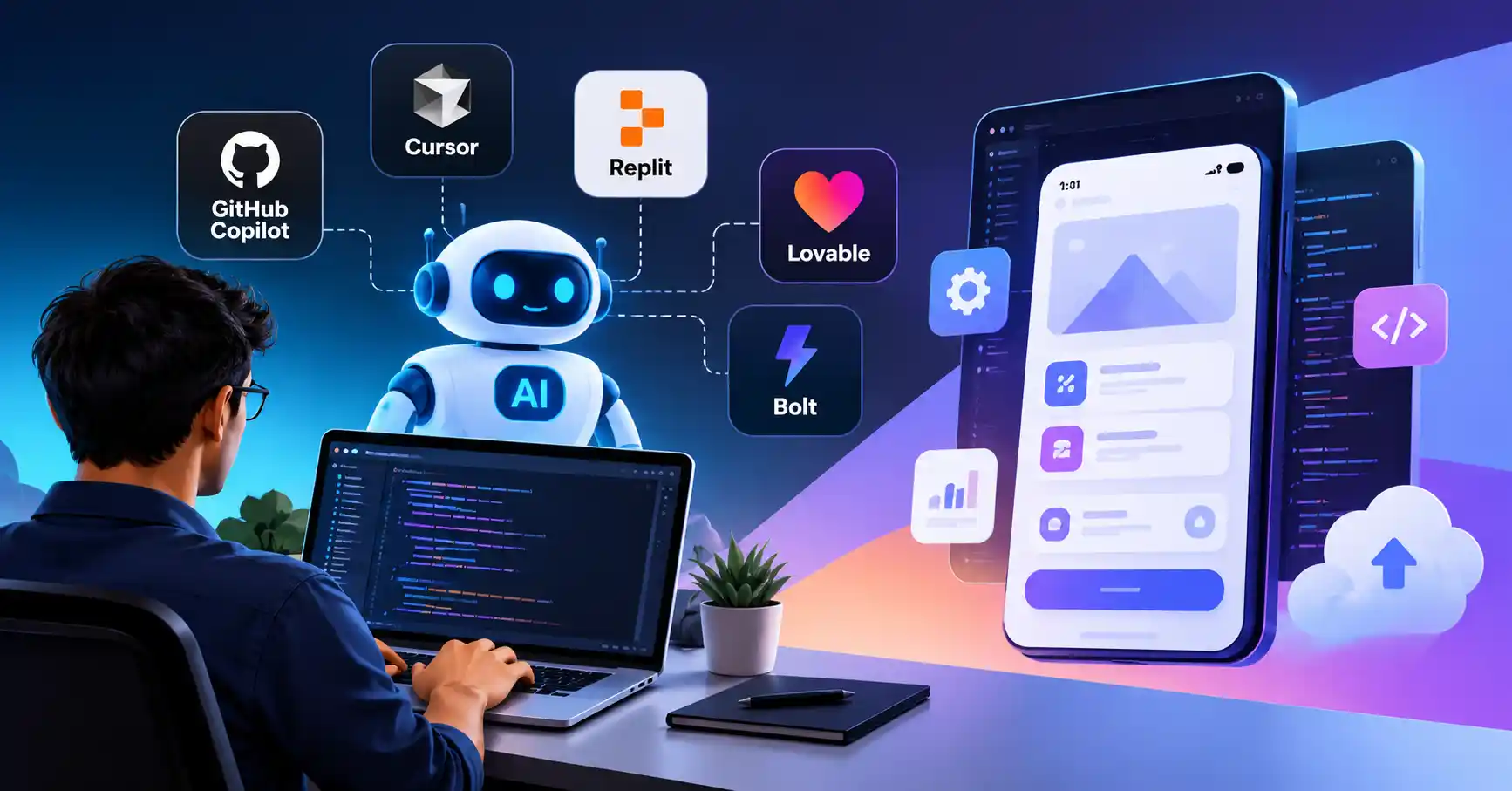
Tools such as GitHub Copilot and Cursor focus heavily on AI assisted coding, while platforms such as Replit and Lovable can take a more application builder approach. GitHub Copilot now supports planning, agent based coding, code review, and background development tasks.
Why ai app development tools are important
AI development tools are becoming useful across the application development lifecycle, not just during code writing.
They can help teams:
• Reduce repetitive coding work
• Create prototypes faster
• Find and fix bugs more quickly
• Generate tests and documentation
• Experiment with different application ideas
• Allow developers to spend more time on architecture and product decisions
For example, a developer building a customer dashboard can ask an AI agent to create the initial interface, connect API endpoints, add loading states, and generate basic tests. The developer can then review and improve the generated implementation rather than starting every component from scratch.
Step by Step Guide
Step 1: Define the application requirements
Begin with the exact problem your app has to fix. Forget vague prompts like build me an app. Spell out your target users, core features, data needs, target platform, and user flow instead. Take this example requirement: build a customer support dashboard where agents log in, check tickets, filter by status, hand assignments to teammates. And get pinged on updates. That level of detail hands the AI real context it can actually use.
Step 2: Choose the right AI development tool
Select whatever matches your exact setup and the degree of oversight you actually desire. If you are already elbow deep maintaining a sprawling, established codebase, an intelligent environment like GitHub Copilot or Cursor makes a ton of sense. Cursor Agent digs right into files, executes terminal commands, edits across multiple documents, and effortlessly handles complex tasks straight from plain English prompts. Or maybe you just need to sprint from a raw idea to a working app fast? Lovable might suit you better then.
Step 3: Generate the first version
Feed the AI a clear blueprint. List the tech stack, features, database needs, user roles, and design goals.
For instance: Build a Next. js app for marketing campaigns. Include login, a main dashboard, campaign creation, status tracking, and PostgreSQL. Make it responsive with reusable components. Keep it tight.Replit Agent can generate applications from natural language and supports databases, authentication, third party integrations, and deployment workflows.
Step 4: Test and review the generated code
Never trust raw machine code in production. You must audit everything: authentication, permissions, API calls, database queries, error handling, performance, accessibility, and security. Automated scans help, yet you still need to manually step through critical user journeys. Consider a checkout flow. You have to verify that sensitive card data remains secure and nobody can access unauthorized records. Machines accelerate the build, but human oversight is mandatory.
Step 5: Deploy and improve the application
Ship it the moment it functions, Pick a host, deploy, and observe. Meticulously track bugs, laggard screens, shattered endpoints, and sudden crashes. Why wait?Then use AI tools to help diagnose issues and improve individual components.
This creates a practical workflow where AI assists throughout development rather than being used only to generate the initial code.
Best Practices and Tips
• Start with a clear product requirement before writing prompts.
• Break large features into smaller tasks instead of asking AI to build everything at once.
• Ask AI to explain important code before changing it.
• Review generated authentication and authorization logic carefully.
• Use version control so you can easily compare or reverse AI generated changes.
• Ask AI to generate tests alongside new functionality.
• Keep sensitive credentials and production secrets outside prompts and source code.
Treat AI simply as a co pilot, never a total replacement, because preserving your own sharp engineering judgment remains utterly crucial.
Common Mistakes
Asking AI to build the entire application in one prompt
Large prompts can produce inconsistent architecture and difficult to maintain code. Break the project into smaller components.
Accepting generated code without testing
AI can generate code that looks correct but contains logical, security, or compatibility problems. Always test important functionality.
Ignoring the existing codebase
When working on an established application, AI needs the correct project context. Tools such as Cursor and GitHub Copilot can work with existing files and repositories, which makes them more useful for ongoing development.
Using the wrong tool for the project
A no code application builder may be excellent for a prototype but less suitable for a highly customized enterprise application.
Focusing only on code generation
Crafting a stellar app requires robust code, security, design, testing, deployment, and unending care.
Best AI App Development Tools
Here are several tools worth evaluating based on different development workflows.
The key difference is workflow: coding focused tools provide deeper control, while AI builders can reduce the time needed to reach a working application.
GitHub Copilot is particularly useful when development already happens inside GitHub and an IDE. Its current capabilities include agent mode, code review, cloud agents, and integrations across several development environments.
Cursor is designed around AI assisted coding and can perform multi file edits, run terminal commands, fix errors, and work on larger development tasks
Replit is useful when you want to describe an application and move quickly toward a working product. Its current platform supports both web development and native mobile app workflows.
Lovable focuses on creating applications from natural language prompts, including screens, logic, data, authentication, integrations, and hosting.
Bolt is another prompt based application builder that can generate application logic, provide live previews, and deploy applications quickly
For more AI software and developer tools, explore the AI Tools Directory to compare different categories and discover additional options.
FAQ’s
Can AI build an entire application?
Sure, text prompts spin up basic apps now. Yet massive systems still demand real human judgment. Consider architecture, stubborn security flaws, performance tuning, and the sheer agony of ongoing maintenance.
Are AI app development tools useful for professional developers?
Sure. Pro devs lean on these tools for code gen, debugging, refactoring, tests, docs, and boring chores. The real win, Killing routine grind, not replacing actual engineering brains.
Can AI build mobile applications?
Yes. Some platforms now support mobile development. Replit, for example, provides a workflow for generating native iOS applications with Expo and preparing them for App Store submission.
Are AI generated applications secure?
Not automatically. Security depends on the generated implementation and the developers review process. Authentication, authorization, input validation, dependency security, API keys, and database permissions should always be checked.
Which AI tool should developers use?
The answer depends on the workflow. Developers working inside established repositories may prefer coding agents such as GitHub Copilot or Cursor, while teams validating an idea quickly may prefer application builders such as Replit, Lovable, or Bolt.
Conclusion
Software creation platforms radically shift how builders go from a rough concept to a working program. They eradicate tedious boilerplate, accelerate prototyping, squash pesky bugs, and empower teams to experiment with features much faster than ever before.
The smart move here is never just handing the steering wheel to the machine and walking away. Instead, you map out explicit requirements, choose the optimal utility, build in incremental chunks, review the generated output, test rigorously, and then finally deploy.
Just pick one minor feature today, Watch.Once you understand where the tools perform well, you can gradually introduce them into larger development workflows.
For additional AI software resources, you can also explore the AI Tools Directory and related AI development solutions available for developers and product teams.
External resources: GitHub Copilot and Cursor Documentation