Higgsfield AI Review 2026: Features, Pricing, Pros, Cons, and Alternatives
Published October 26, 2026
AI video tools are changing how marketers, designers, and content creators produce visual content. Instead of arranging a traditional shoot for every campaign, they can generate scenes, animate images, and experiment with different creative concepts using AI. Still, choosing the right platform means looking beyond the quality of a single clip. Creative control, consistency, editing needs, and generation costs all matter.
Higgsfield AI is an AI powered creative platform for generating images, cinematic videos, and advertising content. It brings together specialized creative tools and access to multiple AI models, making it relevant to individual creators and marketing teams. Its official documentation highlights Cinema Studio for cinematic production, Soul for image creation, and Marketing Studio for advertising workflows.
In this Higgsfield AI review, we'll look at its features, pricing, advantages, limitations, and alternatives to help you decide whether it belongs in your creative workflow.
What Is Higgsfield AI?
Higgsfield AI is a creative platform that generates images and videos from text prompts, reference images, and other inputs. Rather than concentrating on a single generation model, it brings together tools designed for different creative tasks.
For example, a small business could generate product visuals, turn a still image into a promotional video, and explore several advertising concepts without arranging a traditional video shoot.
Key Higgsfield AI Features
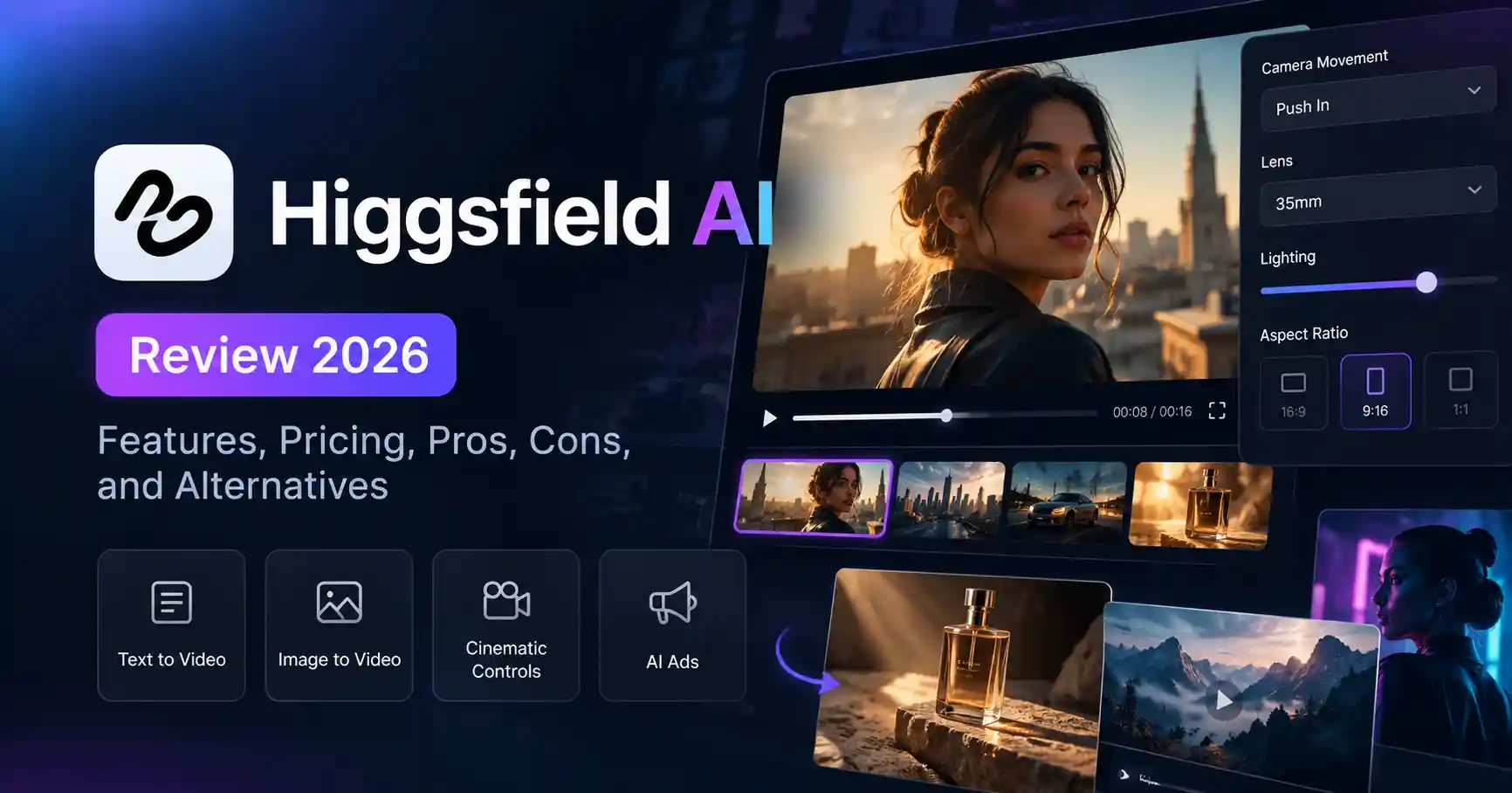
Cinema Studio: Provides cinematic production controls, including camera movements, lens settings, lighting, and scene planning.
Soul and Soul ID: Support AI image creation and help maintain a recognizable character across generated content.
Marketing Studio: Helps users develop product advertisements and UGC style creative.
Canvas: Offers a visual workspace for connecting models and creative steps.
Multiple AI models: Gives users access to different generation options within one platform, depending on their subscription and model availability.
These capabilities are described in Higgsfield's official product overview.
The main advantage is flexibility. You can explore different creative workflows without necessarily switching between several platforms. However, having multiple tools in one place doesn't mean every result will be ready to publish. You may still need to refine prompts, regenerate scenes, edit clips, or fix visual inconsistencies.
How to Use Higgsfield AI for Video Generation
The interface and available options may change over time, but the basic workflow is straightforward.
Step 1: Define Your Creative Goal
Start by deciding what you want to create. Are you producing cinematic B roll, a product advertisement, a social media video, or an animation from a still image? Your goal will help determine which Higgsfield tool and generation model to use.
Step 2: Prepare a Prompt or Reference Image
For a product video, you could start with a prompt like this:
Create a cinematic product advertisement featuring a premium skincare bottle on a marble surface. Use soft studio lighting, a slow camera push in, realistic reflections, and a clean luxury aesthetic. Keep the product packaging consistent throughout the shot.
Specific instructions give the model a clearer creative direction. They don't guarantee perfect packaging, readable text, or consistent product details, though, so review the result carefully.
Step 3: Choose Your Generation Settings
Select an available model, aspect ratio, resolution, and video duration. If you're creating content for Instagram Reels or YouTube Shorts, choose a vertical format where supported.
Step 4: Generate and Review the Video
Check the product's appearance, lighting, movement, and composition. If something looks off, adjust the prompt or reference image before generating another version.
Step 5: Edit and Export
A separate video editor may still be necessary for precise cuts, subtitles, music, brand overlays, or combining multiple scenes. Before publishing, check the export settings and applicable commercial use terms.
For additional guidance, see Higgsfield's Cinema Studio guide.
Higgsfield AI Pricing: What Does It Cost?
Higgsfield uses a credit based subscription system. Your costs depend on the selected plan, available models, and how much content you generate. Its official pricing page lists individual and business options, with annual billing discounts available on eligible subscriptions.
The following prices were displayed on the official pricing page when checked for this review. Annual billing prices are identified where applicable.
Prices, promotions, and included credits can change. The official page may display different configurations, so confirm the current checkout price, credit allowance, and included features before subscribing. Taxes may also apply.
Is There a Free Plan?
Yes. Higgsfield offers limited free access to selected tools, but the free plan doesn't provide the same access as a paid subscription. Available models, generation allowances, and features depend on the current plan.
Commercial use is another important consideration. According to the official pricing information, free access doesn't include commercial use rights, while eligible paid plans do. Review the current license terms before using generated content in client campaigns.
How Do Credits Affect the Real Cost?
Different models and generation settings consume different amounts of credits. Longer videos and higher resolution outputs may cost more than shorter, lower resolution generations. Unused subscription credits generally reset at renewal rather than rolling over.
Suppose you need three usable versions of a product advertisement. You may need more than three generations to get the results you want. The actual cost depends on the model and settings, so check the credit requirement before generating each version.
Higgsfield AI Pros and Cons
These assessments reflect the documented feature set and practical workflow considerations, not the results of an independent performance benchmark.
The main trade off is convenience versus control and cost. Higgsfield brings several production capabilities together, but anyone generating content at scale should track the credits required to produce an approved asset, not simply count the number of clips generated.
Higgsfield AI Alternatives: Which Tool Should You Choose?
Higgsfield won't suit every project. The right alternative depends on whether you need cinematic scenes, presenter led videos, or product advertisements.
Features and pricing vary across these platforms, so check their official websites before making a decision.
Higgsfield vs. Runway
Higgsfield is worth considering if its cinematic controls, character tools, or advertising workflows align with your production needs. Runway may be a better fit if you want a creative workflow that combines generating new scenes with editing existing footage.
Runway's official pricing page lists a free plan with 125 one time credits, alongside paid plans with recurring credits. Rather than comparing subscription prices alone, consider how much usable content each plan can produce for your projects.
Higgsfield vs. HeyGen and Creatify
HeyGen is a practical option for videos built around a speaking presenter, particularly when multilingual content is important. Creatify is worth exploring when your main goal is to turn product assets into advertising creative.
For more options, browse Allaipedia's AI video generator comparison .
Is Higgsfield AI Worth It?
Higgsfield AI is worth considering if you regularly create cinematic visuals, AI generated characters, or advertising content and want several creative workflows in one platform.
It may be less suitable if you only need an occasional short clip, rely on precise manual editing, or have a strict budget for experimentation.
Before subscribing, test a representative project, estimate how many generations you'll need to produce an acceptable result, and review the commercial use terms. This gives you a more realistic picture of the platform's value than judging it by a polished demonstration alone.
FAQ’s
Is Higgsfield AI Free?
Higgsfield provides limited free access to selected tools and models. Free usage comes with restrictions, and commercial use rights differ from those of eligible paid plans. Check the official pricing page for the latest allowances.
Can You Use Higgsfield AI Videos Commercially?
Commercial use is available under eligible paid plans according to the official pricing information. Review the current license and any model specific restrictions before publishing advertisements or client work.
Is Higgsfield AI Better Than Runway?
Neither platform is universally better. Higgsfield offers specialized cinematic and advertising workflows, while Runway provides video generation and AI editing capabilities. Compare both using the same project requirements and budget before choosing.
Who Should Use Higgsfield AI?
Digital marketers, designers, content creators, and small businesses can consider Higgsfield for cinematic clips, product visuals, and advertising concepts. Those who primarily need talking avatars or established editing workflows may find a more specialized platform better suited to their needs.
Conclusion
Higgsfield AI combines image generation, cinematic video creation, character tools, and advertising workflows in one platform. Its appeal lies in that combination, but credit limits, model availability, and the need to refine generated content should all factor into your decision.
Start with a specific use case, test a small project, and calculate the cost of producing usable content before committing to a paid plan. That's the most practical way to determine whether Higgsfield belongs in your creative toolkit.