CrewAI Review: Features, Pricing, Use Cases, and Alternatives
Published October 28, 2026
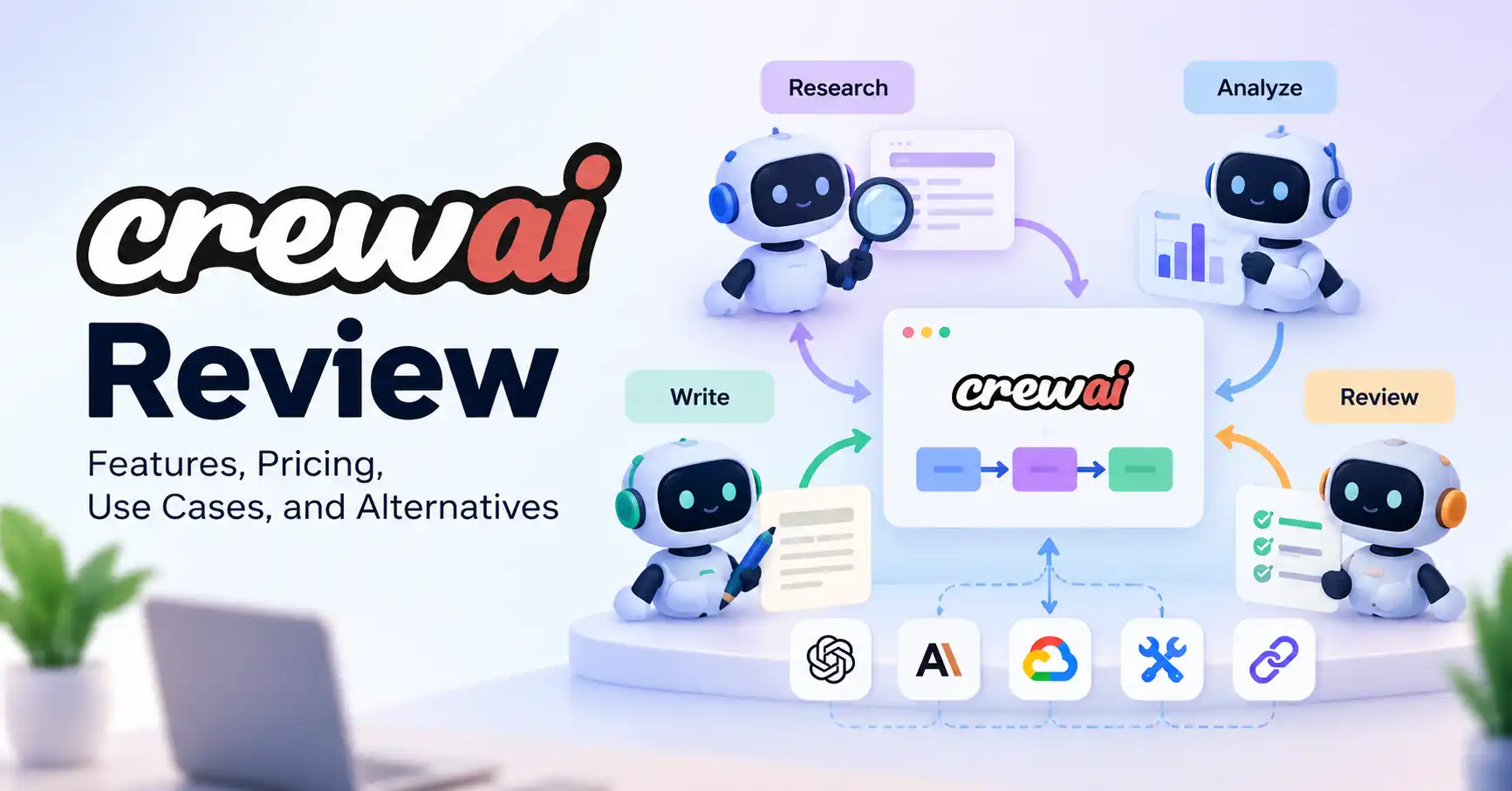
CrewAI is an AI agent framework that lets developers build workflows where multiple specialized agents work together. Rather than asking one chatbot to handle an entire project, you can assign different responsibilities to individual agents and coordinate their work through a structured process.
For example, a marketing team could use one agent to research a topic, another to organize the findings, and a third to prepare a draft for editorial review. CrewAI provides the framework for coordinating these tasks, but the team still needs to configure the workflow, choose suitable AI models, and check the results.
Is CrewAI worth using? It’s worth considering if you want to build custom AI workflows and have the technical skills to manage them. If your main goal is connecting business applications without writing much code, a visual automation platform may be a more practical starting point.
This review explores CrewAI’s features, pricing, business use cases, limitations, and alternatives to help you decide whether it fits your needs.
What Is CrewAI?
CrewAI is an open source framework for building AI agent systems. Developers can define agents with specific roles, assign tasks, give them access to tools, and coordinate how they work together.
An agent might act as a researcher, analyst, writer, or reviewer. These roles help structure the workflow, but they don’t guarantee accurate or professional results.
According to the official CrewAI documentation, the framework revolves around two key concepts: Crews and Flows.
CrewAI Crews vs. Flows
Crews: Groups of agents that collaborate on tasks, with responsibilities and delegation configured by the developer.
Flows: Structured workflows that control execution, manage state, and connect different steps in an application.
Crews are useful when several agents need to collaborate. Flows provide more control over what happens next, including conditional logic and application state.
For example, a content workflow could use a research crew to gather information. A Flow could then check whether the research meets predefined quality requirements before allowing the writing stage to begin.
Key CrewAI Features
CrewAI offers several capabilities for building customized AI workflows.
Multi agent collaboration
You can configure agents with different instructions, goals, and responsibilities. Depending on the workflow, they can delegate tasks or contribute separate outputs to a larger process.
This approach can help organize work that involves several stages, such as research, analysis, and content preparation.
Tools and model connections
Agents can use configured tools to do more than generate text. Depending on your implementation, these may include external APIs, search tools, and custom functions.
The model provider, credentials, available tools, and configuration determine what your workflow can actually do. Check the CrewAI documentation for current setup instructions and integration details.
Workflow control and monitoring
Flows help structure execution instead of relying entirely on open ended agent decisions. CrewAI’s managed platform also lists tracing and workflow monitoring capabilities, which can help developers inspect runs and troubleshoot problems.
However, monitoring alone won’t make an agent reliable. Business critical workflows still need testing, error handling, and appropriate quality checks.
How to Get Started With CrewAI
CrewAI’s framework is best suited to users who are comfortable with Python, software configuration, and API credentials.
Here’s a practical way to get started:
Choose a specific task. Start with something manageable, such as researching five competitors and summarizing their publicly available product features.
Set up the framework. Follow the current CrewAI installation guide and check the environment and dependency requirements.
Create your agents. Define a researcher, analyst, and reviewer, giving each a clear responsibility.
Configure tasks and tools. Specify the required inputs, expected outputs, and any external services the workflow needs.
Test the workflow. Check for unsupported claims, missing information, duplicated work, and failed tool calls before expanding its scope.
Start with two agents and a small dataset rather than building a large team straight away. Adding agents can increase model usage, costs, and the number of potential failure points.
Developers exploring other AI development options can also check Allaipedia’s guide to AI tools for developers.
CrewAI Use Cases for Businesses and Creators
CrewAI is particularly useful when a task has several distinct stages and benefits from specialized instructions or tools.
SEO research and content planning
A content team could create a workflow that:
Researches a topic using approved sources.
Groups findings by search intent and audience questions.
Prepares an article outline.
Checks draft claims against the source material.
For SEO teams, this can reduce repetitive preparation work. It shouldn’t replace keyword research, source verification, editorial judgment, or final fact checking.
Lead research and sales operations
Sales teams could use agents to organize publicly available company information, summarize potential customers, and prepare account research notes. Another workflow could validate required fields before transferring the results to a CRM.
Keep human approval in place for outreach and consequential decisions. Agents shouldn’t send unreviewed messages or make unsupported claims about prospects.
Customer support and internal workflows
Agents can categorize incoming questions, retrieve relevant documentation, and draft responses for support staff. A Flow can direct uncertain or sensitive cases to a human for review.
This is a safer approach than giving an agent unrestricted authority over refunds, account access, or other sensitive operations.
For simpler app to app workflows, explore Allaipedia’s guide to AI automation tools.
CrewAI Pricing: Is It Free?
CrewAI’s open source framework and managed platform have different cost structures.
Sources: CrewAI pricing and CrewAI open source.
The managed platform’s free allowance is separate from the costs of running a self hosted framework. Check the latest terms before signing up, since features and usage limits can change.
When estimating the cost of a project, account for:
Model API charges and token usage.
Hosting and external services.
Development and maintenance time.
Monitoring, testing, and error recovery.
A workflow that calls several agents may consume more resources than a single model call. Run a small pilot to estimate costs before committing to a larger deployment.
CrewAI Pros and Cons
Best suited to: Developers, technical founders, and automation teams building repeatable, multi step AI applications.
Less suitable for: Users who want a ready to use writing assistant or simple app integrations without managing code, APIs, and workflow reliability.
CrewAI vs. Alternatives
CrewAI isn’t the only option for coordinating AI agents. The best choice depends on how much control you need and how you prefer to build workflows.
LangGraph emphasizes stateful orchestration and durable execution. The OpenAI Agents SDK takes a code first approach to agent tools and handoffs. n8n is worth considering when connecting existing applications matters more than building a custom agent framework.
Which alternative should you choose?
Choose CrewAI if you want to organize workflows around specialized agents and clearly defined tasks.
Choose LangGraph if you need fine grained control over state, branching, and long running processes.
Choose OpenAI Agents SDK if you want to build an application around its agent runtime, tools, and handoffs.
Choose n8n if your main goal is connecting business applications and automating processes through a visual interface.
These tools overlap, but they aren’t interchangeable. Compare their current documentation, integrations, deployment requirements, and total costs before making a decision.
FAQ’s
Is CrewAI free to use?
The CrewAI framework is open source, but running a project may involve model API charges, hosting, and other service costs. Its managed platform has separate plans and usage limits.
Does CrewAI require Python?
Python is the main development path for the CrewAI framework. Check the official documentation for current installation requirements and supported configurations. The managed platform also provides a visual editor for building workflows.
Can CrewAI automate content creation?
Yes. You can configure agents to research topics, organize findings, prepare outlines, and draft content. However, factual accuracy, source quality, originality, and SEO decisions still require human review.
What’s the difference between CrewAI and LangGraph?
CrewAI emphasizes collaboration between role based agents and structured Flows. LangGraph focuses on lower level orchestration for stateful applications, including persistent state and controlled execution. The better option depends on your workflow requirements and how much control you need.
Conclusion
CrewAI is worth considering if you want to build customized AI workflows that divide complex tasks among specialized agents. It offers a useful starting point for developers exploring research automation, content workflows, and business process automation.
Its main advantage is flexibility. The trade off is the effort required to configure, test, monitor, and maintain the system.
Start with one measurable use case, such as preparing research summaries. Evaluate the accuracy of the results and the cost of running the workflow. Expand only when the benefits justify the added complexity.
If you need custom agent behavior, CrewAI is a strong candidate to evaluate. If you mainly want straightforward business automation, a visual platform such as n8n may be the more practical choice.