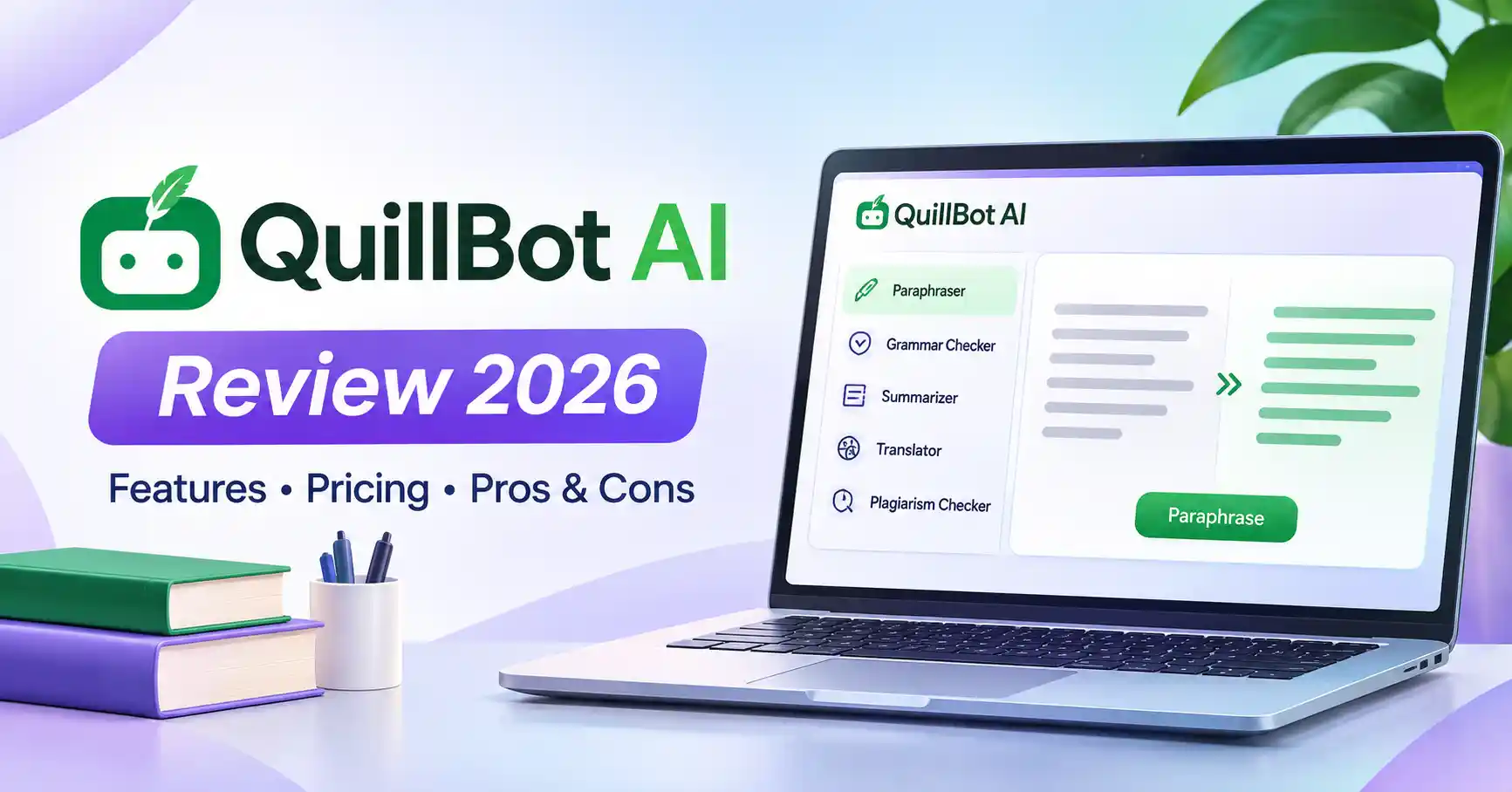
QuillBot AI Review 2026: Features, Pricing, Pros & Cons
Published November 2, 2026
Writing a good article, email, or business document often takes more editing than you expect. You may have the right ideas but struggle with repetitive wording, awkward sentences, or paragraphs that don't flow naturally. That's where QuillBot AI comes in.
QuillBot is an AI writing assistant best known for its paraphrasing tool. It also includes grammar checking, summarization, translation, plagiarism checking, AI detection, and other writing features. But how useful is it for content creators, bloggers, and marketers in 2026?
This QuillBot AI review looks at its features, free and Premium plans, strengths, limitations, and alternatives to help you decide whether it fits your writing workflow.
What Is QuillBot AI?
QuillBot AI is an online writing assistant that helps users rewrite, refine, summarize, and improve text. Its flagship feature, the Paraphraser, offers different ways to reword sentences while keeping their core meaning intact.
Unlike general purpose AI chatbots, QuillBot focuses on specific writing and editing tasks. It's useful when a paragraph sounds repetitive, a sentence needs clearer wording, or a lengthy passage could benefit from a concise summary.
Who Should Use QuillBot?
QuillBot can be helpful for different types of writers:
Bloggers: Improve readability and polish existing drafts.
Content marketers: Refine product descriptions, emails, and marketing copy.
Students: Understand difficult passages and improve writing clarity, while following academic rules.
Professionals: Edit reports, proposals, and business communication.
Researchers: Summarize material and organize information for further review.
However, QuillBot isn't a substitute for original research, content planning, or professional editorial judgment.
QuillBot AI Features Explained
QuillBot has grown beyond a simple paraphrasing tool. It now offers a collection of writing and editing features designed to support different stages of the writing process.
AI Paraphraser
The Paraphraser is QuillBot's main attraction. It rewrites sentences and paragraphs using different modes, each influencing the wording and style.
Free users can access Standard and Fluency modes, while Premium unlocks additional modes, customization options, and greater paraphrasing capacity.
For example:
Original: Our software helps marketing teams manage repetitive tasks and spend more time on strategic work.
Illustrative rewrite: Our software reduces repetitive marketing tasks, allowing teams to focus more on strategy.
This example shows the type of change a writer might want. It isn't a claimed QuillBot generated result.
Grammar Checker
The Grammar Checker catches spelling, punctuation, and grammatical mistakes. It's useful for reviewing blog posts before publication, checking emails before sending, or polishing business documents.
Basic corrections are available for free, while advanced recommendations require a paid subscription.
AI Summarizer
The Summarizer turns longer passages into shorter summaries or bullet points.
It's particularly useful when reviewing research, pulling key takeaways from reports, or gathering notes before drafting an article.
AI Humanizer and AI Detector
QuillBot also offers an AI Humanizer and an AI Detector.
These tools can help examine or transform writing, but their results shouldn't be treated as proof that a person or AI wrote something. AI detectors can produce both false positives and false negatives.
Likewise, humanizing text doesn't automatically make it original, accurate, or ready for publication.
Other Writing Tools
Depending on the plan and availability, QuillBot also includes:
Translation
Plagiarism checking
Citation generation
AI Chat
Browser extensions
Microsoft Word integration
You can explore its current tools on the official QuillBot website.
How to Use QuillBot AI for Content Writing
QuillBot is most effective when you use it to improve specific parts of a draft rather than rewriting everything automatically.
Step 1: Identify What Needs Improvement
Start with a sentence or paragraph that isn't working. It might be too long, repetitive, unclear, or unnecessarily complicated.
Step 2: Select a Paraphrasing Mode
Paste the text into the Paraphraser and choose a suitable mode. Standard or Fluency is a good starting point for straightforward editing.
Step 3: Review the Rewrite
Read the alternative carefully. Make sure the meaning, technical terminology, and intended message haven't changed.
Step 4: Adapt It to Your Audience
Edit the output to match your brand voice and readers' expectations. Even grammatically correct text can sound unnatural or overly formal.
Step 5: Fact Check Before Publishing
Double check claims, product specifications, statistics, and references. QuillBot can improve wording, but research and editorial review are still your responsibility.
For a more complete writing workflow, explore Allaipedia's AI tools for content writing.
QuillBot Free vs Premium
QuillBot offers a free account alongside a Premium subscription. The free version is a useful way to explore the platform, while Premium is aimed at users who need more capacity and greater control over their writing.
These limits are based on QuillBot's official plan documentation and may change.
Is QuillBot Premium Worth It?
Premium makes sense if you regularly rewrite large amounts of text, need additional paraphrasing modes, or rely on several QuillBot tools throughout the week.
If you only edit occasionally, the free plan may be enough. Upgrade when the restrictions start getting in the way of your work.
QuillBot AI Pricing
QuillBot offers monthly, quarterly, and annual Premium subscriptions. The price depends on your region, billing period, and purchase channel.
The official web pricing page has advertised annual Premium at 74.96peryear(6.25 per month equivalent) under one offer. Regional prices and promotions may differ.
Before subscribing, check the official QuillBot Premium page. Confirm the total amount charged, renewal terms, and included features instead of relying solely on the monthly equivalent shown in an offer.
QuillBot AI Pros and Cons
Advantages
Focused paraphrasing: Helpful when sentences need alternative wording.
Easy to use: Most writing tools are straightforward, even for beginners.
Multiple writing utilities: Paraphrasing, grammar checking, and summarization are available in one place.
Free starting point: You can try core features before paying.
Workflow integrations: Browser extensions and a Word add in let you edit in familiar environments.
Limitations
Meaning can shift: Rewriting may introduce inaccuracies or remove important nuance.
Free limits affect longer tasks: Frequent writers may find the word allowance restrictive.
Not a content strategy tool: It doesn't replace audience research or original analysis.
AI detection isn't definitive: Scores shouldn't be treated as conclusive evidence.
Privacy needs consideration: Review the data controls before submitting confidential material.
QuillBot's official data and privacy guidance explains how text inputs may be stored, used for personalization, or used to improve its services. Extension users have controls related to text storage and model training.
Avoid submitting confidential client information unless your organization's policies and the service's terms allow it.
QuillBot AI Alternatives
The right alternative depends on what you want to accomplish.
For a closer comparison, read Grammarly vs QuillBot.
Choose QuillBot when paraphrasing is your main requirement. Grammarly is better suited to ongoing proofreading, while ChatGPT offers more flexibility for developing content from instructions and research.
Is QuillBot AI Worth It?
QuillBot AI is worth considering if rewriting and refining existing text are regular parts of your workflow.
Bloggers can use it to improve readability. Marketers can explore alternative wording for emails and product descriptions. Professionals can simplify complicated sentences or summarize lengthy material.
Still, treat it as an editing assistant not an automated publishing system. Original ideas, research, factual accuracy, and brand voice remain the writer's responsibility.
For occasional rewriting, the free plan is a sensible starting point. If you edit frequently or work with larger documents, Premium may offer greater convenience.
FAQ’s
Is QuillBot AI free?
Yes. QuillBot offers a free account with basic paraphrasing, grammar checking, summarization, and limited access to other tools. Some features and higher usage limits require Premium.
Is QuillBot AI good for content writing?
It can help clarify sentences, reduce repetition, and refine existing drafts. However, it doesn't replace original research, content strategy, or human editing.
Does QuillBot make content plagiarism free?
No. Rewording content doesn't remove plagiarism or attribution requirements. Writers still need to cite sources appropriately and contribute original analysis.
Is QuillBot better than Grammarly?
They serve different purposes. QuillBot is particularly useful for paraphrasing, while Grammarly focuses more on grammar, clarity, and writing assistance. The better option depends on your editing needs.
Conclusion
QuillBot AI is a practical writing assistant for people who regularly rewrite, summarize, or polish text. Its paraphrasing controls and additional writing tools make it useful for bloggers, marketers, students, and professionals.
The free plan offers a straightforward way to get started. Premium is more suitable for regular users who need higher limits and additional modes.
The most effective approach is simple: research and write first, use QuillBot to refine selected passages, and review everything before publishing. This lets you benefit from AI assisted editing without compromising originality, accuracy, or your own voice.