Facy AI Review 2026: Features, Pricing, Pros, Cons & Alternatives
Published November 19, 2026
AI powered photo and video editing has become more accessible, even for people without professional editing experience. Whether it's swapping faces in photographs or turning still images into short videos, these tools offer marketers, designers, and content creators more ways to produce visual content.
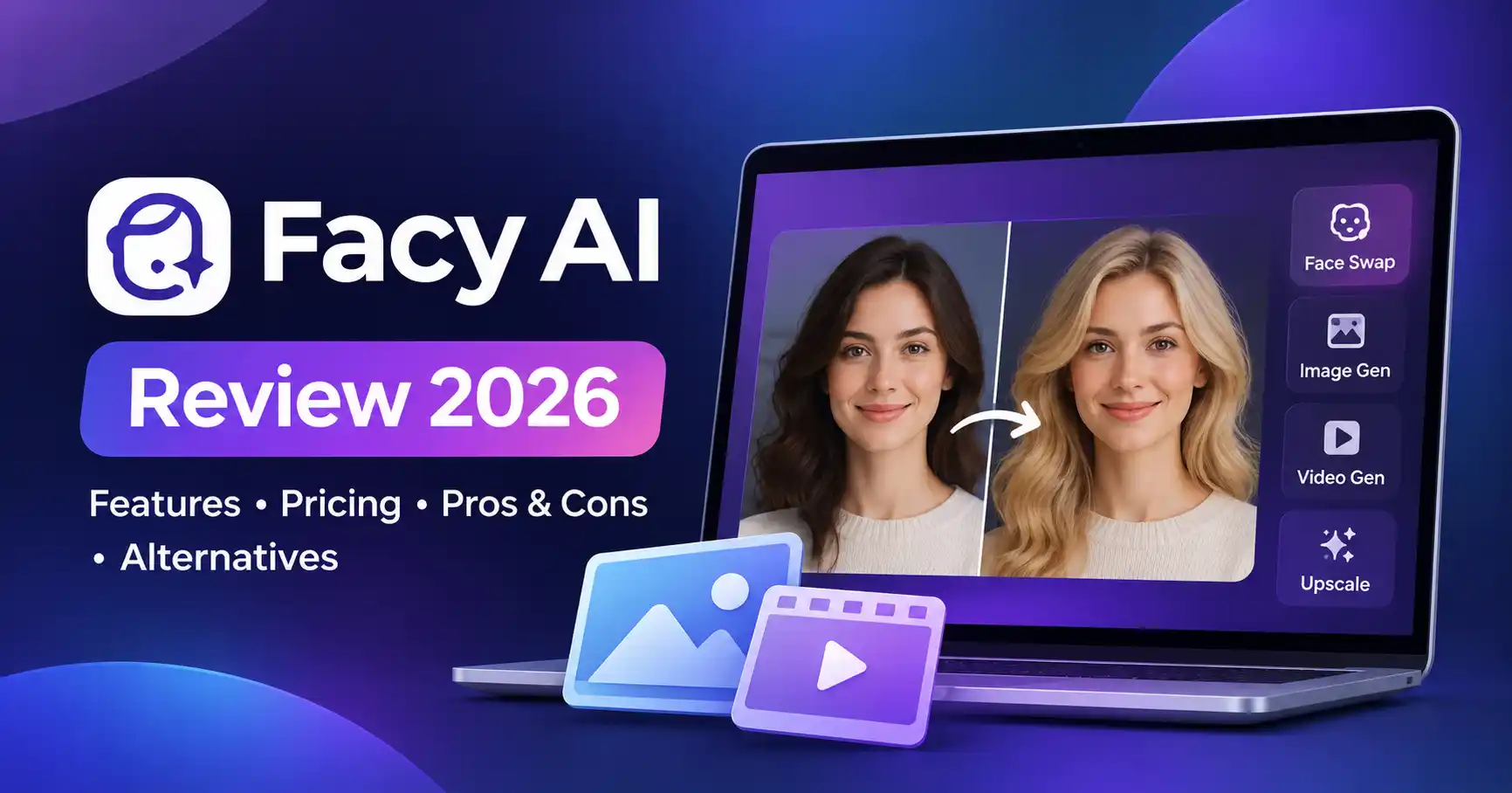
Facy AI brings several of these capabilities together in one platform. It offers AI face swapping, head replacement, image generation, image enhancement, background removal, and video creation through a browser based interface.
But does Facy AI deliver enough value to justify using it? What can you access for free, how does its credit system work, and which alternatives are worth considering?
This Facy AI review looks at its features, pricing, practical applications, and limitations to help you decide whether it belongs in your creative toolkit.
What Is Facy AI?
Facy AI is an AI powered image and video editing platform operated by Facy Sp. z o.o., a company based in Poland.
Rather than switching between separate applications for different editing tasks, users can access several AI tools from one platform. Simply upload an image or video, select the required function, generate the result, and download the finished content.
Its main capabilities include:
Photo and video face swapping
AI head swapping
Text to image generation
Image to image editing
Image to video and text to video generation
Image upscaling
Background removal
Batch face swapping
Facy AI is available through its website and an Android application. Its appeal lies in bringing different visual editing tasks together without requiring users to learn complex professional software.
Key Features of Facy AI
Facy AI covers several creative tasks, from simple photo edits to AI generated video. Here's a closer look at its main features.
1. AI Face Swap
The AI face swap tool replaces a face in an existing photograph with another face. It can be used for creative projects, entertainment content, social media visuals, and authorized marketing campaigns.
The platform also supports face swapping in videos and GIFs through credit based workflows.
For instance, a content creator could use an authorized portrait to produce a themed promotional image without manually adjusting facial details.
2. AI Head Swap
Face swapping changes the facial area, while head swapping replaces the entire head. That distinction makes the latter useful for character based visuals, humorous edits, and creative promotional content.
Facy also offers a beta version of video head swapping, with selectable models and editing settings. Available options and processing costs vary depending on the model selected.
3. AI Image Generator and Image Editing
Facy includes both text to image generation and image to image editing.
Users can describe the image they want to create or upload an existing photograph and provide instructions for modifying it. AI image generator tools
For example, a small business owner could develop a product campaign concept by specifying the background, lighting, and visual style.
Generated images still need a final review. Check for inaccurate details, visual inconsistencies, and unwanted changes before using them in published content.
4. AI Video Generation
Facy supports two video creation workflows: image to video and text to video.
Image to video adds motion to a still photograph, while text to video creates a clip from written instructions.
These capabilities can help marketers develop short promotional visuals and give content creators additional material for their video projects. AI video tools
Video generation requires credits. Available durations, resolutions, and model options depend on the selected workflow.
5. AI Image Upscaler and Background Remover
The image upscaler improves resolution and sharpness. Facy provides a free basic 2× upscaling option, while advanced enhancement features require credits or paid access.
Its background remover offers another practical shortcut, helping users isolate subjects without manually selecting image edges.
Both tools can be useful when preparing product photographs, social media graphics, presentations, and website visuals.
How to Use Facy AI
You don't need professional editing experience to get started. The basic workflow is straightforward:
Visit the official Facy AI website.
Select a tool, such as Face Swap, Image Generator, or Background Remover.
Upload an image or video you own or have permission to edit.
Enter your prompt or adjust the available settings.
Generate the result and check the output.
Download the finished file and keep a separate copy.
Practical tip: For face swapping, start with a clear, well lit photograph. Faces that are obstructed, photographed at unusual angles, or captured in poor lighting may produce less consistent results.
Facy AI Pricing: Is It Free?
Facy AI provides free access to several image editing features, although not every tool is available without restrictions.
Its pricing combines free image tools, daily free credits for eligible workflows, and paid plans or credit based access for more demanding operations.
Paid plans differ in their credit allowances and maximum video lengths. According to Facy's Terms of Service, purchases are one time payments rather than automatically renewing subscriptions. Unused credits do not expire and remain available after a plan expires.
A note about pricing: Prices and allowances can change. Facy's official pricing presentation has displayed different figures for the Basic plan, so check the current Facy AI pricing page and checkout screen before purchasing. Also, don't assume that every tool is included in every plan.
Is Facy AI Safe and Legit?
Facy AI publishes its Terms of Service and Privacy Policy, which explain how uploaded content is handled.
According to its Privacy Policy, uploaded images, videos, and prompts may be processed on servers in the European Economic Area and, depending on the infrastructure, the United States.
The policy also states that generated outputs are automatically deleted within two days or after the first successful download, whichever comes first.
Before using the platform, keep a few precautions in mind:
Avoid uploading private or sensitive photographs.
Only edit images and videos you own or have permission to use.
Don't create misleading impersonations or non consensual content.
Download completed work promptly because output storage is temporary.
Review the applicable terms before using generated material commercially.
Facy is an operating platform with published company information and policies. However, that doesn't make every use case risk free. Review its current privacy and licensing conditions before uploading important business assets.
Facy AI Pros and Cons
Best Facy AI Alternatives
Facy AI isn't the only option available. The right alternative depends on whether you primarily need face swapping, photo editing, or AI video creation.
1. Remaker AI
Remaker AI is worth considering if face swapping is your main priority.
It offers photo, video, GIF, multi face, and batch face swapping workflows. These capabilities make it relevant for creators who regularly produce different face swap variations.
Best for: Users who primarily need face swapping tools rather than a broader image and video editing platform.
2. AI Ease
AI Ease is another option for users interested in AI powered photo editing and image creation.
It's worth comparing if your workflow involves modifying photographs and producing visual assets more often than generating longer videos.
Best for: Beginners, social media creators, and users looking for accessible AI photo editing tools.
3. Magic Hour
Magic Hour combines AI image and video creation tools, including face swapping.
Its documentation describes photo, video, GIF, and multi face swapping workflows. The platform also offers different usage limits across its free and paid options.
Best for: Creators who want face swapping alongside broader AI image and video creation capabilities.
The best choice depends on the type of content you produce. Compare the specific features and usage limits rather than choosing a tool simply because it advertises more capabilities.
Who Should Use Facy AI?
Facy AI may suit several types of users:
Content creators: Creating visual content, thumbnails, and short video assets.
Digital marketers: Developing promotional concepts and social media graphics.
Graphic designers: Experimenting with image editing and background removal.
Small businesses: Preparing product visuals and basic marketing materials.
Video creators: Exploring face swaps and AI generated video clips.
However, professionals who need detailed timeline editing, advanced color grading, or extensive production controls may find dedicated editing software more suitable.
FAQ’s
Is Facy AI free to use?
Yes. Several image tools, including basic face swapping, background removal, and basic image upscaling, offer free access. Advanced features and video workflows may require credits or paid access.
Does Facy AI support video face swapping?
Yes. Facy supports video face swapping and also offers video head swapping functionality. Both have credit requirements and model dependent limitations.
Can I use Facy AI for commercial projects?
Commercial usage depends on the applicable terms, content rights, and permissions. Check the current licensing conditions before using generated visuals in advertisements, client projects, or other commercial materials.
What are the best Facy AI alternatives?
Remaker AI is worth considering for dedicated face swapping, AI Ease for photo editing, and Magic Hour for broader AI image and video creation.
Conclusion
Facy AI brings several AI powered image and video editing capabilities into one platform. Its free image tools make it accessible to beginners, while credit based video features offer additional options for more demanding creative work.
There are trade offs, though. Advanced workflows require credits, the pricing presentation needs careful checking, and generated results may need manual refinement.
Our recommendation: Start with the free image editing features to see whether they fit your workflow. If video creation is a regular part of your work, compare the credit costs and output limitations with alternatives such as Magic Hour before purchasing a plan.
Facy AI is worth exploring for everyday AI assisted creative projects. For more demanding professional production work, specialized editing platforms may be a better fit.