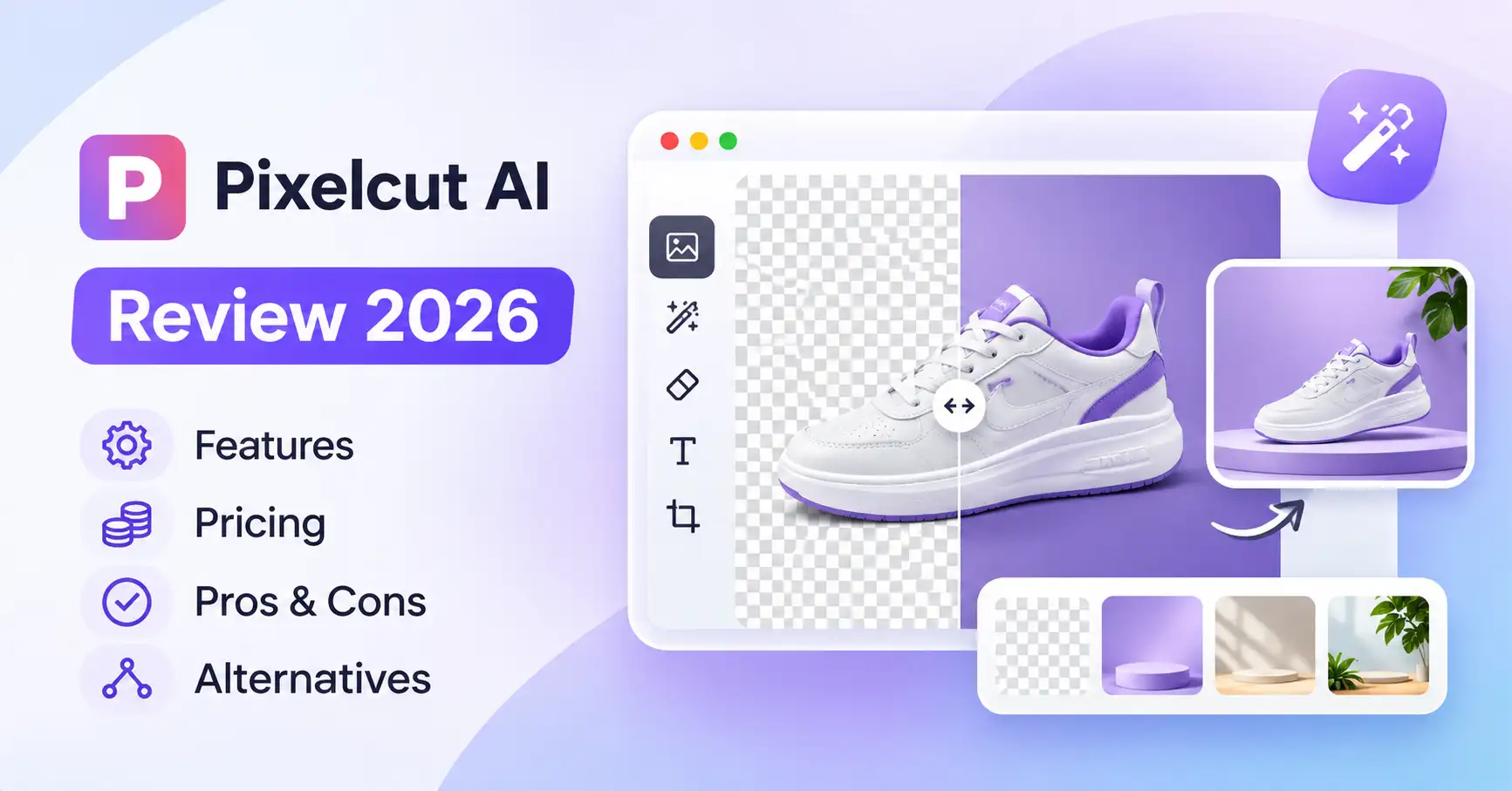
Pixelcut AI Review 2026: Features, Pricing, Pros, Cons & Alternatives
Published November 20, 2026
Creating professional product photos no longer requires an expensive camera, studio, or graphic designer. AI image editing tools can handle tasks such as background removal, image enhancement, and product photography in just a few steps. Pixelcut AI is one platform that brings these capabilities together for ecommerce businesses, marketers, and content creators.
But is Pixelcut worth using in 2026? Does its free plan offer enough features? And how does it compare with alternatives like Photoroom and Canva?
In this Pixelcut AI review, we'll look at its key features, pricing, practical applications, strengths, limitations, and alternatives to help you decide whether it fits your workflow.
What Is Pixelcut AI?
Pixelcut is an AI powered photo and video editing platform built around product photography and marketing visuals. It allows users to remove backgrounds, enhance images, erase unwanted objects, generate product scenes, and create promotional content without depending on traditional editing software.
You can access Pixelcut through its website or mobile apps for iOS and Android. The platform also provides API access for developers and integration with Claude.
Its features are particularly relevant to ecommerce sellers who need consistent product images across large catalogs. Digital marketers and social media creators can also use it to prepare advertising assets and promotional graphics.
You can also read our Pixlr AI photo editor review for a closer look at another alternative.
Pixelcut AI Features: What Can You Do With It?
Pixelcut brings together standard photo editing tools and generative AI features. Here's a closer look at what it offers.
1. AI Background Remover
Pixelcut's background remover automatically separates the main subject from the rest of an image. Upload a photograph, and the tool creates a transparent background without requiring you to select objects manually.
This is useful for sellers who need clean product images for ecommerce websites and online marketplaces.
For instance, a handbag retailer can photograph products against an ordinary wall, remove the background, and prepare consistent images for its online store.
If the initial cutout needs adjustments, erase and restore brushes let users refine the result.
2. AI Background Generator
The AI background generator creates new environments for existing product photographs.
Rather than arranging a separate photoshoot, sellers can experiment with different backgrounds and visual styles.
A skincare brand, for example, could place a product in a minimalist studio setting, a botanical environment, or a lifestyle inspired scene.
One thing to keep in mind: generated backgrounds should be checked carefully to make sure they don't alter the product's original appearance.
3. AI Image Upscaler
Pixelcut's image upscaler increases image resolution by reconstructing visual details.
This can help businesses prepare smaller product photographs for larger displays, promotional materials, and other marketing assets.
Pixelcut's API documentation also lists 2x and 4x image upscaling options.
However, AI upscaling doesn't guarantee that every reconstructed detail will accurately match the original photograph. Review the output before using it in important product listings.
4. Magic Eraser and Generative Fill
The Magic Eraser removes unwanted objects and distractions from photographs, while Generative Fill uses AI to modify selected areas.
For example, a marketer could remove an unwanted object from a promotional image or replace part of a photograph to create a cleaner composition.
These tools work well for straightforward corrections, although more complicated edits may still need manual attention.
5. AI Product Photography and Video Creation
Pixelcut extends beyond conventional photo editing with tools for generating product visuals, advertising assets, and video content.
Businesses can use these capabilities to create promotional materials without arranging a separate photoshoot for every campaign.
The platform also includes AI video tools, such as video background removal and UGC style advertising workflows.
6. Batch Image Editing
For ecommerce businesses managing large product catalogs, editing images individually can become a repetitive task. Pixelcut's batch editing capabilities address this problem.
According to its official bulk editing page, the platform supports processing up to 10,000 images in a single batch. Available operations include background removal, resizing, upscaling, cropping, and watermarking.
The exact tools available can vary by workflow, so check the current editor before planning a large catalog processing task.
For retailers uploading hundreds of products, batch processing can reduce repetitive work and help maintain a consistent appearance across product images.
How to Use Pixelcut AI
Getting started doesn't require much preparation. Follow these steps:
Visit Pixelcut's official website.
Select the image editing tool you want to use.
Upload your photograph.
Choose an operation such as background removal, upscaling, or object removal.
Review the result and make any necessary adjustments.
Download the finished image.
Practical example: An online clothing store can upload its product photographs, remove their original backgrounds, create consistent product images, and prepare additional promotional visuals.
Before publishing, check the colors, textures, proportions, and other product details. AI editing can sometimes change characteristics that need to remain accurate.
Pixelcut AI Pricing: Is There a Free Plan?
Yes. Pixelcut offers a free plan alongside its paid Pro and Business subscriptions.
According to its official pricing page, the listed plans are:
Paid plans also include team access, batch export allowances, and commercial licensing. Pro supports three team members and 1,000 monthly batch exports, while Business supports ten team members and 2,000 monthly batch exports.
Source: Pixelcut official pricing.
It's worth understanding how Pixelcut handles AI credits before choosing a subscription. Not every editing operation consumes credits in the same way. According to its documentation, basic tools such as background removal, Magic Eraser, and Fast Upscaler have practically unlimited usage for subscribers. Generative models, however, operate under plan specific limits.
For occasional editing, the free plan may be sufficient. Pro is worth considering if you regularly create product images or marketing content. Businesses with larger creative workloads may find the Business plan more suitable.
Prices and allowances can change, so check the checkout page before subscribing.
Pixelcut AI Pros and Cons
Pixelcut offers a useful collection of editing tools, but it's important to consider where the platform falls short.
Pixelcut is particularly useful for quick product image preparation and repetitive editing tasks. However, designers who need detailed layer based control may prefer more advanced editing software.
Pixelcut vs Other AI Photo Editing Tools
Pixelcut isn't the only option for AI powered image editing. Photoroom, Canva, and Pixlr offer overlapping features, but each serves a slightly different purpose.
Pixelcut vs Photoroom: Both platforms focus on product photography and background editing. Photoroom is worth considering for its dedicated ecommerce workflows, AI backgrounds, and fashion model features. Pixelcut may appeal to users who also need bulk editing and a wider collection of creative tools.
Pixelcut vs Canva: Canva makes more sense when your main requirement is creating social media posts, presentations, branded graphics, and marketing materials. Pixelcut, by comparison, puts more emphasis on product image editing.
Pixelcut vs Pixlr: Pixlr combines traditional photo editing with AI features. It's worth considering if you want more control over image adjustments and layer based editing.
For a wider selection of ecommerce focused platforms, explore our guide to AI tools for ecommerce.
Does Pixelcut Offer an API for Developers?
Yes. Pixelcut provides API access for businesses and developers who want to add image editing capabilities to their own applications.
Supported operations include background removal, image upscaling, background generation, virtual try on, and video background removal.
The API follows a separate credit based pricing model. For example, its official pricing page lists background removal at five credits per operation and image upscaling at ten credits per operation. These API credits are separate from regular app subscriptions.
Developers can explore the Pixelcut API documentation for integration details and current pricing.
This makes the platform worth considering for ecommerce services, creative applications, and automated image processing workflows.
FAQ’s
Is Pixelcut AI free to use?
Yes. Pixelcut has a free plan with limited background removal and image upscaling. Paid subscriptions offer higher usage allowances and additional features.
Is Pixelcut AI good for ecommerce businesses?
Yes. Its background removal, product photography, image enhancement, and batch editing tools can help ecommerce businesses prepare consistent product visuals.
Is Pixelcut better than Photoroom?
That depends on what you need. Pixelcut offers a broad creative toolkit and bulk editing capabilities, while Photoroom focuses on product photography and ecommerce workflows. Compare the features you actually plan to use before choosing.
Can I use Pixelcut AI for commercial purposes?
Pixelcut's paid Pro and Business pricing pages list commercial licensing. Check the current terms for your subscription and intended use before publishing or selling generated assets.
Conclusion
Pixelcut is a practical option for ecommerce sellers, small businesses, and content creators who regularly work with product images and promotional visuals.
Its main strengths include background removal, AI assisted product photography, image enhancement, and batch editing. API access also makes it relevant to developers looking to automate image processing tasks.
There are some limitations. Generated images may need manual corrections, and businesses should account for subscription allowances and AI credit consumption before upgrading. It also doesn't replace professional design software when detailed editing control is essential.
Our recommendation: Start with the free plan to explore the editing workflow. If you're regularly preparing product images or marketing visuals, consider Pro. Business is a better option when you need team collaboration and higher usage allowances.
If product photography is your main priority, compare Pixelcut with Photoroom. If you need a broader platform for graphic design and marketing content, Canva may be the better choice.