CheatGPT Review 2026: Features, Pricing, Pros, Cons & Alternatives
Published November 17, 2026
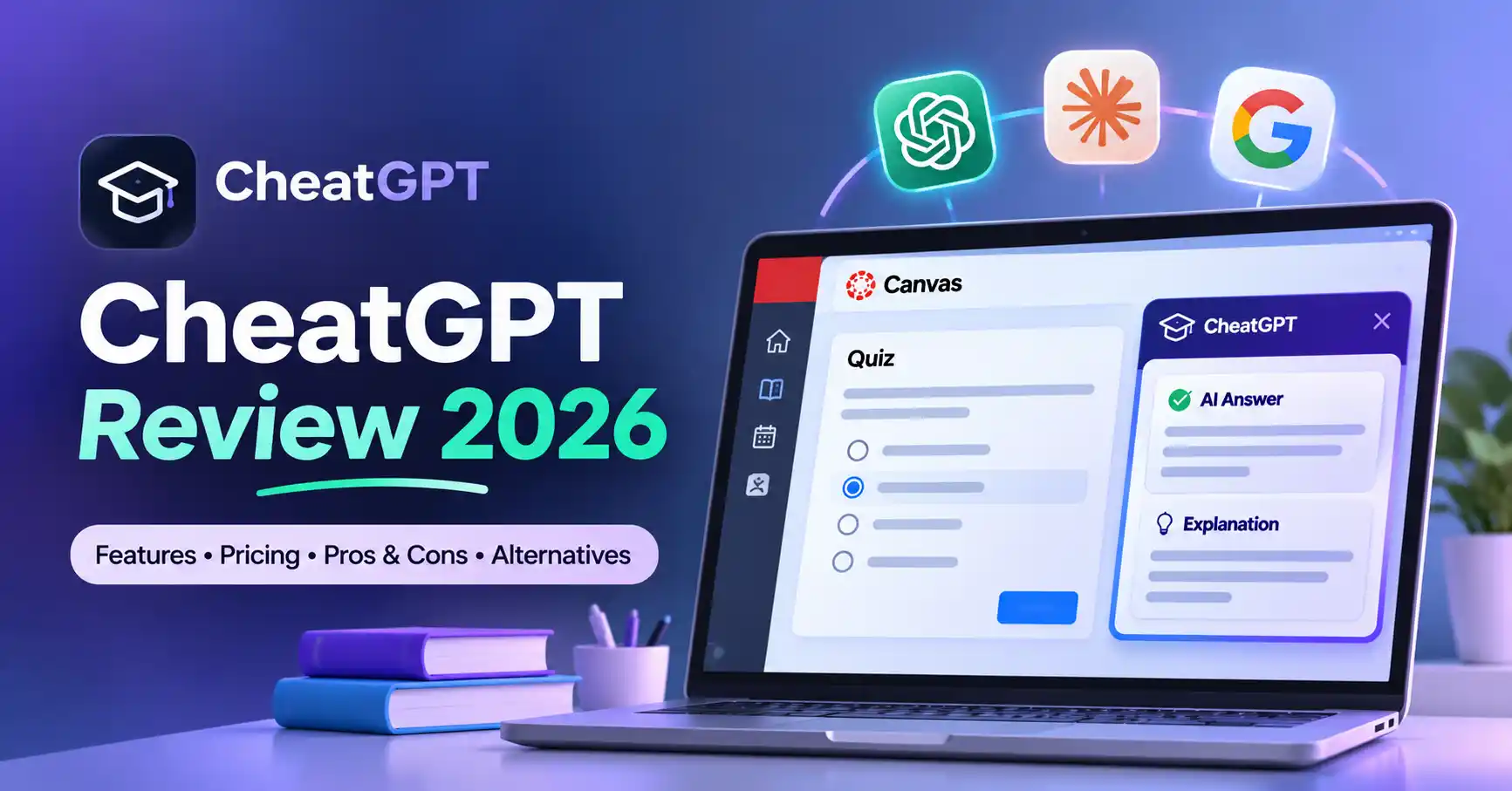
CheatGPT is a Chrome extension that brings AI assistance into Canvas quizzes and assignments. It combines access to multiple AI models with browser based features such as question assistance and answer saving. But is it a useful study companion, or does its focus on online assessments come with more risks than benefits?
This CheatGPT review explores its features, pricing, compatibility, privacy considerations, advantages, disadvantages, and alternatives. We'll also look at who can benefit from the tool and when a different AI study assistant might be a better choice.
This review focuses on CheatGPT.app, the Canvas focused Chrome extension, rather than other products with the same name.
What Is CheatGPT?
CheatGPT is an AI powered Chrome extension designed for students who use Canvas, a learning management system adopted by educational institutions.
Instead of switching between a quiz page and a separate AI chatbot, users can access CheatGPT's assistance features within their Canvas browsing experience.
The extension advertises AI generated answers, explanations, access to multiple AI models, and the ability to save responses for previously attempted questions.
Unlike general purpose AI assistants, CheatGPT focuses primarily on assessment assistance rather than broader learning or academic research. This distinction is worth considering when comparing it with other AI study tools.
CheatGPT Features
CheatGPT brings several AI powered capabilities together in a Chrome extension, making them accessible while working with supported Canvas pages.
1. AI Powered Question Assistance
CheatGPT can generate suggested responses for different question formats, including multiple choice, true/false, multiple answer, short answer, and numerical questions.
For example, a student working through a digital marketing practice quiz could use an AI generated explanation to understand why a particular answer is correct.
However, AI responses aren't always accurate. Students should check important information against their course materials rather than accepting every generated answer at face value.
Explore Allaipedia’s AI tools for students
2. Multiple AI Models
CheatGPT advertises access to ChatGPT, Claude, and Gemini through a single interface. Its Chrome Web Store listing also references additional AI capabilities.
Having multiple models available can help students compare explanations and explore difficult topics from different perspectives.
However, the specific model versions and their availability should be confirmed with the provider before purchasing a subscription.
3. Ghost Mode
Ghost Mode is one of CheatGPT's more prominently advertised features. According to the developer, it helps prevent certain browser activity signals, such as tab switching and changes in window focus, from being reported during Canvas quizzes.
These are developer claims, not independently verified guarantees. Users shouldn't assume that Ghost Mode makes AI assistance invisible or bypasses institutional monitoring and academic policies.
4. Answer Saving and Reuse
CheatGPT also advertises a feature that brings up previously saved answers when similar questions appear again.
This can help when reviewing repeated practice questions. However, an answer that worked for one question may not be appropriate for another, particularly when the wording or context changes.
5. Browser Integration
Because CheatGPT operates as a Chrome extension, users can access its advertised Canvas features without opening a separate application.
This makes it convenient for supported Canvas pages. However, users also depend on Chrome and the extension's compatibility with their particular Canvas setup.
How to Use CheatGPT
Getting started with CheatGPT involves a few steps:
Visit the CheatGPT website.
Install the extension from the Chrome Web Store.
Purchase a subscription.
Open the extension and enter the email address used during checkout.
Follow the activation link sent to your email.
Open a supported Canvas page to access the extension.
According to its support documentation, only one device can be active at a time. Activating the extension on another device replaces the previous active session.
CheatGPT Pricing and Plans
CheatGPT advertises two payment options: a monthly subscription and a lifetime plan.
Monthly Plan
$10/month
The advertised discounted price was previously listed at $15 per month.
The monthly plan includes:
AI assistance and supported model access.
Browser integration.
Monthly subscription access.
Cancellation through the account dashboard.
Lifetime Plan
$50 one time
The advertised discounted price was previously listed at $80.
It includes:
Features available in the monthly plan.
One time payment.
Advertised future updates.
Priority support.
These are the prices displayed on the official website at the time of research. Promotions may change, so check the official CheatGPT website before purchasing.
The official pricing page doesn't clearly document a free subscription tier. Also, uninstalling the Chrome extension doesn't cancel a recurring subscription. Users must cancel through their account dashboard. According to the provider, refunds are available within seven days of purchase.
Is CheatGPT Safe and Reliable?
Before installing a browser extension that interacts with an educational platform, it's worth understanding how it handles data and what its limitations are.
Privacy and Data Collection
The Chrome Web Store disclosure lists personally identifiable information, authentication information, and website content among the data categories handled by CheatGPT.
The developer states that data isn't sold outside approved use cases. However, users should read the CheatGPT Privacy Policy to understand what information may be shared with AI providers and how it is stored.
Avoid submitting passwords, sensitive personal details, or confidential academic information without first reviewing the data handling terms.
Canvas Compatibility
One important limitation is its support for different Canvas quiz formats.
According to the official support documentation, CheatGPT works with Classic Canvas quizzes and assignment pages, but Canvas New Quizzes isn't currently supported.
Students should check which quiz format their institution uses before paying for a subscription.
AI Accuracy and Academic Integrity
Like other AI assistants, CheatGPT can generate incorrect answers, misunderstand questions, or overlook important context. Its advertised accuracy claims haven't been independently established by the sources reviewed for this article.
There's also an academic integrity issue to consider. Using an unauthorized AI assistant during a graded assessment may violate an institution's rules. Ghost Mode shouldn't be treated as a guarantee against detection or disciplinary action.
For these reasons, it's better to view CheatGPT as a supplementary learning tool rather than a shortcut for completing restricted assessments.
CheatGPT Pros and Cons
Best CheatGPT Alternatives in 2026
CheatGPT won't suit every student. Depending on whether you need explanations, research assistance, flashcards, or practice quizzes, these alternatives may be more useful.
1. ChatGPT
Best for: General learning, explanations, writing assistance, and practice questions.
ChatGPT is a flexible AI assistant that can explain difficult concepts, help with writing, and generate practice questions. Its free plan provides limited access to certain tools and features.
Its Study Mode can also guide students through concepts instead of simply presenting answers, making it useful for learners who want to understand a subject.
2. NotebookLM
Best for: Studying PDFs, lecture notes, research papers, and other source materials.
Google's NotebookLM is particularly useful when students want answers based on their own documents. It can answer questions using uploaded sources, provide citations, and create study resources.
For learners working with lengthy course materials, it offers a more research oriented approach than a Canvas focused browser extension.
3. Quizlet
Best for: Memorization, flashcards, and exam preparation.
Quizlet helps students organize revision through flashcards, practice tests, AI generated study guides, and PDF summaries.
Some features are available for free, while advanced functionality requires a paid plan. It's a practical option for students who prefer structured revision and repeated practice.
4. Quizgecko
Best for: Turning notes, PDFs, and videos into quizzes and flashcards.
Quizgecko helps transform existing learning materials into structured revision resources. Students can use it to create quizzes and flashcards from their notes and other study content.
It offers a free plan alongside paid Plus and Ultra subscriptions, making it worth considering for learners who want to build their own practice materials.
For general explanations and guided learning, ChatGPT and NotebookLM are strong starting points. Quizlet works well for memorization, while Quizgecko is useful for creating practice materials.
You can also explore our guides to AI tools for academic research for more options.
Who Should Use CheatGPT?
CheatGPT may appeal to students who regularly use Canvas and want browser based AI assistance, provided their institution permits the intended use.
However, it's not necessarily the right option for everyone:
Canvas users: Check whether your institution uses Classic Canvas or New Quizzes before subscribing.
Students focused on learning: ChatGPT and NotebookLM are better suited to explanations and guided study.
Exam candidates: Quizlet and Quizgecko offer more structured revision methods.
Privacy conscious users: Review extension permissions and data policies before installing.
FAQ’s
1. Is CheatGPT free to use?
CheatGPT doesn't currently advertise a free subscription plan. Its official website lists a monthly subscription at $10 and a lifetime option at $50. These prices may change with promotional offers.
2. Does CheatGPT work with Canvas New Quizzes?
No. According to its official support documentation, CheatGPT currently supports Classic Canvas quizzes and assignments but doesn't support the newer Canvas New Quizzes format.
3. Is CheatGPT safe to install?
The extension publishes privacy disclosures, but it handles personal information, authentication information, and website content. Review its permissions and privacy policy before installing it.
4. What are the best CheatGPT alternatives?
ChatGPT, NotebookLM, Quizlet, and Quizgecko are useful alternatives. The right choice depends on whether you need AI explanations, research assistance, flashcards, or practice quizzes.
Conclusion
CheatGPT brings several useful features together for Canvas users, including AI powered question assistance, multiple model options, browser integration, and answer saving.
However, its paid subscription, limited Canvas compatibility, single device activation, and privacy considerations are worth weighing before purchasing. Its Ghost Mode claims also shouldn't be mistaken for guarantees of undetectability.
Our recommendation: Consider CheatGPT if you specifically need its Canvas integration and your institution permits its intended use. If your main goal is understanding difficult subjects, preparing for examinations, or organizing study materials, ChatGPT, NotebookLM, Quizlet, and Quizgecko are more learning focused alternatives.
The right AI study tool should help you understand the material and build knowledge, not just generate answers.