Best AI Tools for Academic Research: Features, Free Plans and Use Cases
Published October 13, 2026
Choosing the right AI research tool starts with understanding what you need it to do. Some tools help you find relevant academic papers, while others make literature reviews easier, explain complex studies, map citation networks, or analyze research documents.
For students, academics, and independent researchers, finding information is only part of the job. The real challenge is identifying credible sources, comparing evidence, and drawing sound conclusions without losing sight of the original research.
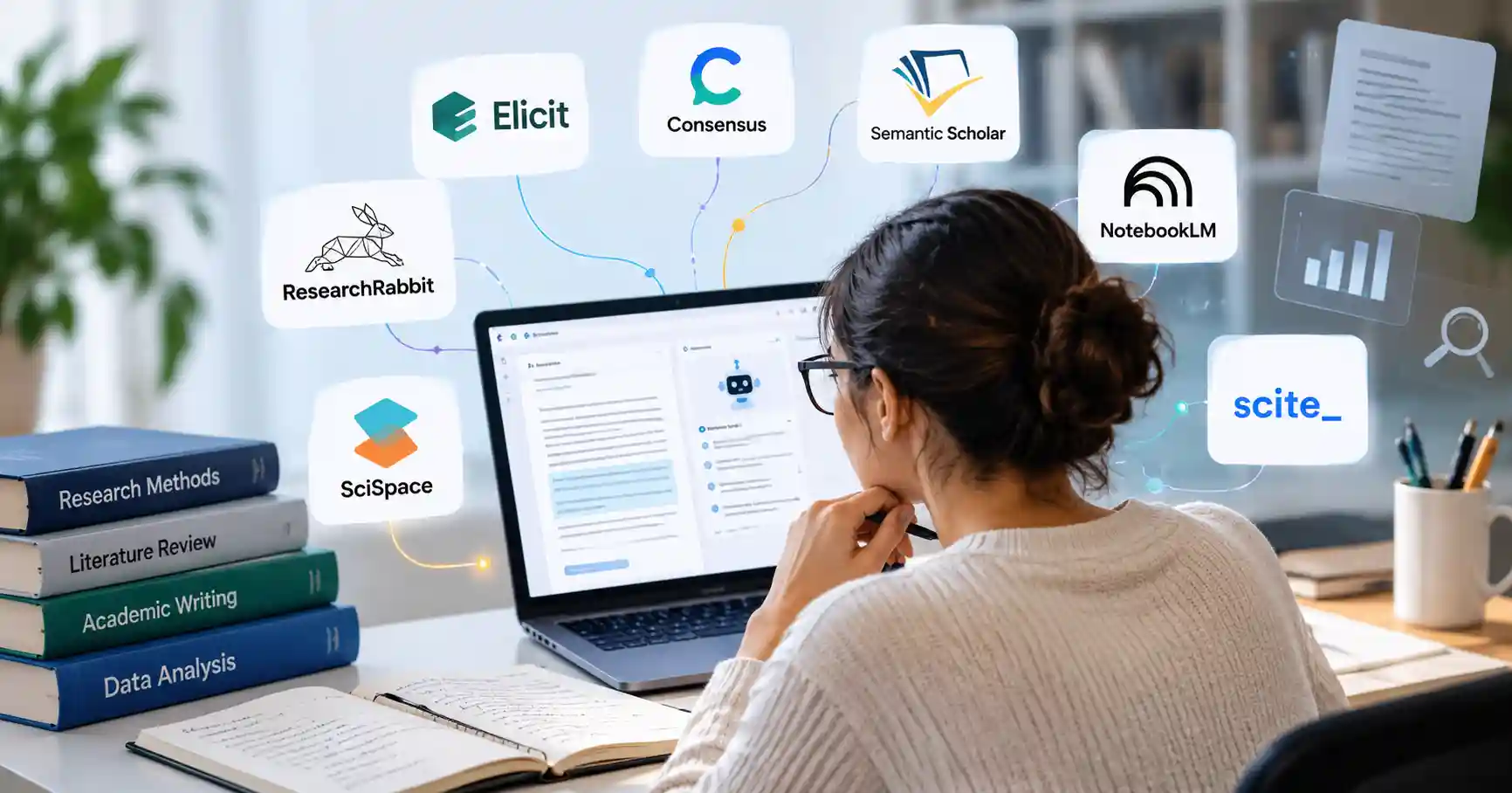
This guide compares seven AI tools for academic research, covering their key features, practical applications, free plan limitations, and potential drawbacks. It also explains how to combine them into a research workflow that saves time without compromising accuracy.
What Are AI Tools for Academic Research?
AI tools for academic research help users discover, understand, organize, and analyze scholarly information. Depending on the product, they can search academic literature, summarize papers, extract findings, explore citations, or answer questions about uploaded documents.
Each tool serves a different purpose. Academic search engines help locate studies, while research assistants can help compare findings across multiple papers. Traditional academic databases remain essential, as AI generated summaries cannot replace original publications or careful source evaluation.
For example, a postgraduate student researching renewable energy could use Semantic Scholar to find relevant studies, Elicit to organize evidence, and NotebookLM to investigate a collection of research papers.
The same approach can work for market research. A digital marketer studying consumer behavior could use these tools to explore published findings, provided the sources are relevant and the conclusions are independently verified.
Best AI Tools for Academic Research Compared
The right AI research assistant depends on the task at hand. The following seven tools cover different stages of academic research, from discovering relevant papers to examining how other researchers cite them.
1. Elicit : Best for Literature Reviews
Pricing: Free Basic plan paid plans available.
Elicit focuses on research workflows involving scientific papers. It helps users search the literature, summarize studies, ask questions about available full texts, and extract information into structured tables.
Its main advantage is the ability to compare several studies systematically rather than reading each one in isolation. For instance, someone researching remote work could organize papers by methodology, sample, reported outcomes, and limitations.
Elicit's Basic plan includes unlimited searches across more than 138 million papers, unlimited summaries, and paper chat when full text access is available. Research Agent and Research Reports have usage limits.
Best for: Researchers conducting literature reviews or comparing findings across multiple studies.
Limitation: Search results and extracted details still need verification. Full text availability and access to advanced features depend on the source and subscription plan.
Explore Elicit.
2. Consensus : Best for Evidence Based Questions
Pricing: Free tier Pro and other paid options available.
Consensus helps users investigate research questions using scientific literature. Rather than relying exclusively on general web pages, researchers can explore published studies and examine the evidence behind the results.
Suppose you want to understand whether regular exercise is associated with better sleep quality. Consensus can help locate relevant studies and provide a starting point for examining their findings. However, its answers shouldn't replace a systematic review or professional interpretation.
The published Free tier includes unlimited paper searches, 10 Pro messages, three Deep Reviews, and 10 Study Snapshots per month.
Best for: Students, researchers, and professionals looking for scientific evidence to investigate a specific question.
Limitation: Research backed answers aren't necessarily conclusive. Study quality, population, methodology, and conflicting findings all matter when interpreting the evidence.
Explore Consensus.
3. Semantic Scholar : Best Free Tool for Finding Papers
Pricing: Free.
Semantic Scholar is a useful starting point for discovering academic papers without paying for a research subscription. It offers literature search, short paper summaries called TLDRs, citation information, and tools for organizing papers in a personal library.
Researchers can filter results using criteria such as publication date, author, journal, and conference. Research Feeds can also recommend papers related to saved interests.
For example, a computer science student researching retrieval augmented generation could start with a foundational paper, examine its references, and identify newer studies that cite it.
Best for: Students, independent researchers, and anyone beginning a literature search.
Limitation: Short summaries are useful for screening papers, but they don't replace reading the methodology, results, and limitations of important studies.
Visit the official Semantic Scholar website.
4. ResearchRabbit : Best for Discovering Related Studies
Pricing: Free plan ResearchRabbit+ is paid.
ResearchRabbit helps researchers explore relationships between academic papers through citation networks and visual maps. Start with a few relevant publications, then follow connections to discover related work.
This is particularly useful when keyword searches stop producing new leads. Someone investigating the effects of remote learning, for instance, could begin with several relevant studies and use their connections to expand the reading list.
The free tier offers unlimited searches and collections, collaboration features, and support for up to 50 seed articles. The paid plan increases the seed article limit and adds advanced search and organization features.
Best for: Literature reviews, interdisciplinary research, and discovering studies that conventional keyword searches might miss.
Limitation: Citation connections don't establish research quality or agreement. Influential older papers can dominate a citation map, so combine this approach with searches for recent publications.
For another literature mapping option, explore Allaipedia's Litmaps tool listing. You can also visit the official ResearchRabbit website.
5. SciSpace : Best for Understanding Complex Papers
Pricing: Free access with usage limits paid plans available.
SciSpace combines research discovery with paper analysis features, including literature reviews and chat with PDFs. It can help readers understand unfamiliar terminology, follow a paper's arguments, and navigate technical material.
For example, someone reading a machine learning paper could ask for an explanation of a mathematical concept before checking the original equation and its surrounding discussion.
SciSpace offers a free tier with limited credits for certain AI functions. Paid plans provide expanded usage and additional research capabilities, with allowances depending on the subscription.
Best for: Students and researchers who regularly work with technical or difficult to understand papers.
Limitation: AI explanations can miss nuance or misinterpret technical details. Verify equations, experimental conditions, tables, and definitions against the original publication.
Explore SciSpace.
6. NotebookLM : Best for Analyzing Your Own Sources
Pricing: Free access higher usage options may be available through eligible Google plans.
NotebookLM is particularly useful when you already have a collection of papers, reports, notes, or other research documents. Add supported sources to a notebook and ask questions about their contents. Responses can include citations that point back to relevant passages in those sources.
Imagine collecting 15 papers about AI in education. You could ask NotebookLM to compare the benefits reported across the studies, identify recurring concerns, and show which sources support particular conclusions.
Best for: Researchers who need to synthesize selected documents, prepare research notes, or compare information across sources.
Limitation: Its answers depend on the documents you provide. If your collection overlooks important studies, NotebookLM won't automatically make it comprehensive. Check current usage limits and privacy terms before uploading sensitive or unpublished research.
Visit NotebookLM.
7. Scite : Best for Checking Citation Context
Pricing: Limited free access full platform plans are paid.
Scite helps researchers understand how published studies are cited by later papers. Its Smart Citations feature classifies citation contexts to indicate whether other studies support, contrast with, or merely mention a publication.
This can be valuable when evaluating an influential study. Instead of looking only at its citation count, you can investigate whether later research supports its findings or reports conflicting evidence.
Scite's published pricing information distinguishes limited free access from paid plans offering broader search, Assistant, citation reports, and other capabilities.
Best for: Researchers evaluating established findings, examining citation context, and investigating disagreements in the literature.
Limitation: Citation classifications are useful signals, not definitive judgments about whether a study is correct. Read the citing papers before drawing conclusions.
Explore Scite.
AI Research Tools Comparison Table
Free plan features and limits can change. Check each provider's official pricing page before deciding whether to pay for a subscription.
How to Choose the Right AI Research Tool
Your research objective should guide your choice. Paying for several overlapping subscriptions may not be worthwhile when one or two tools can handle the tasks you perform most often.
For literature reviews: Start with Elicit for structured evidence extraction, then use ResearchRabbit to discover related studies.
For evidence based questions: Use Consensus to explore scientific findings, then examine the original papers.
For free academic search: Begin with Semantic Scholar before considering paid research assistants.
For understanding PDFs: Choose SciSpace for paper level explanations or NotebookLM for analysis across your own document collection.
For citation analysis: Use Scite to investigate how later studies discuss a particular publication.
How to Use AI Tools in a Research Workflow
A practical workflow can help you combine these tools without relying too heavily on any single one.
Define the research question. Specify your topic, population, timeframe, and the type of evidence you need.
Find relevant papers. Search Semantic Scholar and use citation discovery to expand your results.
Screen the literature. Use Elicit to organize relevant studies and extract comparable details.
Synthesize the evidence. Use NotebookLM to compare selected sources or SciSpace to investigate difficult passages.
Verify the findings. Read important papers in full, check citations, and record contradictory results before writing.
Benefits and Limitations of AI Research Tools
AI research assistants can reduce repetitive searching, organize large reading lists, and make technical material easier to understand. Their value lies in supporting research, not replacing critical judgment.
These tools can miss relevant studies, misinterpret research methods, or produce summaries that omit important qualifications. Search coverage varies, and some publications may be inaccessible because of publisher restrictions.
For academic work, verify quotations, references, sample sizes, and reported results against original sources. Follow your institution's AI use policy, and review each provider's data handling terms before uploading confidential or unpublished research.
FAQ’s
What is the best AI tool for academic research?
The best choice depends on your task. Elicit is a strong option for structured literature reviews, Semantic Scholar for free paper discovery, and ResearchRabbit for exploring connections between studies.
Which AI research tools are free?
Semantic Scholar is free. ResearchRabbit offers a free tier, while Elicit, Consensus, SciSpace, NotebookLM, and Scite provide free access with varying feature or usage limits.
Can AI conduct a literature review?
AI can assist with searching, screening, summarizing, and extracting information. However, a rigorous systematic review still requires a documented methodology, reproducible searches, explicit eligibility criteria, and human verification.
Are AI generated citations reliable?
Not automatically. Check that every cited paper exists, supports the relevant claim, and is represented accurately. Whenever possible, consult the original publication rather than relying solely on an AI generated reference.
Conclusion
The best AI tools for academic research depend on where you need support. Start with Semantic Scholar to discover papers, use Elicit to organize evidence, and turn to ResearchRabbit when you need to explore connections between studies. NotebookLM, SciSpace, and Scite can help with more specialized reading and analysis tasks.
Begin with free plans, test the tools against a real research question, and upgrade only when a specific limitation justifies the cost. Throughout the process, keep the original studies at the center of your research.