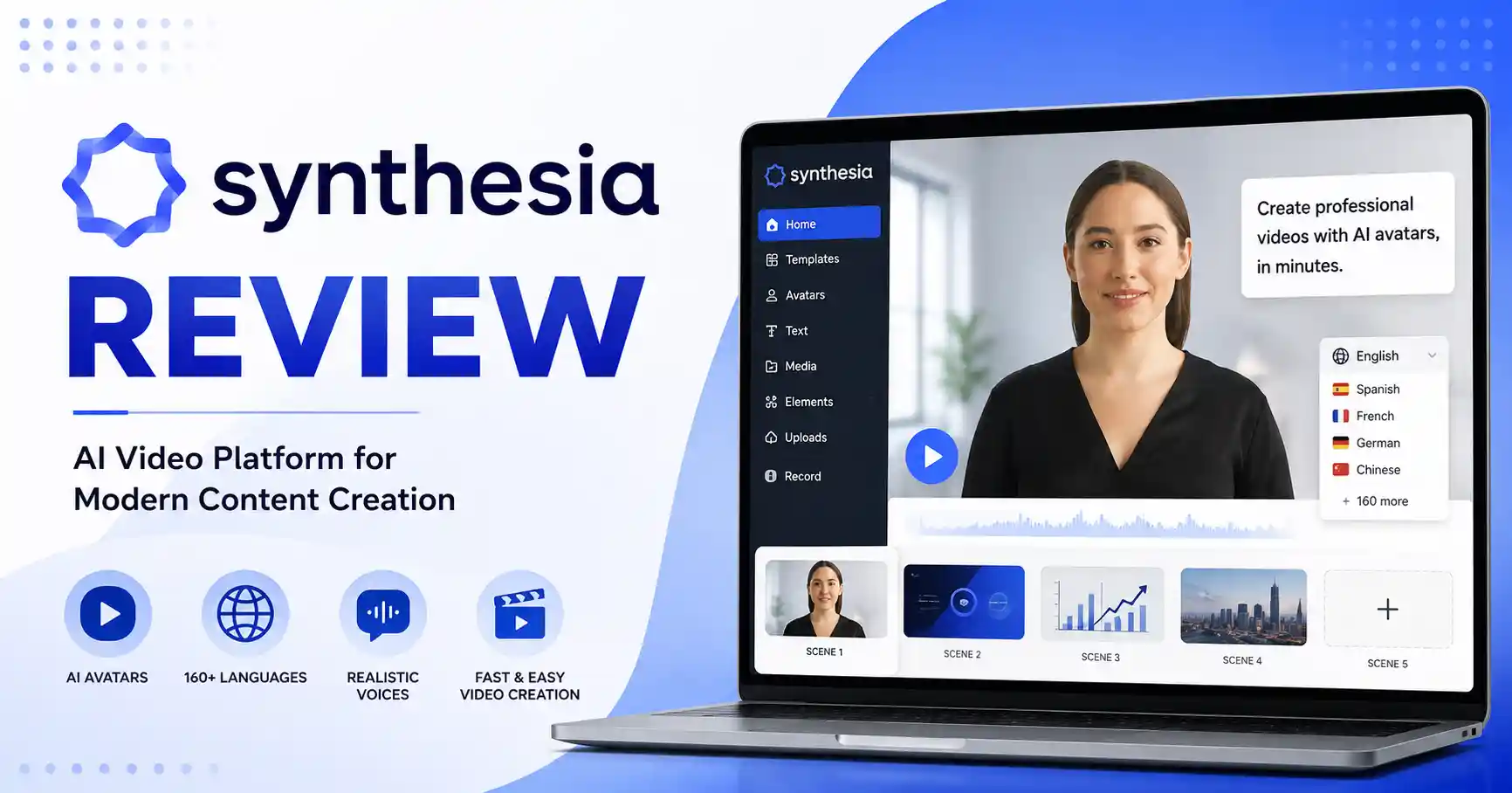
Synthesia Review: Features, Pricing, Pros, Cons, and How It Works
Published September 2, 2026
Synthesia Review is meant for people who are trying to figure out if AI video can handle some of the work in a normal video production process. Making videos the usual way often means more steps. You need a script. You need a camera setup. You need a presenter or actors. You may also need voiceovers. Then comes editing and several rounds of revisions.
With Synthesia, many of those steps are moved into one browser based tool. It uses AI avatars and AI voices. It also offers templates. There are translation features too.
In this review, I focus on what Synthesia can do. You will also see how someone can make a video in it. After that, the key strengths and limits are covered. Pricing is included as well. Finally, you can decide if it makes sense for professional video production.
Table of Contents
What is Synthesia Review
Why Synthesia Review is Important
Step by Step Guide
Best Practices and Tips
Common Mistakes
Synthesia Pricing and Comparison
Tools
FAQs
Conclusion
What is Synthesia Review
Synthesia is a tool that makes AI video from your own material. You can use scripts, documents, slides, links, and even rough ideas.
Rather than filming yourself, you pick an AI avatar and a voice. Then you paste in your text. After that, you adjust the look of the scenes. When everything is set, the video is generated for you.
As of now, it offers over 160 languages and many voice choices. The avatar options can run into the hundreds too, but the exact number depends on the plan you choose.
Say a software firm has to make a five minute onboarding video for new hires. Usually, they would book a person to present, set up the camera, record the session, record the voice, and then handle the edit work. With Synthesia, the team can write the script, pick an avatar, add the company look, and end up with the training video without filming a presenter.
If you want other video and content options, check the AI tools directory. Use it while you compare platforms and figure out what each setup can do for your needs.
Why Synthesia Review is Important
Synthesia is particularly useful when video needs to be created repeatedly or localized for different audiences.
Faster video production without traditional filming
These AI avatars can deliver training, marketing, and educational stuff, Videos, translated into tons of languages, mean no reshooting.
Teams can collaborate on video projects from one workspace
Existing documents and presentations can be converted into video content
Synthesia's a game changer. Use it for onboarding, demos, sales, education, or news, Honestly, the possibilities feel pretty endless.
Step by Step Guide
Step 1: Create Your Script
Start with a clear script.You can make your own script. Or you can use Synthesia’s built in AI tools to draft one for you. Start with an idea, a document, a slide deck, or even a link.
If you write “Explain our product,” that stays too general. Instead, say who the viewers are. Also note what good points the product has. Include the length you want for the video, too.
Step 2: Choose an AI Avatar and Voice
Select an avatar that fits the purpose of your video. A professional looking presenter may work well for corporate training, while a more approachable avatar may be better for customer education.
Synthesia provides a large selection of stock avatars and supports personal avatars on eligible paid plans. You can make personal avatars that stand in for one person. This can cut down on how many times you need to film the same thing over and over.
Step 3: Build and Customize the Scenes
Split your script into clear scenes. Give each part a simple heading.Add visual stuff where it fits. Think of images, screen captures, small animations, and other graphics.
This is also the place to keep your brand look. Stick to the same fonts. Use your logo in the same spots. Keep layouts and colors consistent. That way the video feels like it belongs with your other content.
Step 4: Generate and Review the Video
Make the AI video and double check it before you post it. Watch how words are said, not just what they say. Listen for the timing. Look at the avatar and see if the hands and face match the words. Check the cuts between scenes and make sure they do not feel jarring. Confirm the captions line up with the spoken line and are easy to read. Also make sure the visuals match what you say.
If any part looks odd or sounds off, do not rerun the same version. Go back and fix the script. Then generate again.
Step 5: Translate, Share, or Export
After the main version gets approved, you can make versions in other languages for different groups. Synthesia lets you create multilingual videos and also translate them. This can help when a business serves customers or staff in other countries.
The next step depends on your plan. You might be able to download the videos, send them to others, or embed them on a site. Some plans also include extra tools for sharing and working together.
Best Practices and Tips
Focus each scene on a single concept. Don't dump a whole paragraph onto the screen at once.
Write scripts that sound like people talking, AI presenters do better with natural language.
Pick an avatar that fits your audience and brand, Don't just grab the one that looks the most real.
When explaining tricky ideas, use pictures. Don't just have the avatar talking the whole time.
Make sure you can say all the technical words and names right. It's important.
Build a solid main video first. Then, you can translate it into other languages.
Keep the branding the same everywhere: avatars, colors, fonts, backgrounds, and graphics.
Synthesia is more than just text to video. It offers AI voiceovers, voice cloning, and dubbing. And, get this, you can collaborate, track analytics, and maintain brand consistency.
Common Mistakes
1. Using AI Avatars for Everything
An avatar should support the message rather than become the entire video. When they help people understand, use screen recordings, visuals, live demos, and B roll.
2. Writing Long and Complicated Scripts
Long sentences can make the narration sound a bit off. If you break it up, it usually becomes easier to follow. In most presenter videos, shorter sentences tend to work better.
3. Skipping the Review Process
Do not treat the first draft as ready for posting. Check how words sound, the timing, the on screen visuals, the captions, and the facts.
4. Ignoring Brand Consistency
Even a strong AI video can look off if the avatar, colors, fonts, and overall look do not fit your brand. When those parts feel mismatched, it reads as careless. That can happen even if the video itself is well made.
5. Choosing a Plan Without Estimating Usage
Before you subscribe, figure out how many minutes of video your team will realistically make in a month.This helps prevent paying for capacity you do not need.
Synthesia Pricing and Comparison
Synthesia has four plans: Basic, Starter, Creator, and Enterprise. Basic costs nothing. Starter shows $29 per month if you pay monthly. Creator is $89 per month. Enterprise pricing is not fixed and is set case by case. As you move up, you get more minutes, more avatar options, more ways to work with others, and more advanced tools.
The price change is about more than extra video time. You also get advanced tools for working together, plus avatar options. There is branding support too. On top of that, enterprise features come with the higher tier.
If you want the newest prices, look at the official Synthesia pricing page first. Plans and usage limits can shift after you buy, so double check before you pay.
Tools
Synthesia works particularly well alongside other tools in a modern content workflow.
AI writing tools can help develop and refine video scripts before production.
Screen recording software can capture product demonstrations that you can combine with avatar narration.
Graphic design tools can create branded visual assets for your scenes.
Analytics platforms can help measure how audiences interact with published videos.
AI tools directories can help you compare Synthesia with alternative video creation platforms based on your specific workflow.
FAQ’s
Is Synthesia worth it?
Synthesia might pay off for groups that make training videos a lot. It can also help with new hire onboarding clips. Teams may use it for marketing videos too. Sales teams can benefit as well. It is also useful for internal updates and announcements. Its value increases when the same content needs frequent updates or multiple language versions.
Is Synthesia free?
Yes. Synthesia offers a Basic plan at no cost. With it, you can try the tool and make videos for up to 10 minutes each month. Free videos have limitations compared with paid plans.
Does Synthesia support multiple languages?
Yes. Synthesia supports more than 160 languages and voices, with translation and dubbing capabilities available depending on the plan.
Can I create my own AI avatar?
Yes. Personal avatars are available on paid plans, with the number available depending on the subscription. Synthesia requires consent when creating a personal avatar.
Who should use Synthesia?
Synthesia works well for companies and marketing groups. It also fits training teams. Educators can use it too. Content teams may like it as well. The goal is presenter led videos that look polished. You do not need the usual filming setup.
Conclusion
Want pro level AI videos without cameras, presenters, or studio time? Synthesia is a solid bet for organizations. Skip the reshoots. Its biggest strengths are AI avatars, multilingual video production, script to video workflows, collaboration, and business focused features.
It's not about ditching video editors wholesale. It's about streamlining the creation of presenter led and business videos, making it significantly more efficient. If your team frequently churns out training, onboarding, product demos, sales pitches, or internal communications, Synthesia warrants consideration.
The sensible approach? Try their free plan first, Create a short video and compare the effort against your typical production workflow. Then, you'll know if the time savings justify a paid subscription.