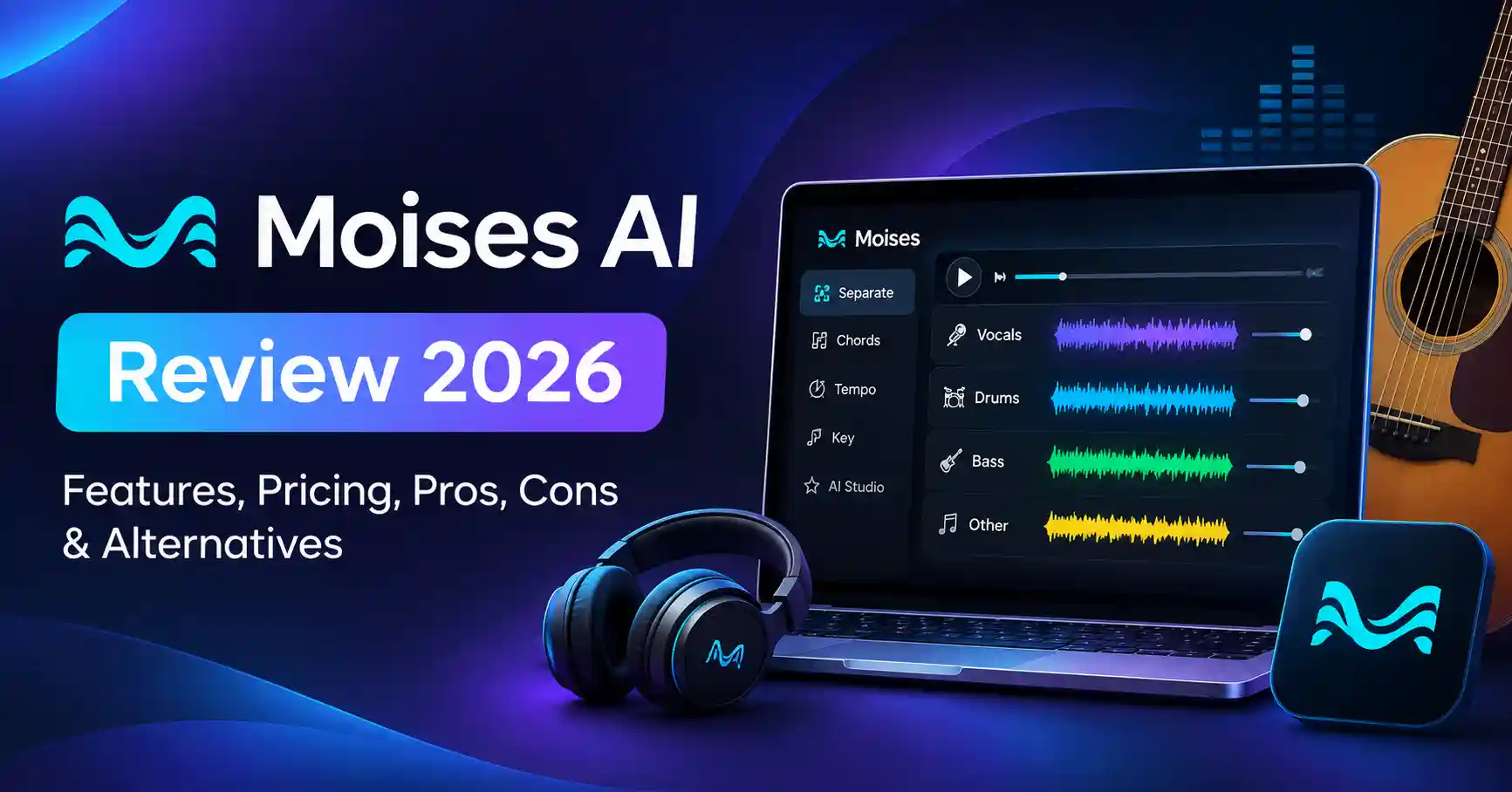
Moises AI Review 2026: Features, Pricing, Pros, Cons & Alternatives
Published November 12, 2026
Learning a song by ear can take hours. Finding a clean instrumental track, identifying chords, or practicing a challenging guitar solo isn't always easy, either.
Moises AI helps simplify these tasks with artificial intelligence. It can separate vocals and instruments, detect chords, adjust tempo, and make practicing songs more convenient. The platform also includes music production features for creators who want to experiment with recordings or develop original musical ideas.
But is Moises AI worth using? And does the free plan offer enough functionality?
This Moises AI review covers its features, pricing plans, practical applications, limitations, and alternatives to help you determine whether it fits your workflow.
What Is Moises AI?
Moises AI is an AI powered music application designed for musicians, singers, music learners, and producers. It combines audio separation technology with tools for practicing, performing, and creating music.
Instead of searching for separate instrument recordings, you can upload a song and use AI to isolate different parts of the mix.
Moises is particularly useful for:
Guitarists and bassists learning songs.
Singers practicing with instrumental backing tracks.
Drummers studying rhythms and individual parts.
Music teachers preparing practice materials.
Producers extracting stems for remixing.
Content creators working with music recordings.
The application is available across web, desktop, and mobile platforms, with additional options for integrating it into supported music production workflows.
Moises AI Features
Moises offers considerably more than a basic vocal remover. Its features support different stages of music practice and production.
AI Vocal Remover and Stem Separation
AI stem separation is one of Moises' core features.
You can isolate vocals, drums, bass, and other instruments from a mixed recording. Depending on your subscription and the selected separation model, additional instrument splits may also be available.
For instance, a guitarist learning a solo can mute the original guitar while keeping the backing track. Similarly, singers can remove lead vocals and practice with an instrumental version of their favorite songs.
The results aren't always flawless. Complex recordings may contain residual vocals, instrument bleed, or processing artifacts. Separation quality depends on the original mix and the model used.
Chord Detection and Key Identification
Moises can detect chords, musical key, and tempo, which can be particularly helpful when learning songs without sheet music.
You can follow chord progressions, identify the song's key, and transpose it to match your instrument or vocal range.
Chord detection provides a useful starting point, but it's worth checking complicated arrangements and unusual chord voicings manually.
AI Pitch and Tempo Changer
The pitch changer allows you to transpose a song into another key without manually modifying the recording.
Its speed controls let you slow down music while preserving the original pitch, making challenging passages easier to practice.
For example, if a guitar solo feels too fast, you can slow the track down, practice the notes, and gradually increase the tempo as your playing improves.
Lyrics, Smart Metronome, and Practice Tools
Moises also includes several features that support regular practice and rehearsals:
Lyrics and chord display.
Smart Metronome.
Song section identification.
Looping selected sections.
Setlists for organizing songs.
Audio and video recording.
These tools are useful for musicians preparing for performances, teachers creating lessons, and anyone working through a song repeatedly.
AI Studio and Music Production
Moises AI Studio expands the platform beyond practicing existing recordings.
Its official documentation describes features such as AI stem generation, stem separation, voice conversion, automatic mixing and mastering, and browser based audio editing.
Musicians can generate instrument parts, explore different arrangements, and edit selected sections of a track. These capabilities can help when developing demos or experimenting with new musical ideas.
AI generated parts still require review. Timing, musicality, and how well each part fits the arrangement can make a significant difference to the final result.
How to Use Moises AI
Getting started with Moises is straightforward.
Step 1: Upload a Song
Visit the official Moises website or open its mobile application.
Upload an audio recording you have permission to process.
Step 2: Separate Vocals and Instruments
Select the available stem separation option.
Depending on your subscription, you can isolate vocals, drums, bass, and additional instruments.
Step 3: Adjust Tempo, Pitch, and Chords
Use the pitch changer, speed controls, and chord detection to customize your practice session.
Step 4: Practice or Export
Mute the instrument you're learning, loop challenging sections, and play along with the remaining backing track.
You can also export supported audio stems when your subscription and selected workflow allow it.
Moises AI Pricing: Free vs Premium vs Pro
Moises follows a freemium subscription model, with three primary plans described in its official app listings.
Source: Official Moises App Store and Google Play descriptions. Features may vary by platform and subscription.
Is Moises AI Free?
Yes. Moises offers a free plan with access to selected separation and music practice features.
However, free access comes with restrictions. Upload allowances and available functionality are limited, so it isn't equivalent to an unlimited subscription.
How Much Does Moises Premium Cost?
Moises provides subscription pricing through its pricing and account interfaces. The exact amount can vary depending on your region, billing period, and platform.
To avoid relying on outdated third party prices, check the current subscription amount through the official Moises website or your app store before purchasing.
Which Plan Should You Choose?
Free: A good starting point for occasional vocal removal or basic music practice.
Premium: Worth considering if you regularly separate instruments or use Moises for rehearsals.
Pro: More suitable when advanced separation, professional stem workflows, or DAW integration justify the additional cost.
Moises AI Pros and Cons
Moises' biggest advantage is convenience. It brings several music related workflows together instead of requiring separate applications for every task.
Its main limitation is the technology itself. AI separation cannot perfectly recreate the original studio recording's individual tracks.
Best Moises AI Alternatives
Moises isn't necessarily the right choice for every audio workflow. Depending on your requirements, these four alternatives are worth considering.
1. LALAL.AI : Advanced Stem Separation
LALAL.AI focuses on extracting vocals and instruments from audio recordings.
It's worth considering if your main requirement is stem separation rather than a complete music practice application.
Best for: Producers, remix creators, and audio editors.
Limitation: Full processing and export access depend on its current paid packages.
2. Ultimate Vocal Remover : Free Local Processing
Ultimate Vocal Remover is an open source desktop application designed for AI audio separation.
Unlike cloud first services, it can process audio locally using supported models.
Best for: Users looking for a free desktop workflow and greater control over separation models.
Limitation: Installation, model selection, and processing can be more complicated for beginners.
3. BandLab Splitter : Browser Based Separation
BandLab Splitter provides a convenient way to separate music into stems through BandLab's online ecosystem.
It's useful for creators who want to extract individual parts without setting up a complicated production environment.
Best for: Beginners and creators already using BandLab.
Limitation: It doesn't offer the same dedicated music practice workflow as Moises.
4. Fadr : Remixing and Music Production
Fadr combines AI powered stem separation with remixing and music creation features.
It's particularly relevant when your goal is to rearrange music or create new versions rather than simply practice an instrument.
Best for: Remix artists, electronic music creators, and producers.
Limitation: Its workflow focuses more on remixing than structured instrument practice.
Moises AI vs Alternatives: Which Should You Choose?
The right tool depends on how you intend to use it.
If you're learning songs, practicing vocals, or playing along with individual instruments, Moises is a practical starting point.
For dedicated stem extraction, compare LALAL.AI and Ultimate Vocal Remover.
If remixing and rearranging music are your priorities, Fadr is worth exploring.
Is Moises AI Worth It?
Moises AI is worth considering if you regularly practice music, teach instruments, or work with audio recordings.
Its value comes from combining stem separation, chord detection, tempo adjustment, and practice tools rather than focusing on a single AI feature.
Occasional users may find the free plan sufficient. Producers who need clean, editable studio tracks should remember that AI separated stems aren't identical to original multitrack recordings.
You can also explore the Moises AI listing on Allaipedia for more information.
FAQ’s
Is Moises AI free to use?
Yes. Moises offers a free plan with selected stem separation and music practice features. Upload limits and advanced functionality are restricted.
Can Moises AI remove vocals from any song?
Moises can process many mixed recordings, but the results vary. Some songs may retain vocal artifacts or instrument bleed.
Does Moises AI work on PC?
Yes. Moises supports web and desktop applications for Windows and macOS, along with mobile applications for iOS and Android.
Can I use Moises separated music commercially?
Not automatically. Separating a recording doesn't grant you rights to its composition or original recording. Commercial use, redistribution, and publication require appropriate permissions or licenses.
Conclusion
Moises AI is more than a vocal remover. It's a practical music toolkit that helps musicians learn songs, isolate instruments, understand chord progressions, and experiment with arrangements.
Beginners can start with the free plan, while regular musicians may find Premium more useful. Producers can evaluate Pro and AI Studio features based on their actual production requirements.
Ultimately, Moises' biggest advantage is convenience. It brings multiple music practice and audio workflows together in one application, reducing the need to switch between different tools.
You can also explore more AI tools in the Allaipedia directory .