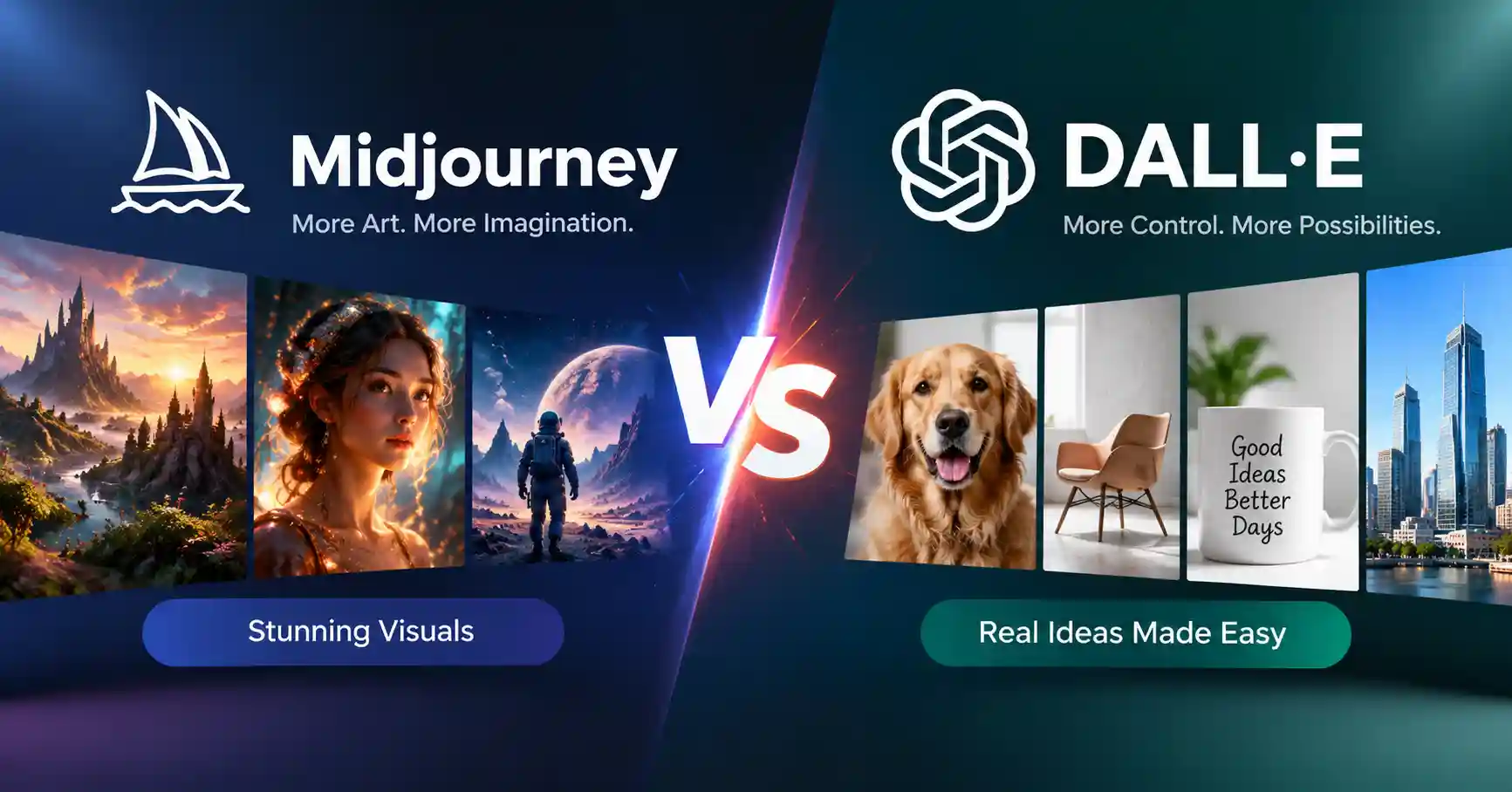
Midjourney vs DALL E Which AI Image Generator Is Better in 2026
Published September 5, 2026
Marketers, designers, and business owners constantly debate whether to use Midjourney or DALL E when choosing an AI image generator. Both platforms have evolved dramatically. Picking the right one now depends entirely on your specific workflow and creative goals, rather than raw pixel quality alone. This guide covers strengths, weaknesses, pricing, and practical use cases. You will quickly discover which system actually fits your branding, social media, product visuals, and everyday professional design needs best.
Table of Contents
What is Midjourney vs DALL E
Why Midjourney vs DALL E is Important
Midjourney vs DALL E Comparison
Step by Step Guide
Best Practices and Tips
Common Mistakes
Tools
FAQs
Conclusion
What is Midjourney vs DALL E
Two services, Midjourney and DALL E, handle AI image work in different ways. Midjourney often makes images that look very stylized and polished. It also lets you steer the style and outcome more closely. The V8.2 version today is aimed at nicer visuals, better image quality, and stronger personalization. The goal is to get more creative results.
Midjourney also includes editing features such as inpainting, remixing, pan, and zoom out. DALL E is OpenAI's image generation technology, but there is an important update for anyone researching this comparison today. OpenAI has retired the official DALL E GPT inside ChatGPT and now directs users toward ChatGPT Images for image creation and editing.
For example, imagine you need a dramatic futuristic city for a technology campaign. Midjourney may be the stronger choice when visual style and artistic impact are the priority. If you want to describe an image conversationally and then make several precise changes, the current ChatGPT Images workflow is more convenient.
Why Midjourney vs DALL E is Important
Selecting your preferred AI image generator shapes far more than just pixels it alters your pace, secures steady aesthetics, and permanently alters how you create..
• Different creative styles can produce very different results from the same prompt.
• Editing capabilities matter when an image needs several revisions.
• Pricing becomes important for marketers generating large numbers of assets.
• Text rendering and instruction following can affect advertisements, thumbnails, and graphics.
• Commercial workflows require you to understand each platform's usage terms.
Midjourney states that subscribers own the images and videos they create, subject to its terms and specific business requirements.
Midjourney vs DALL E Comparison
The following table compares the practical differences that matter most when selecting an AI image generator.
Midjourney has the pure aesthetic swagger. But for messy, hands on revisions, OpenAI's setup wins, A clear choice.
Step by Step Guide
Step 1 Define the type of image you need
Begin by stating the purpose, not the request. What's the core business aim, then, determine the image style. A tech publication? They're likely after a sleek, futuristic illustration, but an e commerce site, they probably want a crisp, clean product shot, don't they?
Step 2 Decide whether style or instruction following matters more
If the main requirement is a distinctive artistic look, Midjourney should be one of your first options. Its current V8.2 release emphasizes aesthetics, quality, and personalization.
If you need to explain an image in natural language and repeatedly adjust individual elements, the current ChatGPT Images workflow can be more practical. OpenAI describes the system as supporting image generation, variations, composition changes, and editing through natural language.
Step 3 Build a specific prompt
Avoid prompts such as "make a good technology image." Give the model useful context.
Picture a sleek, modern laptop, positioned just so on a deep, gleaming wooden desk. Soft studio light plays across its surfaces, bringing out every subtle texture. It’s a wide shot, perfect for a blog’s hero image. When the goal, the subject, the arrangement, and the overall vibe are obvious, judging the outcome is easy.
Step 4 Generate multiple variations
Do not judge an image generator from one output. Create several variations and compare composition, subject accuracy, lighting, typography, and overall usefulness.
For campaign work, save the strongest prompt and settings so your team can reproduce a similar visual direction later.
Step 5 Test the image in the real workflow
An attractive image is not automatically a useful business asset. Place the generated image into the actual blog header, advertisement, landing page, presentation, or social post.
Check whether important areas remain available for headlines, logos, buttons, or other design elements. This practical test often reveals which platform fits your workflow better.
Best Practices and Tips
• Start with the communication goal before writing the prompt.
• Use consistent descriptions when creating a series of related images.
• Test several aspect ratios before finalizing campaign assets.
• Leave negative space when the image will contain headline text.
• Use image editing instead of regenerating the entire image for small changes.
• Keep a library of successful prompts and visual references.
• Review commercial usage terms before using generated images for client campaigns.
For users working with many AI tools, an AI tools directory can also help compare available platforms before committing to one workflow.
Common Mistakes
Choosing based only on image quality
The most impressive image is not always the most useful image. Editing speed and consistency can matter more for professional production.
Using vague prompts
Generic prompts leave too much creative interpretation to the model. Add context about the audience, purpose, composition, and visual style.
Ignoring editing workflows
Regenerating an entire image because of one small problem wastes time. Look at the editing capabilities available in your chosen platform.
Forgetting business requirements
Do not assume every generated image can automatically be used in every commercial situation. Review the relevant platform terms, especially for client and enterprise projects.
Comparing outdated versions
AI image generation changes quickly. Older reviews may describe tools, interfaces, models, or pricing that are no longer current. Midjourney, for example, currently lists V8.2 as its default model.
Tools
Midjourney
Art, cinematic scenes, concept sketches, branding images, a solid choice. Or just goofing around.Its web platform now includes creation, editing, organization, personalization, and other creative controls.
ChatGPT Images
The current OpenAI image experience is designed for creating and editing images through natural language instructions. It is particularly useful when you want to iterate conversationally instead of managing a separate image generation workflow.
AI Tools Directory
A directory can be useful when you want to compare multiple AI image generators and related productivity tools instead of limiting your research to two platforms.
FAQ’s
Is Midjourney better than DALL E?
There is not one clear winner. Midjourney can be a better match when the goal is a strong style and bold visuals. The OpenAI image setup, right now, does well when you want to build images through conversation and keep refining them step by step.
Which is better for realistic images?
They can both make realistic images. What you get depends on your prompt, the model version, and the kind of look you need. If this is for a big job, try them both using the same short description, then pick the one that fits best.
Is DALL E still available in ChatGPT?
The official DALL E GPT in ChatGPT has been retired. OpenAI now directs users to ChatGPT Images for creating and editing images.
Is Midjourney good for business use?
Yes, but businesses should review Midjourney's current terms. Midjourney states that subscribers generally own the images and videos they create, while companies above certain revenue thresholds have additional plan requirements for commercial use.
Which tool should marketers choose?
Pick Midjourney if the work really needs a strong look and room for fresh visual ideas.
Go with the OpenAI image workflow if you want to steer the result through a chat style prompt, make exact edits, and keep it tied to your wider ChatGPT setup.
Conclusion
Forget just pretty pictures. It’s about how your crew really builds, refines, vets, and deploys visual assets. Midjourney, though, it truly excels when you need that cinematic flair, for charting artistic courses, tinkering with ideas. And churning out work that's utterly singular. That's the differentiator now.
OpenAI's current ChatGPT Images experience is a practical choice for conversational image creation, instruction following, and iterative editing.
Pick one real project from your content pipeline. Run the same brief in both workflows. Look at the final image, but also track how long it takes to get something you can publish.