Midjourney Review: Features, Pricing, Pros, Cons, and Real World Use
Published August 31, 2026
Midjourney Review helps anyone evaluating an artificial intelligence generator for marketing, branding, or creative campaigns. The tool earned a massive reputation for producing striking visuals. Yet its true worth depends entirely on how much creative control and speed your daily projects demand. Moving past those early Discord roots, the platform now offers a robust web workspace equipped for serious creating and editing. In this comprehensive review, you will uncover its core mechanics, pricing tiers, standout strengths, and practical methods for leveraging it in professional workflows.
Table of Contents
What is Midjourney Review
Why Midjourney Review is Important
Step by Step Guide
Midjourney Pricing and Plan Comparison
Best Practices and Tips
Common Mistakes
Tools
FAQs
Conclusion
What is Midjourney Review
A Midjourney Review digs into how well the platform handles AI image and video generation. It checks out the visuals, how much creative control you get, your day to day workflow, what it costs, the editing tools. And if it actually works for real business stuff.
You just type out a text prompt and the system builds visual concepts right from your words. Picture a marketer typing modern SaaS dashboard on a laptop, dark office, cinematic lighting, premium technology advertisement. Boom, campaign art.
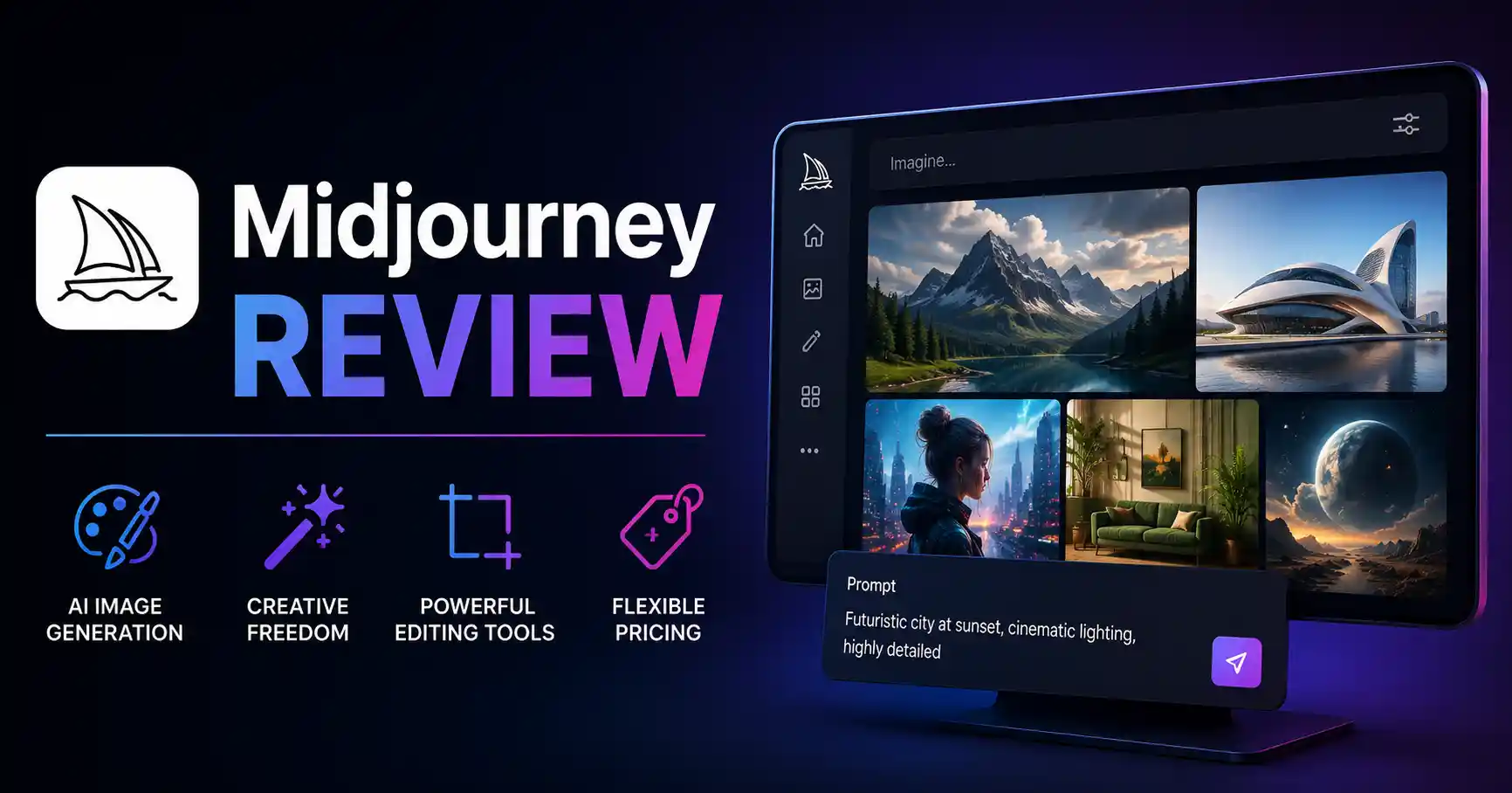
Now there is a web based Create page. You can drop in prompts, upload reference pictures, tweak settings, sort your work, and keep refining.
That opens doors for marketers, Blog graphics, social media posts, ad concepts, product mockups, moodboards, and raw creative experiments.
Why Midjourney Review is Important
Picking an AI art tool is never just chasing pretty prompt results. Actually, a thorough Midjourney review really matters.
Key reasons to evaluate it include:
Better images? Yeah, they make your brand look sharper.
Prompt control means creative teams get to stretch out and really play with visual ideas.
Editing tools can reduce the need to move every concept into another application.
Pricing and GPU caps change whether Midjourney fits light or heavy workloads. Privacy matters too.
You need it locked down tight for unreleased products and confidential creative stuff.
Midjourney currently offers four plans called Basic, Standard, Pro, and Mega. Monthly prices range from 10 dollars to 120 dollars, while annual billing provides a 20 percent discount. Stealth Mode is available on Pro and Mega plans.
For a broader selection of AI tools, you can also explore the AI tools directory to compare Midjourney with other platforms.
Step by Step Guide
Step 1: Choose the right Midjourney plan
Start by deciding how frequently you will generate images.
The Basic plan can work for occasional projects, while Standard is more suitable for marketers who generate images regularly. Pro and Mega make more sense for teams or heavy users who need additional GPU capacity and private creation through Stealth Mode.
Do not choose a plan only because it offers more features. Estimate how many images you actually need each month and choose accordingly.
Step 2: Build a specific prompt
Don’t say something like “make a business image.”
Try listing what you actually want to see. Include the subject, where it is, how the scene is framed, the light, the visual look, the camera view, and the mood. Midjourney prompt basics
For example: “A SaaS marketing team in a modern office, looking at analytics on a big screen, clean editorial photo feel, soft daylight, wide view, polished professional vibe.”
That kind of detail helps the tool give better results.
Step 3: Use references for greater consistency
Reference images can help guide the visual direction of your generation. Midjourney supports image prompts, style references, and Omni Reference for maintaining the look of people or objects in supported workflows.
For example, a brand team could provide a reference image showing its preferred visual style and then create several campaign concepts around that direction.
This is particularly useful when producing a series of social media graphics that need to feel connected.
Step 4: Refine instead of starting over
The first generation is rarely the final asset.
Use variations, aspect ratio controls, personalization, and editing features to improve the strongest concept. Midjourney’s web editor lets you do things like inpainting and outpainting. You can also resize images, work with layers, and make other tweaks.If the product picture has the correct background, but there is an extra item in the corner, it can be faster to fix the image than to start over with a brand new prompt.
Step 5: Organize and export your final assets
Once the images are ready to use, sort them into folders. Also write down the prompts that made your best results.
This matters more in work settings. Teams may want the same look again later, even weeks or months down the line.
Midjourney's website includes organization and search features designed to make large collections of creations easier to manage.
Midjourney Pricing and Plan Comparison
Midjourney also provides unlimited image generation in Relax Mode on Standard, Pro, and Mega plans. Pro and Mega additionally support unlimited image and standard definition video generation through Relax Mode.
Select Standard for heavy daily posting. Need absolute privacy or space for massive projects? Do not hesitate. Upgrade straight to Pro immediately to unlock everything.
Best Practices and Tips
Write prompts around the business outcome rather than only describing an attractive image.
Specify aspect ratio based on where the image will be published.
Create several variations before selecting a final concept.
Use reference images when visual consistency matters.
Keep successful prompts in a shared library for repeatable campaigns.
Use the Editor to fix smaller problems instead of regenerating everything.
Check new model versions first. Try them in a small run before you commit the full campaign to one workflow.
Midjourney V8.2 turned into the default option in July 2026. It brought changes aimed at better visuals, sharper image quality, and more personal results.
If you work in marketing and want to see the bigger AI picture, try looking at other AI marketing tools too. Then compare what each one does well with Midjourney.
Common Mistakes
Using overly vague prompts
Generic prompts often produce generic results. Give Midjourney enough creative direction to understand what you actually want.
Expecting perfect text inside images
AI image generators can still struggle with precise typography and complex written content. For ads or graphics containing important copy, generate the visual first and add final text in a dedicated design tool.
Ignoring aspect ratios
A beautiful square image may not work well as a website banner or social media advertisement. Choose the composition around the final publishing format.
Generating everything from scratch
If you already have a strong reference image, use it. Starting from zero for every asset can create unnecessary variation.
Choosing a plan without considering workflow
A cheap plan may become expensive in time if you constantly hit generation limits. A more expensive plan can also be wasteful if you only create a few images each month.
Tools
Midjourney Web
The web interface is now the main place to create, organize, edit, and manage Midjourney work. The Create page includes prompt controls, reference images, settings, folders, and creation management.
Midjourney Editor
The Editor helps you fix Midjourney images you already have. You can also use it with photos you upload. Inside, there are tools like crop and resize. You can paint directly too. It also supports layers. You can make other small edits as well.
Midjourney Personalization
Personalization helps adapt generated visuals to an individual's preferred aesthetic. This can be useful for creators who want a more consistent visual direction across repeated projects.
Midjourney Discord
Discord remains available alongside the web experience, so users who prefer the earlier command based workflow can continue using it. Every Midjourney plan supports both the website and Discord.
FAQ’s
Is Midjourney worth it?
If you care about strong images and room to explore ideas, Midjourney may be a good fit. It tends to do well when you are testing marketing concepts, putting together editorial pictures, or working on ads. People also use it for brand moodboards and for trying new creative directions.
Is Midjourney free?
Midjourney currently operates through paid subscription plans. The available plans are Basic, Standard, Pro, and Mega.
Which Midjourney plan is best?
Standard is a practical choice for regular creators because it provides substantially more Fast GPU time and unlimited image generation through Relax Mode. Pro is more appropriate when private generation through Stealth Mode is important.
Can Midjourney edit existing images?
Midjourney has a web Editor where you can upload your own pictures. After that, you can edit them with tools like inpainting and outpainting. You can also resize images and use layers to adjust the work.
Is Midjourney good for marketing?
Yes. Midjourney can be useful for campaign concepts, blog graphics, social media visuals, advertising concepts, product scenes, and creative direction. The main limitation is that important branding elements and final marketing copy may still need to be completed in another design tool.
Conclusion
Midjourney grew up. What started as an eccentric sandbox for quirky visual experiments has quietly morphed into a serious creative engine, largely because it still effortlessly takes a raw concept and spins it into genuinely arresting art, aided now by modern web features that handle sorting, tweaking, and personalization with far less friction.
Don't treat it as an outright eviction notice for traditional design software, Fold it into your current lineup instead. Lock down a practical use case, pick a tier that reflects what you will actually consume, assemble reusable prompt frameworks. And polish your standout concepts rather than endlessly rerolling the dice.
If images dictate your business output, throw Midjourney onto one live campaign first to see how it handles before cementing it into your daily routine.