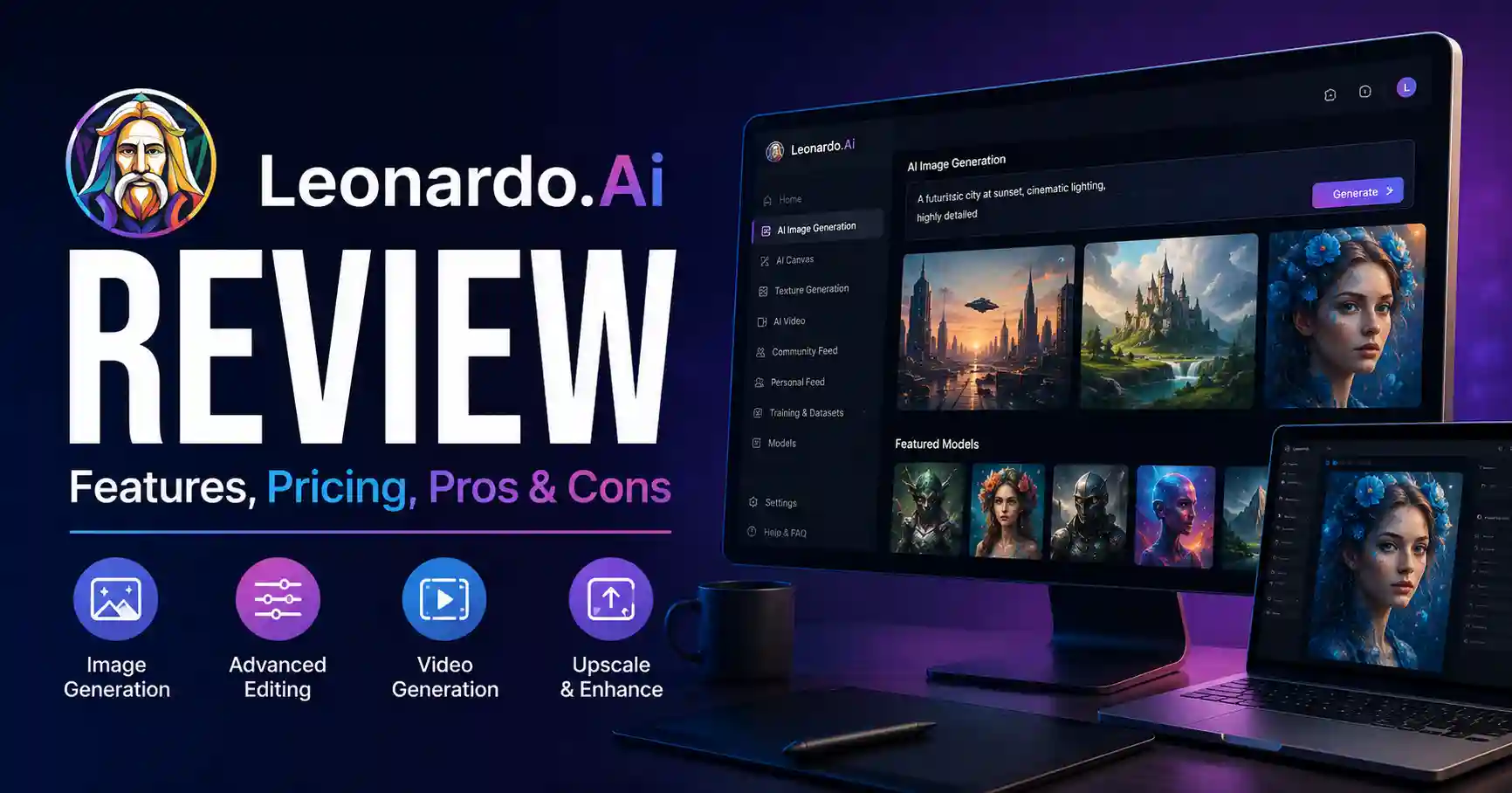
Leonardo AI Review: Features, Pricing, Pros, Cons, and Real World Use
Published September 1, 2026
Leonardo AI is a tool that helps people make images and videos, then edit and improve them, using artificial intelligence. This review looks at how well it works for marketers, designers, content creators, and teams that need lots of visual material.
A big issue with AI image apps is not just making something once. The harder part is getting results that stay steady and actually help you work faster. In this guide, we go over the key parts of Leonardo AI, including plans and costs, the typical workflow, what it does well, where it falls short, and real ways people use it. By the end, you can judge if it matches your own creative process.
Table of Contents
What is Leonardo AI Review
Why Leonardo AI Review is Important
Step by Step Guide
Best Practices and Tips
Common Mistakes
Leonardo AI Comparison
Tools
FAQs
Conclusion
What is Leonardo AI Review
Leonardo AI is a tool for making and changing pictures with generative AI. It can turn text into images. It can also work from an image to a new image. You can edit pictures directly, boost image size, remove backgrounds, and keep characters the same across outputs. It can even help with video generation.
The service also lets you use multiple AI models. That gives you more choice over what kind of result you get.
For instance, a SaaS marketer might type a prompt like this: create a modern laptop on a clean office desk with soft lighting and a premium technology brand look. Then Leonardo AI can produce a few different visual options. After that, you can refine the best one. You can also upscale it for a blog header or a social media post.
One reason people like it is simple. It mixes making images with editing in one place, so you do not have to hop between many separate apps.
Why Leonardo AI Review is Important
Understanding Leonardo AI is important if visual production is part of your marketing or content workflow.
• Faster content production. You can create multiple visual concepts in minutes instead of starting every design from scratch.
• More creative control. Image guidance, editing, presets, models, and refinement tools help you move beyond basic text prompts.
• Better content consistency. Leonardo provides tools designed to maintain consistent characters, styles, and brand elements across outputs.
• Broader creative workflows. The platform now covers images, video, editing, motion, upscaling, and other creative tasks.
• Useful for commercial work. Paid subscribers retain ownership and intellectual property rights for generated images, while free users receive a commercial usage license under Leonardo's terms.
Step by Step Guide
Step 1: Create your Leonardo AI account
Make an account and go to the Leonardo work area. With the free tier, you get 150 quick tokens each day. That is good for trying the tool before you pay.
Next, pause and figure out what you want to produce. A marketer could need a main image for a blog post. An online store team might want ideas for products.
Step 2: Write a specific prompt
Good prompts describe the subject, setting, style, lighting, composition, and intended visual direction.
Instead of writing create a business image, try create a professional SaaS dashboard on a laptop, modern office environment, soft natural lighting, realistic photography, clean composition, blue and white interface, wide horizontal composition.
The second prompt gives the model much more useful information.
Step 3: Choose the right model and settings
Leonardo lets users work with different models and generation options. You can use automatic model selection when you want convenience or select a specific model when you need greater control.
For repeated campaigns, test one model and document the settings that produce reliable results. This creates a more repeatable workflow.
Step 4: Refine the generated image
Do not expect the first generation to be perfect. Use Leonardo’s editing tools to tweak small parts. Remove things you do not want. Change the background too. Also adjust the overall visual direction.
For instance, if the first image already has a good layout, but the background feels too cluttered, edit that background. Do not start from scratch with a brand new image.Leonardo also supports image guidance, Omni editing, background removal, and upscaling for more controlled production.
Step 5: Export and prepare the asset
Review it quickly, Afterwards, refine and scale the final item if necessary.Check dimensions, file size, readability, branding, and whether the image works on the intended platform.
Keep the blog image sparse, the headline desperately needs room to breathe if we layer text over it later.
Best Practices and Tips
• Start with a clear creative brief before writing the prompt.
• Generate several variations instead of relying on one output.
• Keep prompts specific but avoid unnecessary descriptive clutter.
• Use reference images when visual consistency matters with image generators.
• Save successful prompts and settings so your team can reproduce results.
• Use editing tools to fix small problems instead of regenerating everything.
• Always review AI generated visuals for incorrect text, unusual objects, distorted hands, inconsistent branding, and other quality issues.
For additional AI tools that can support your content workflow, explore the AI tools collection on AllAIPedia.
Common Mistakes
• Using vague prompts and expecting highly specific results.
• Changing too many variables between generations, making it difficult to identify what improved the output.
• Ignoring image consistency when producing a campaign with multiple assets.
• Treating AI generated text inside images as automatically accurate.
• Choosing a paid plan before understanding your actual monthly generation requirements.
Leonardo AI Comparison
The following table compares Leonardo AI with several popular AI visual creation platforms from a practical workflow perspective.
Leonardo AI really shines when you want two things at once: making images and then tuning them more carefully. You can also manage how the final set gets refined and used in your production steps. That mix is where the tool feels most useful.
Tools
Leonardo AI can work alongside other tools depending on the workflow.
• Canva is useful for turning generated images into social posts, presentations, and marketing graphics.
• Adobe Photoshop is useful when AI generated assets need detailed manual editing.
• Leonardo AI Image Generator is useful for creating and refining visual assets directly inside Leonardo.
• AllAIPedia can help you discover additional AI tools for different marketing and content tasks. Browse AI tools on AllAIPedia
Leonardo AI Pricing
Leonardo AI currently offers a free plan with 150 fast tokens per day. Paid individual plans include Essential at 12 dollars per month, Premium at 30 dollars per month, and Ultimate at 60 dollars per month, before applicable taxes. The higher plans provide larger token allowances, private generations, more concurrent generations, personal AI model training, and additional relaxed generation capabilities.
The free plan is a practical starting point for testing.If you are doing steady, work like output, the Essential or Premium plan will fit better. Pick the one based on how much content you plan to make.
Leonardo also has an API you can use with pay as you go billing. That option can help teams add image generation into their own tools or production setup.
FAQ's
Is Leonardo AI free
Yes. Leonardo AI has a free plan with daily fast tokens. Paid plans provide higher limits and additional features.
Is Leonardo AI good for professional use
It helps most when you need strong marketing visuals. It also works well for early concept drafts and product photos. You can use it for social posts, too. Illustrators can fit it into day to day work. It is also useful in other production steps where you want to see changes quickly.
Can Leonardo AI generate videos
Yes. Leonardo supports AI video generation and image to video workflows, alongside its image creation and editing features.
Can Leonardo AI images be used commercially
Yes, but the rights differ by subscription status. Paid subscribers retain ownership and intellectual property rights to generated images, while free users receive a commercial usage license subject to Leonardo's terms. Always check the current terms before using assets in important commercial projects.
Is Leonardo AI better than other AI image generators
There is no universal winner. Leonardo AI is a strong choice when you want generation, editing, consistency, model flexibility, and broader creative workflows in one platform. Another tool may be better for a specific artistic style or design workflow.
Conclusion
This Leonardo AI review proves the platform vaults far beyond basic text to image generators. It packs image creation, precise editing, guidance, character consistency features, upscaling, and motion tools into a single ecosystem. That versatility makes it genuinely practical for fast moving marketing pipelines and demanding modern content creators.
Test the free tier on a real project. Spin up a batch of visuals. Compare the editing feel against your current stack and check if it actually saves hours. If the output clicks, upgrade.