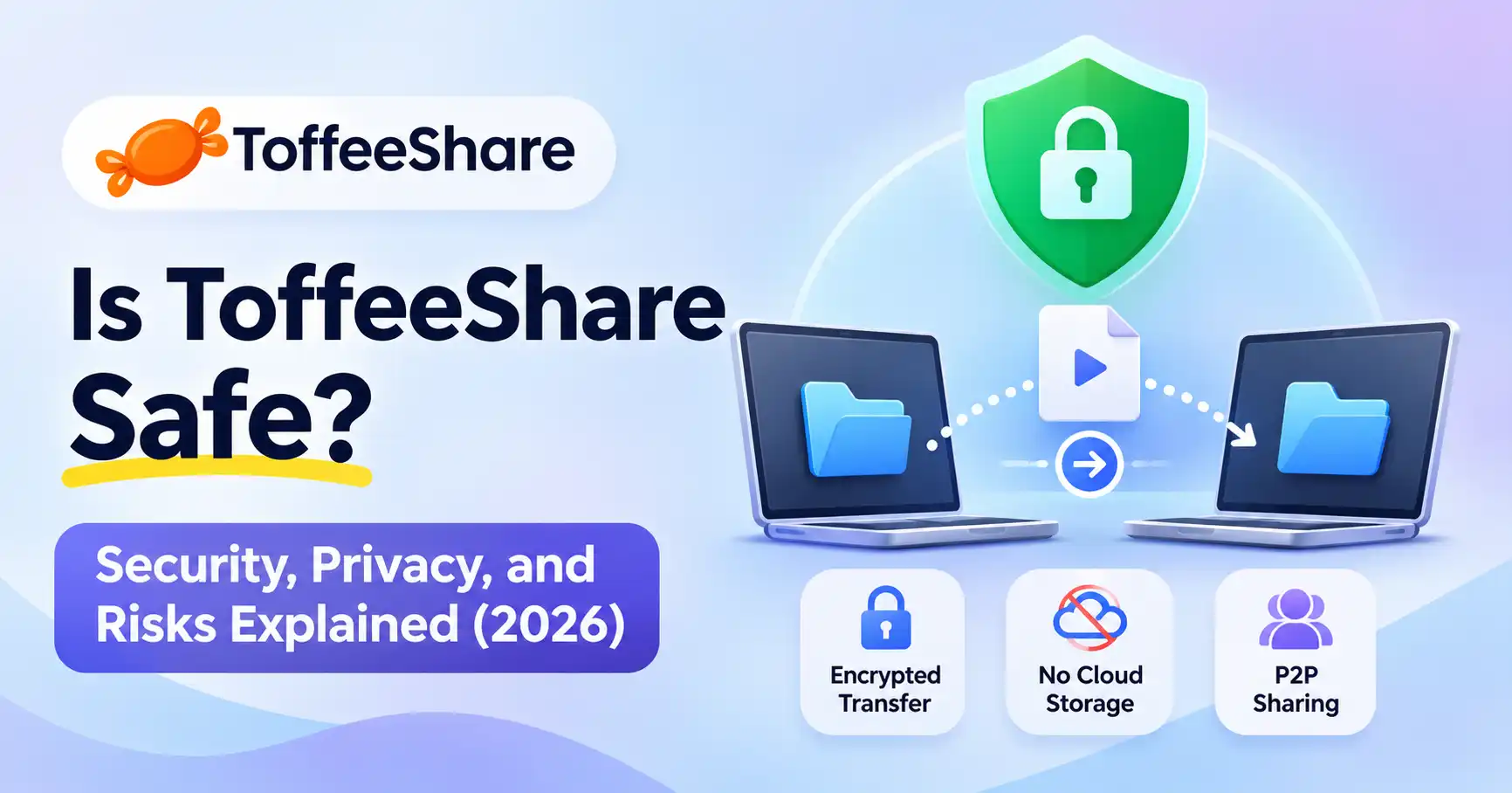
Is ToffeeShare Safe? Security, Privacy, and Risks Explained (2026)
Published November 5, 2026
Sharing large files online shouldn't mean uploading them to a cloud server first. That's the idea behind ToffeeShare, a peer to peer file sharing service that lets users transfer files directly between devices.
But is ToffeeShare safe? For everyday file sharing, ToffeeShare is a reasonable option. It uses encrypted peer to peer transfers and doesn't store files on its servers. Still, these protections don't eliminate every security or privacy concern. Your network connection, the files you receive, and how you handle transfer links all matter.
Here's what to know before using ToffeeShare for personal or professional file transfers.
Is ToffeeShare Safe? Quick Verdict
ToffeeShare has several security advantages worth considering:
Encrypted transfers: Its official website describes end to end encryption using DTLS.
No cloud file storage: Files move directly between devices instead of being uploaded to a permanent storage server.
Temporary sharing: Transfers depend on an active sharing session.
No mandatory account: You can start sharing without creating a traditional account.
These features make ToffeeShare useful for sending videos, documents, photographs, and other large files.
However, encryption doesn't automatically make downloaded files safe. It also doesn't guarantee anonymity or protect files once they reach another device.
For everyday transfers between trusted people, ToffeeShare is a practical choice. If you're handling confidential business information, regulated data, or files requiring long term access controls, a more controlled solution may be appropriate.
What Is ToffeeShare and How Does It Work?
Official website: ToffeeShare
ToffeeShare is a browser based file sharing service built around peer to peer (P2P) technology. Rather than uploading a file to cloud storage and asking someone to download it later, the sender and recipient establish a direct connection.
Understanding ToffeeShare's Peer to Peer Technology
ToffeeShare uses WebRTC to facilitate communication between devices. According to its FAQ, this approach avoids the conventional upload to server stage and allows files to move between connected devices.
The architecture offers two practical advantages:
Less dependence on cloud storage: Your files don't need to remain on a remote server after sharing.
Potentially faster transfers: The recipient can receive the file directly instead of waiting for a separate cloud upload to finish.
Transfer speed still depends on the sender's upload connection, the recipient's download connection, network conditions, and whether a direct connection can be established.
Does ToffeeShare Store Files Online?
According to its official FAQ, ToffeeShare doesn't store transferred files in cloud storage.
The sender must keep the sharing session active until the recipient finishes downloading. Closing the browser or shutting down the device can interrupt the transfer.
That makes ToffeeShare different from cloud storage services. It's not a replacement for file backups or permanent download links.
Is ToffeeShare Safe for File Sharing?
Does ToffeeShare Use Encryption?
Yes. ToffeeShare's official website states that transfers use end to end encryption and references its DTLS implementation.
Encryption helps protect file contents during transmission, making it considerably more difficult for someone intercepting network traffic to read the transferred data.
But encryption has limits:
It doesn't prevent someone from accessing an unlocked device.
It doesn't protect a file after it's downloaded and opened.
It doesn't guarantee that the recipient is trustworthy.
It doesn't make malicious files harmless.
For additional details, consult ToffeeShare's official transfer information.
Can Someone Intercept Files During Transfer?
Encryption makes unauthorized access to transferred content substantially more difficult.
Even so, no internet based transfer should be treated as completely risk free. Device security, browser security, network configuration, and recipient behavior still matter.
Consider a designer sending a project archive to a client. Encrypted transfer helps protect the file while it's moving between devices. But if the client later shares the downloaded archive with someone else, ToffeeShare can't prevent that disclosure.
Is ToffeeShare Safe for Confidential Business Documents?
That depends on the information you're sharing and your organization's requirements.
ToffeeShare can be convenient for sending non sensitive presentations, design assets, and large project files. Confidential contracts, financial records, customer information, and regulated data require more careful consideration.
Before transferring sensitive information, check:
Your organization's file sharing policy.
Whether the recipient is authorized.
Whether access restrictions or audit logs are required.
Whether your business needs contractual security guarantees.
Whether the receiving device is adequately protected.
For regulated or highly sensitive information, an approved enterprise file sharing platform may be a better fit.
ToffeeShare Privacy: What Users Should Know
Does ToffeeShare Collect Personal Information?
ToffeeShare's privacy policy states that it doesn't store user files and maintains aggregate transfer statistics, including successful and failed transfers.
The distinction matters: not storing file contents doesn't necessarily mean collecting zero operational information.
A peer to peer connection may involve network information, including IP addresses, during connection establishment. Depending on the configuration, WebRTC connectivity mechanisms can expose network details to communicating parties.
Can ToffeeShare Expose Your IP Address?
Potentially, yes.
Peer to peer communication can involve the sender and recipient learning network information about each other. WebRTC uses connection mechanisms such as STUN to establish connectivity.
If IP address privacy matters, consider using a reputable VPN and reviewing your browser's privacy settings. A VPN can mask your public IP from the other peer in many configurations, but it doesn't guarantee complete anonymity or prevent every form of network identification.
How Long Do Shared Files Remain Available?
ToffeeShare's FAQ explains that files remain available while the sender maintains the active sharing session.
That's different from cloud services that generate links pointing to stored files.
If the sender closes the browser prematurely, the transfer may stop. Keep a backup of important files and confirm successful receipt before ending the session.
Can ToffeeShare Files Contain Viruses or Malware?
Yes. Files transferred through ToffeeShare can contain malware.
Encryption protects file contents during transmission, but it doesn't establish whether those contents are trustworthy.
Someone could send an infected ZIP archive, malicious executable, or document containing harmful macros. The file might arrive successfully even though opening it could compromise your computer.
Does ToffeeShare Scan Files for Viruses?
ToffeeShare's documented P2P architecture doesn't provide a basis for assuming that every transferred file receives a centralized antivirus scan.
This is one practical difference between direct file sharing services and certain cloud platforms.
For comparison, Google Drive can automatically evaluate some shared files for malware and phishing, although its scanning has limitations, including file size and file type restrictions. See Google Drive's official security documentation.
How to Scan Files Before Opening Them
Follow these precautions when receiving files:
Verify the sender through a trusted communication channel.
Avoid opening unexpected executable files or suspicious archives.
Scan downloads with an updated antivirus application.
Check file extensions and avoid enabling macros in unfamiliar documents.
Keep your operating system, browser, and security software updated.
If a file looks suspicious, delete it rather than opening it simply because it arrived through an encrypted connection.
How to Use ToffeeShare Safely
A few simple practices can make ToffeeShare safer and more reliable.
1. Verify the Website
Use the official ToffeeShare website. Be cautious of lookalike domains, advertisements, and links pretending to represent the service.
2. Share Links Privately
Treat transfer links as confidential. Send them only to intended recipients through an appropriate communication channel.
3. Keep the Sharing Session Active
Don't close the browser or shut down your computer before the recipient finishes downloading.
4. Scan Received Files
Use antivirus software and verify unfamiliar files before opening them.
5. Maintain Backups
ToffeeShare isn't a cloud backup service. Keep separate copies of important documents, photographs, and project files.
6. Protect Sensitive Information
For confidential documents, consider the recipient's security practices and your organization's policies before sharing.
ToffeeShare vs Other File Sharing Tools
ToffeeShare isn't the only option. The right alternative depends on whether you need direct transfers, cloud storage, or local network sharing.
ToffeeShare vs WeTransfer
WeTransfer uploads files to its infrastructure and encrypts them in transit and at rest. It also documents security monitoring and malware detection capabilities.
ToffeeShare follows a different approach, transferring files directly between devices without conventional cloud file storage.
Choose ToffeeShare when direct transfers and avoiding cloud file retention matter. WeTransfer may be more convenient when downloadable links, cloud delivery, and additional file management capabilities are important.
ToffeeShare vs LocalSend
LocalSend is a free, open source application for sharing files between devices on the same local network.
It supports Windows, macOS, Linux, Android, and iOS. Transfers use HTTPS encryption and don't require internet connectivity.
LocalSend works particularly well when moving files between your own devices at home or in an office. ToffeeShare is more convenient when the recipient is somewhere else and you want to transfer files through a browser.
ToffeeShare vs Google Drive
Google Drive is designed for cloud storage, collaboration, and sharing files over time.
It supports ongoing access, shared permissions, and storage across devices. Its security documentation describes encryption in transit and at rest, along with malware and phishing evaluation for certain files.
Choose Drive when you need collaboration, backups, or persistent access. ToffeeShare makes more sense when a direct transfer is sufficient and permanent cloud storage isn't necessary.
Who Should Use ToffeeShare?
ToffeeShare can be useful for:
Content creators: Sending large video files to editors.
Designers: Transferring graphics, project assets, and exported files.
Freelancers: Delivering documents and completed projects to clients.
Developers: Sharing builds, archives, and project files.
Individuals: Moving photographs and videos between devices.
It may be less suitable for organizations that require centralized access management, detailed audit trails, automated malware inspection, or long term document retention.
For broader digital productivity recommendations, explore the Allaipedia AI tools directory.
FAQ’s
Is ToffeeShare safe to use without an account?
Yes. ToffeeShare allows file transfers without requiring a traditional account. However, using a service without registration doesn't automatically guarantee complete anonymity or eliminate network privacy risks.
Is ToffeeShare safe for sharing private files?
Its encrypted P2P architecture provides useful protection during transfers. Sensitive information still requires trusted recipients, secure devices, and compliance with relevant organizational policies.
Does ToffeeShare store uploaded files?
According to its official documentation, ToffeeShare doesn't store transferred files on its servers. Files remain available during the active sharing session rather than being retained as cloud downloads.
Is ToffeeShare better than WeTransfer?
Neither is universally better. ToffeeShare is useful for direct P2P transfers, while WeTransfer provides cloud based delivery and file management capabilities. Choose according to your privacy requirements, recipient experience, and workflow.
Conclusion
ToffeeShare is a reasonable choice for everyday file sharing when you understand how its P2P architecture works.
Its encrypted transfers and lack of permanent cloud file storage offer meaningful privacy advantages. But users still need to protect transfer links, verify recipients, scan downloaded files, and maintain backups.
For occasional transfers of videos, documents, and project files, ToffeeShare offers a convenient alternative to traditional cloud uploads.
For highly sensitive information or business critical workflows, evaluate enterprise security requirements before using any file sharing service.
The distinction is straightforward: secure file transfer protects data in transit, but safe file sharing also depends on what you send, who receives it, and what happens after the transfer.