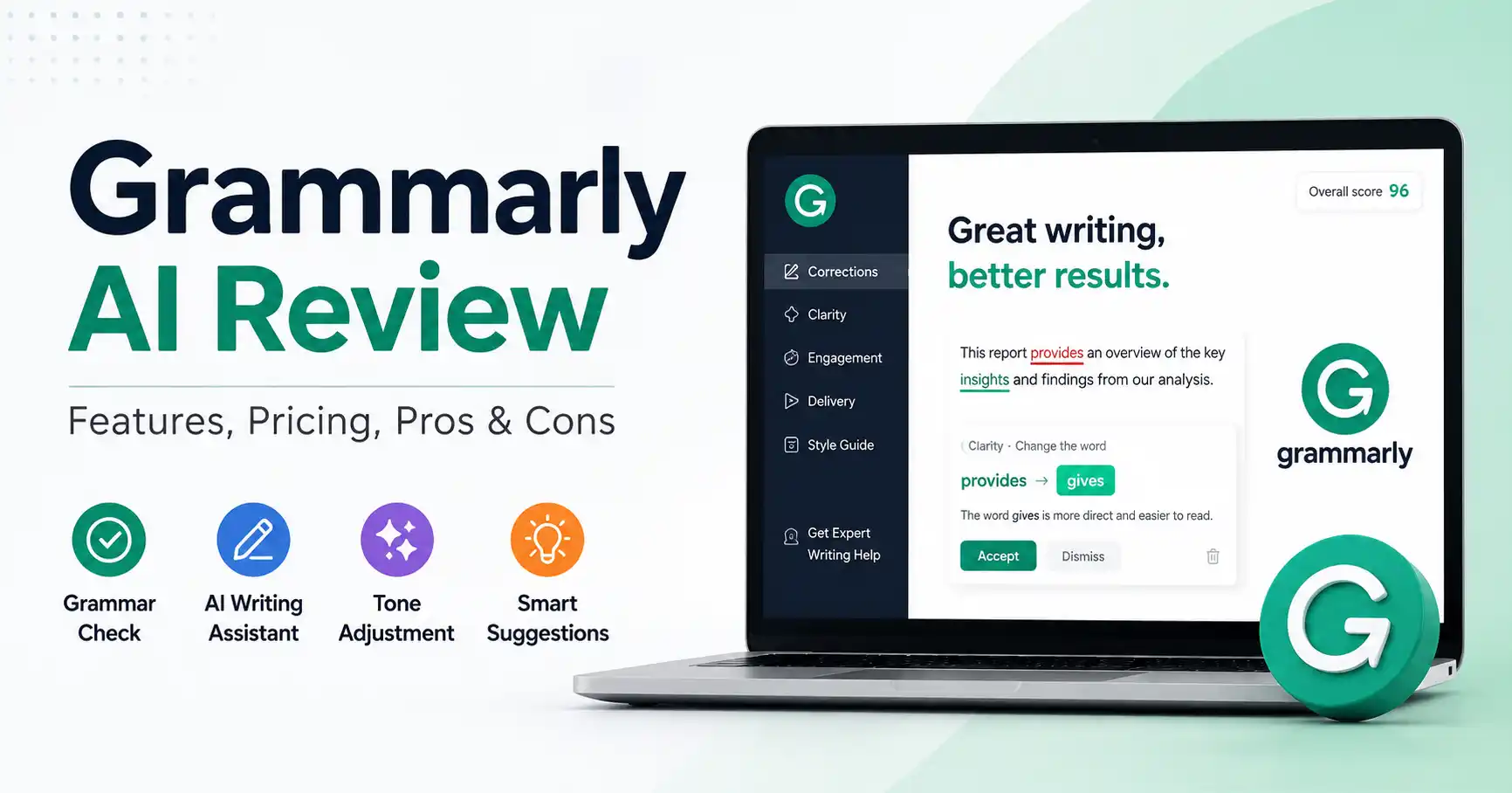
Grammarly AI Review: Features, Pricing, Pros, Cons, and Real World Use
Published August 29, 2026
Grammarly AI started as a simple checker. It has since grown into a tool that edits full pieces and helps with ideas. It can also adjust tone, rewrite sections, and help draft emails. Many content teams feel stuck right now. Does this really speed up work, or does it push out weaker text faster? In this review, we break down how the platform works. We look at what it does well, and where it makes mistakes. We also cover whether the paid plan is worth the price. You will learn practical ways to use it and avoid beginner errors.
Table of Contents
What is Grammarly AI Review
Why Grammarly AI Review is Important
Step by Step Guide
Best Practices and Tips
Common Mistakes
Grammarly AI Comparison
Tools
FAQs
Conclusion
What is Grammarly AI Review
Grammarly AI sharpens your writing. It checks grammar in a clear, steady way. It also helps with new text when you need it. You can draft quickly, change how the line sounds, and come up with ideas while you write. You do not have to hop between apps to fix one messy paragraph. It is built into the sites and tools where you already type.
Picture this. That blunt line in a frantic customer email says we cannot complete your request because the information was not provided correctly.
Grammarly AI flips it instantly. It suggests we are unable to fulfill your request just yet because certain details are still missing.
That subtle shift counts for a lot. Especially across sales, support tickets, internal team chats, and marketing copy where tone is everything.
For a broader look at Grammarly and similar products, see the Grammarly AI writing tools directory on Allaipedia.
Why Grammarly AI Review is Important
A solid Grammarly AI review should explain how it shows up in your day to day tasks. It should not only list features.
Faster editing: Grammarly AI assessments must gauge genuine workflow impact, entirely skipping superficial feature tallies.
Better communication: Smart editing tools forge concise, sharp drafts into sheer professional gold.
Less context switching: Grammarly builds smart writing help right into your applications.
Useful drafting support: Prompting sparks fast drafts, fresh angles, and unfiltered ideas.
Consistency: Teams can use writing guidance and brand related features to improve communication consistency.
The practical advantage is not that Grammarly replaces a writer. It trims the boring edits, Writers can finally focus on strategy, research, positioning, and their own real judgment.
Step by Step Guide
Step 1: Install Grammarly and choose your writing environment
Start by installing Grammarly on whichever device or browser you use most for writing. It handles desktop, browser, and mobile stuff just fine, Chrome or the desktop app works great for marketers. Why? You are constantly jumping between Gmail, Google Docs, social platforms, and random project tools all day long.
Step 2: Write your first draft normally
Do not try to make every sentence perfect before using AI. Write the core message first.
For example, a rough campaign email might say: “Our new software helps teams save time and manage projects more easily. Try it today.”
After the main idea is set, Grammarly can help you clean up the wording. You do not have to begin over from nothing.
Step 3: Use AI to rewrite and improve the message
Just highlight the bit you want to tweak and fire up Grammarly's generative AI. You can tell it what you need. Shorter? Clearer, More persuasive? Professional, the tool handles prompts for writing, rewriting, brainstorming, and replies.
Take this prompt: Make this sound more persuasive for a B2B software buyer.
Don't just grab the first draft blindly. Compare it against your original words. Keep the parts that really make your point. Cut anything that feels flat or reused.
Step 4: Check tone, clarity, and correctness
Impeccable grammar often lacks true punch. That precisely explains why AI writing tools. Does the sentence truly convey your meaning? Does the tone actually fit the audience, or did some crucial detail quietly vanish during the rewrite? Consider a stern legal notice. Never soften that blow simply because an algorithm nudges you toward friendlier phrasing.
Step 5: Review the final version yourself
The final decision should remain with the writer. Check the details before you share them. Grammarly says its AI is there to help you write, not to take over your own thinking. Still, do not copy it word for word.
They also added new features that focus on what readers might do, how sources are shown, and the situation around the text.
Best Practices and Tips
Give Grammarly precise prompts instead of vague ones.
Tell me who the message is for. Say why you are sending it. Also tell me what tone you want to use.
And how long it should be. Use AI for the grunt work like repetitive edits, brainstorming, and rough drafts, Don't touch core brand terms when you rewrite marketing text.
Check AI versions against your original work instead of just clicking accept. Always verify numbers, facts, names, and sources yourself.
Use Grammarly only when you are sure. Start a strict check loop right away. Make sure AI does not get the last word.
A useful workflow is draft first, refine second, verify third, and publish last.
Common Mistakes
Accepting every AI rewrite without reviewing the meaning.
Using Grammarly to generate complete articles without adding original research and insights.
Assuming grammatically correct writing is automatically persuasive.
Ignoring audience and brand voice when using generic prompts.
Treating AI detection or plagiarism tools as absolute proof rather than signals that require human review.
Grammarly AI Comparison
Grammarly's current paid structure includes Premium through mobile app stores and Grammarly Pro through web purchase. Grammarly Pro hands you two thousand generative AI prompts every month. Premium drastically halves that allotment. Exactly why Pro runs thirty dollars monthly, sixty for a quarter, or one hundred forty four annually. Regional rates apply too, Figures shift constantly.
Grammarly gets it. It helps your daily writing flow, sitting right inside your existing workflow instead of acting like some clunky chatbot off to the side.
Tools
If Grammarly is not the perfect fit, compare it with other writing tools before choosing a platform.
LanguageTool: Correct grammar, mend spelling, refine style, and translate languages.Explore LanguageTool
ProWritingAid: Craving deep style, spot on feedback, and readability? This is your sweet spot. Explore ProWritingAid
QuillBot: I can help with rewriting, translating, checking grammar, making summaries, and listing sources.Explore QuillBot
FAQ’s
Is Grammarly AI worth it?
For people who write all day, Grammarly AI might just be worth it. It packs grammar fixes, rewrites, tone tips, and AI generation into one spot, Is it useful? Depends. How much do you actually write, and does it buy back your time?
Is Grammarly AI free?
Grammarly provides free generative AI access, but advanced tools and prompt limits swing wildly depending on your chosen subscription tier.
Can Grammarly AI write blog posts?
Sure. Grammarly can draft blogs, emails, and web pages really fast. But the people running the account still have to add their own research, use real examples, and double check every claim before they post it.
Is Grammarly better than ChatGPT?
ChatGPT and Grammarly differ wildly. One handles deep reasoning or heavy research. Meanwhile, Grammarly simply shines when you desperately need instant polish tucked right inside your favorite apps.
Does Grammarly AI replace a human editor?
No. Grammarly handles the tedious trimming. Yet, human eyes remain essential. Why? Because facts, brand voice, strategy, fresh angles, and tricky nuance simply demand them.
Conclusion
Grammarly moved way past basic spelling checks. That is what this review shows. The tool handles drafting, rewriting, brainstorming, and tone tweaking right alongside contextual writing help. It fits marketers, pros, and busy teams who write constantly.
The real win here is workflow integration. You do not have to copy paste text into some separate chatbot just to get a quick rewrite. Grammarly jumps in wherever you happen to be typing.
Test it yourself. Grab the free plan, toss it at real emails, documents, or marketing copy for a week. And track the editing hours you actually save. If that time saved pays off, grab the paid tier. But if you need deep research or broad problem solving, stick to a standard AI assistant instead.