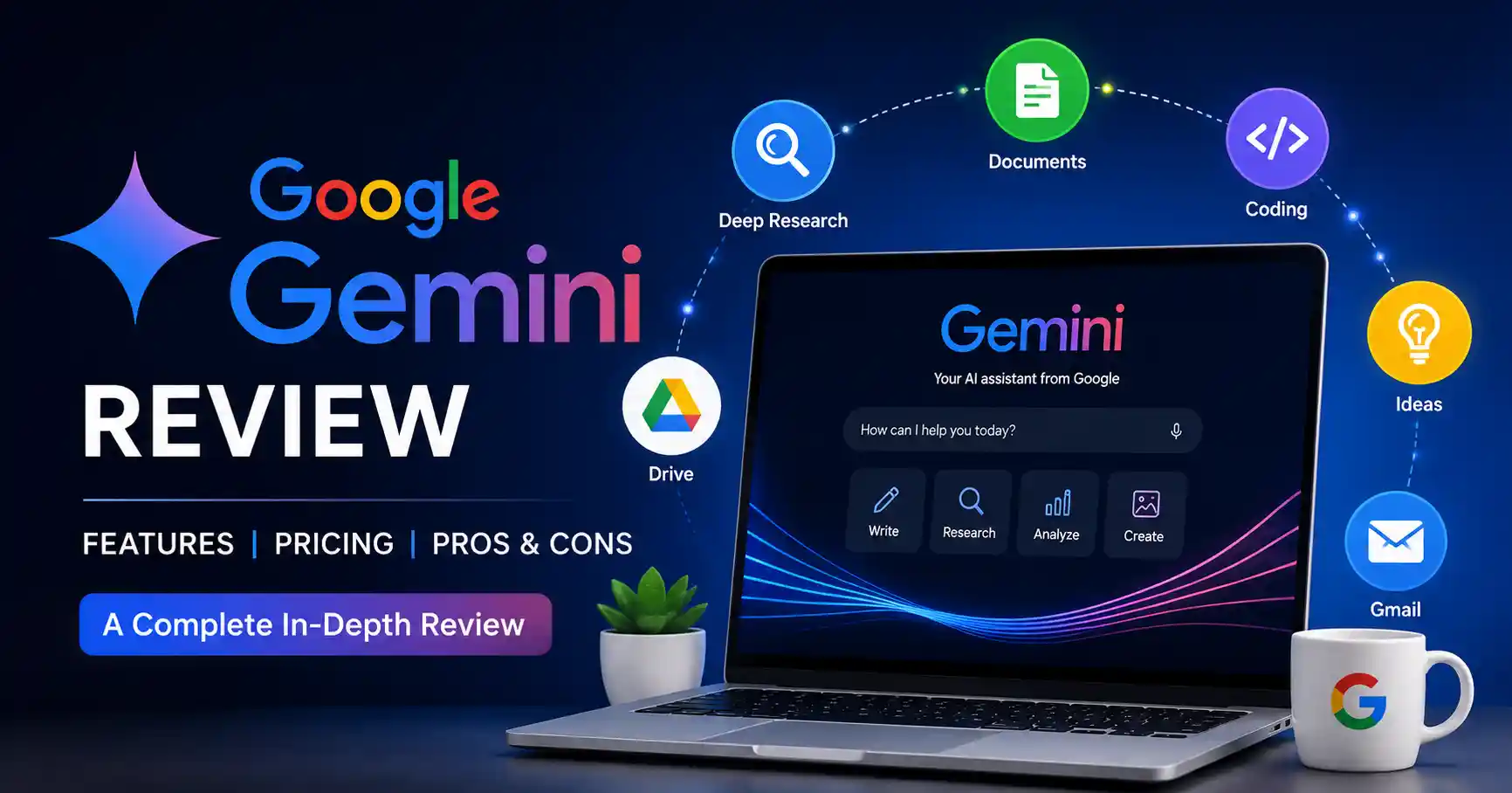
Google Gemini Review: Features, Pricing, Pros, Cons, and Real World Use Cases
Published August 26, 2026
This Google Gemini review is meant to help you decide if Gemini belongs in a work setting. At this point, Gemini is not just a basic chat app. It mixes help with research, writing, coding, image creation, and tools tied to daily productivity. It also works alongside other Google services.
The key issue is not how many options Gemini has. It is whether those options actually help your work in ways you can see. In this review, you will find what Gemini handles well, where it does not perform as well, and practical ways to use it day to day. You will also see which plan fits different kinds of users.
Table of Contents
What is Google Gemini Review
Why Google Gemini Review is Important
Step by Step Guide
Best Practices and Tips
Common Mistakes
Tools
Gemini Comparison Table
FAQs
Conclusion
What is Google Gemini Review
Google Gemini is a set of generative AI tools made by Google. It is built for chats, study, writing help, coding support, and day to day productivity. You can use it in the Gemini site and in mobile apps. Some functions also show up in other Google apps, like Gmail and Docs. Google also sells a few different AI plans. Each plan comes with its own limits, storage options, and access to extra features.
Here is how people might use it in real work. A marketing manager can ask Gemini to review a campaign brief. Then it can draft an outline, suggest audience groups, and help shape a slide deck plan. A developer might use it to understand code that feels new. It can also point out possible bugs and propose ways to implement ideas.
A big strength of Gemini is how it ties into the rest of the Google ecosystem. Depending on what is available and what you have set in your account, you may be able to work with data from Gmail and Drive. With Deep Research, the system can use Google Search and some connected sources.
If you are trying to compare Gemini with other AI tools first, you can check the AI tools directory on Allaipedia to see more choices.
Why Google Gemini Review is Important
A practical Google Gemini review still matters. People do not just ask what it can do. They also want to see how it works in day to day work. That is what helps decide if it fits the routine.
Gemini is particularly important because:
It brings together chat style AI, Google Search, and a few other Google tools.
It supports research workflows through Deep Research.
It supports text, pictures, documents, voice, and other kinds of inputs.
Gems help people make their own Gemini setups. They can reuse them for the same kinds of tasks again and again.
Google has paid AI plans. They come with higher usage limits. You also get access to more models. Those plans add extra capabilities too.
For practitioners, this makes Gemini more interesting as a workflow layer rather than simply another chatbot.
Step by Step Guide
Step 1: Start with a Specific Business Task
Do not begin by asking Gemini random questions. Start with a task where you can measure the result.
For example, instead of asking for general marketing ideas, provide your target audience, product, campaign goal, competitors, and deadline. Then ask Gemini to create a campaign plan with clear priorities.
A better prompt would be: Create a three week content plan for a SaaS product targeting small business owners. Focus on organic search, LinkedIn, and email. Include topics, intent, content format, and the main conversion goal.
This gives Gemini enough context to produce something useful.
Step 2: Use Gemini for Research
Geminis Deep Research feature is one of its more practical capabilities. It can draft a research plan, review several sources, and then write a clear report. Google notes that Google Search is used by default. If you link other tools, you can also add places like Gmail or Drive as sources.
Say a content strategist is studying a new market. They can ask Gemini to look at rivals, customer patterns, key product groups, and what has changed lately.
Check the main claims by going back to the original sources first. Then you can publish the results.
Step 3: Add Your Own Context
How good an AI reply turns out depends a lot on what you share up front.
If you can, send any useful files. Or add details like your brand rules, who the message is for, your product facts, past campaigns, and any technical limits.
Say you are working with Gemini. If you just ask for a generic product announcement, the draft will be broad. If you give the real product specs and tell it the tone you want, the output is closer to what you can revise and post.
Step 4: Create a Gem for Repeated Work
Gems are customized versions of Gemini designed around specific instructions and repeatable tasks. You can create a Gem with defined instructions and optionally add knowledge files. Custom Gems created on the web can also be used through supported Gemini experiences on mobile and Google Workspace.
For example, an SEO professional could create a Gem with instructions such as:
Act as an SEO content editor. Check search intent, topical coverage, headings, internal linking opportunities, factual claims, and readability. Never recommend keyword stuffing.
Once configured, the Gem can reduce the need to repeat the same instructions.
Step 5: Verify Before You Publish
Gemini can produce incorrect information, just like other generative AI systems. Google itself recommends checking responses because Gemini may provide inaccurate information.
Use a simple verification process:
Check statistics and dates.
Open important sources.
Verify product specifications.
Review generated code before deployment.
Add human judgment to business decisions.
This is especially important for legal, financial, medical, technical, and customer facing content.
Best Practices and Tips
Give Gemini clear context instead of short generic prompts.
Tell it what format you want before generating the answer.
Use examples of your preferred output when consistency matters.
Break complex projects into smaller tasks instead of requesting everything at once.
Use Deep Research when the task requires current information and multiple sources.
Build Gems for recurring workflows that use the same instructions.
Treat AI output as a working draft and verify important information before publishing.
For more AI workflow ideas, see the best AI tools collection on Allaipedia.
Common Mistakes
Using vague prompts and expecting highly specific results.
Assuming every Gemini response is factually correct.
Uploading confidential information without checking the relevant privacy and account policies.
Paying for an advanced plan without first identifying the features you actually need.
Using Gemini as a replacement for professional judgment rather than as a productivity tool.
Tools
Google Gemini is more useful when you pair it with other tools. It tends to work best like part of a set, not as the single app you rely on.
Gemini from Google can help with research and writing. You can also use it for analysis and brainstorming. It can handle tasks that involve more than one type of input.
Google Deep Research for longer research projects and source based reports.
Google Workspace for bringing AI assistance into products such as Gmail and Docs where supported.
Google NotebookLM for research and document based knowledge workflows.
Allaipedia for discovering and comparing other AI tools before adding them to your workflow.
Gemini Comparison Table
If you want a solid option, Google AI Pro fits best. It gives professionals higher Gemini limits and access to advanced models. You also get Deep Research. Plus, you receive plenty of Google storage. All of that comes without jumping to the Ultra tier, which costs a lot more.
Google currently lists Google AI Plus, Google AI Pro, and Google AI Ultra as its main AI subscription options, with availability and features varying by country.
FAQ’s
Is Google Gemini free to use
Yes. Gemini has a free option, although usage limits and access to advanced capabilities are lower than paid Google AI plans.
Is Google Gemini good for SEO
Yes. This is especially helpful for research tasks, content planning, topic work, making outlines, rewriting text, and automating parts of a workflow.
That said, SEO pros still need to check the details on their own. Confirm facts first. Also review the user search goal, the sources, and any suggested recommendations. Then publish.
Is Gemini better than ChatGPT
No single option is best for everyone. If you live inside Google tools like Search, Gmail, Drive, and Docs, Gemini tends to fit better. If your day relies on the way ChatGPT works, or you use its own setups and related tools, you might like ChatGPT more. Pick based on what you do most each week.
Is Google Gemini good for coding
Gemini can write code, find bugs, explain concepts, help with docs, and work through technical issues.
Still, you should run tests on any code it produces. Also scan the packages it relies on, and think about security risks. Do these checks before you ship the code to production.
Is Google AI Pro worth paying for
For professionals who use Gemini frequently, the additional access to advanced models, Deep Research, Google app integration, and 5 TB of storage can make Pro a practical upgrade. Casual users may find the free version sufficient.
Conclusion
This Gemini review looks at how Gemini has grown. It is no longer only a chat tool. It now works more like a productivity suite for work tasks.
A big reason people notice it is the tie in with Google services. The AI features feel more useful because they fit into that larger ecosystem.
Marketers, people in research, content writers, developers, and other business users may see clear gains. It can help cut down how long you spend on searching. It can also speed up writing. It can sort and condense long notes. It can even help you set up repeatable steps for regular work.
The easiest way to judge it is to try it in your own routine. Use the free option first. Then run it on three tasks you do each week. Track how much time you save. Also rate the result quality. Finally, note how much editing you end up doing. If it keeps improving your process, compare that benefit to the cost of any paid Google AI plan.
For what is available right now, and what plans include, look at the Gemini pages on Google. Use the Gemini Help docs too.