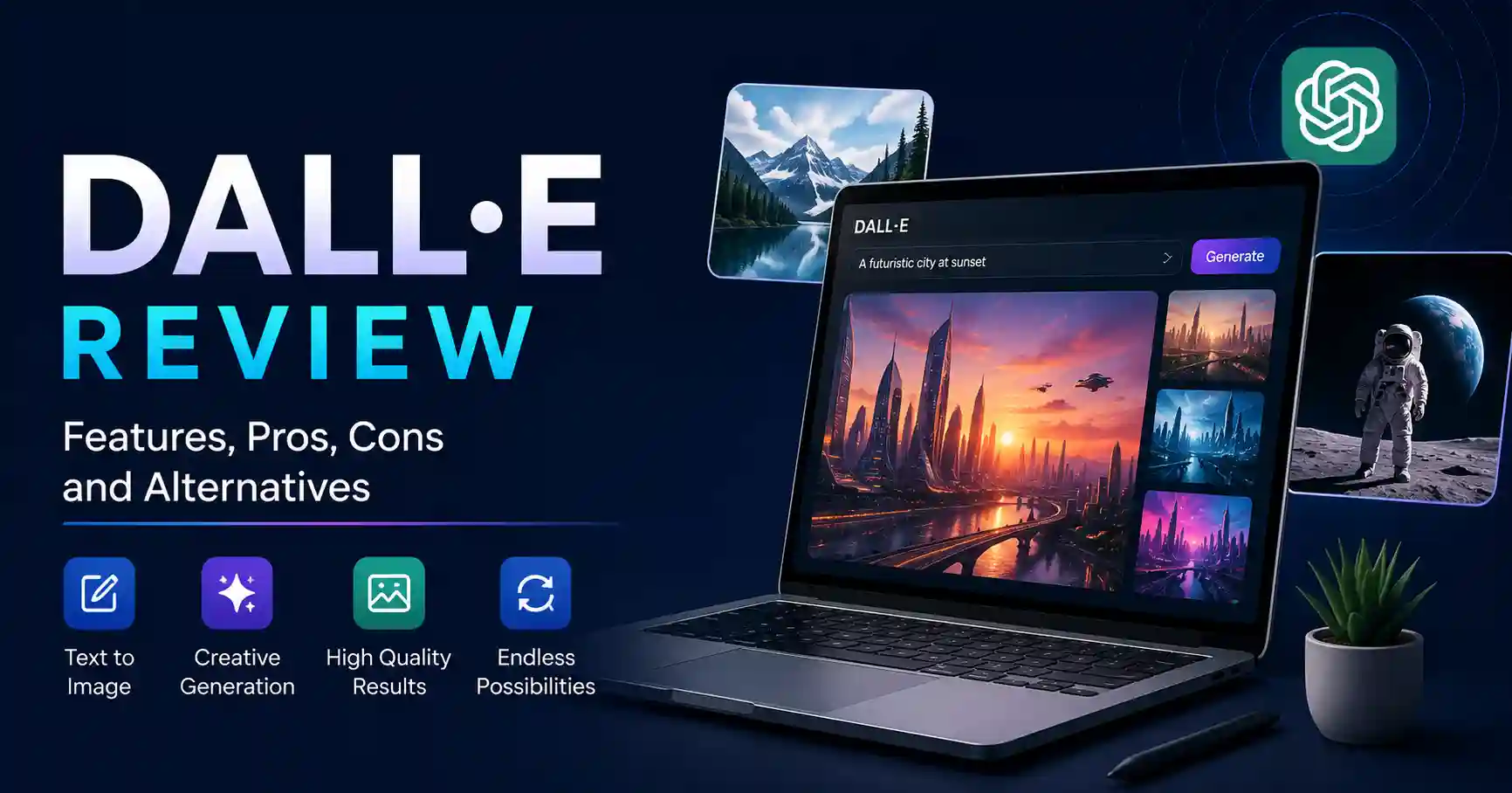
DALL·E Review: Features, Performance, Pros, Cons, and Alternatives
Published September 1, 2026
DALL·E is one of the better known image tools from OpenAI. It takes a prompt written in everyday language and makes a new picture from it. In this DALL·E Review, we look beyond the hype and examine where the technology actually fits into a modern content and marketing workflow. The main issue right now is that DALL·E 3 is not the latest OpenAI image model anymore. Also, its API is set to be phased out.
In this review, I look at what DALL·E 3 handled well. I also point out the spots where it does not meet expectations. Then I cover what marketers and creators should turn to now.
Table of Contents
What is DALL·E Review
Why DALL·E Review is Important
Step by Step Guide
Best Practices and Tips
Common Mistakes
Tools
DALL·E Comparison
FAQs
Conclusion
What is DALL·E Review
DALL·E is OpenAI's engine for conjuring images from words, you simply describe your vision in plain English, and poof, an image appears. The newest iteration, DALL·E 3, blows its predecessors out of the water, it captures finer nuances and adheres to your instructions with impressive fidelity. They’ve even integrated it with ChatGPT, enabling a collaborative back and forth to refine your concepts.
Imagine a marketer seeking a visual. They could input, "A contemporary SaaS dashboard displayed on a laptop, positioned beside a coffee cup, photographed within a sunlit, uncluttered workspace." Instantaneously. Rather than wading through an ocean of stock imagery, they can conjure the precise asset required for their campaign.For marketers researching alternatives, the AI image generators collection on Allaipedia is also useful for comparing different platforms and workflows.
If you are looking into DALL E right now, there is a key change to note.
OpenAI has updated its image tool.
As of August 30, 2026, the official DALL E GPT is no longer in ChatGPT. But ChatGPT Images is still there for making and editing pictures.
Also, DALL E 3 is gone from the OpenAI API. It has been deprecated and removed.
Why DALL·E Review is Important
A practical DALL E review matters because choosing an image generator is no longer simply about image quality. Marketing teams need to consider workflow speed, prompt accuracy, editing capabilities, consistency, pricing, and integration.
Key reasons to evaluate it include:
Faster visual production for content campaigns
Useful concept generation before investing in professional design
Strong understanding of detailed natural language prompts
Easy ideation for blog graphics, social posts, and campaign concepts
A useful benchmark when comparing modern AI image generators
DALL E 3 sparked immediate chaos by tackling dense prompts effortlessly. OpenAI praised its vastly sharper focus. Stubborn layout flaws like warped hands, botched text, and messy faces simply vanished.
Step by Step Guide
Step 1: Define the visual objective
First state the business goal, then move into the task.
Figure out what kind of visual you actually need: blog image, product idea image, social post graphic, ad, illustration, or a quick prototype.
Saying “Create an image for a cybersecurity blog” gives too much room.
A clearer goal is this: “Create a clean cybersecurity illustration for a SaaS security article meant for IT managers.”
Step 2: Describe the subject clearly
Imagine it: a cybersecurity analyst, glued to a cloud dashboard. They're lost in the data. This isn't just any room it's a buzzing ops center, cables everywhere, screens screaming alerts. A hot coffee cup teeters by the keyboard. Total focus.
Step 3: Add visual direction
For marketing, you want images that grab attention. Think about a clean setup, bright professional lights, and lots of empty space. A horizontal picture works best for a website banner, obviously. We need to nail the details: realism or maybe a cinematic feel, What mood are we going for? The style really matters.
Step 4: Review the output critically
Do not publish the first generated image automatically. Check the layout, spelling, branding, and balance, Does it even make sense? AI image generators are lightning fast, yes, but a human eye, well, that's still absolutely crucial.
Step 5: Refine the concept
If the picture's almost right but needs a tweak, just tweak one or two things. Ask for a different scene setup, maybe a simpler backdrop, or bolder color contrasts. A more polished, professional look can also be requested. This way, you’re not starting from scratch each time. It’s faster.
Best Practices and Tips
Start with the business objective rather than visual effects.
List the key points first, then move to smaller details.
Pick plain words you can picture instead of vague praise like “amazing” or “beautiful.”
Try a few possible ideas before you lock in one main direction.
Keep brand requirements separate from creative experimentation.
Always inspect generated text, logos, faces, hands, and product details.
Use AI generation for ideation and production acceleration, not as a replacement for final quality control.
If your workflow involves testing multiple image platforms, you can also review tools such as Midjourney on Allaipedia to compare different approaches to visual generation.
Common Mistakes
1. Using vague prompts
A prompt such as "Create a professional business image" leaves too much room for interpretation. Add the subject, context, audience, composition, and desired visual treatment.
2. Expecting perfect brand assets
AI generated visuals can contain incorrect logos, typography, product details, or proportions. Treat these elements as draft material unless they have been carefully verified.
3. Ignoring the target format
A beautiful image may still perform poorly if its composition does not work for the intended placement. Think about the final website, advertisement, presentation, or social media format before generating.
4. Publishing without human review
AI output can look convincing while still containing subtle errors. A quick quality control process should be part of every professional workflow.
5. Treating DALL E 3 as a current API option
This is especially important today. OpenAI's docs just dropped the news: DALL E 3 is here. So, you can now use their latest image models through the API. That's a pretty big deal.
Tools
Here are several tools worth considering alongside DALL E:
ChatGPT Images: OpenAI's current image creation and editing experience inside ChatGPT.
Midjourney: A strong option for stylized visuals, creative direction, and polished concept work. See the Midjourney review.
Canva AI: Useful when generated images need to move directly into social posts, presentations, and marketing designs. See Canva AI on Allaipedia.
Stable Diffusion: An open image model ecosystem that can provide greater control for technical and customized workflows. See Stable Diffusion on Allaipedia.
DALL E Comparison
DALL E 3 still matters in a historical sense.
But if you are building a new image workflow in 2026, take time to check what OpenAI has now. Also look at other image tools in the market.
FAQ’s
Is DALL E still available?
DALL E 3 is no longer available in the OpenAI API. The built in DALL E feature inside ChatGPT was turned off on August 30, 2026. If you want to make or change images now, OpenAI says to use the newer ChatGPT Images tool.
Was DALL E 3 good for marketing?
DALL E 3. A godsend, really. It just churned out concepts, blog visuals, campaign sparks, all from a few simple prompts.
Is DALL E 3 better than Midjourney?
It really comes down to the workflow.DALL E 3 tends to do well when you give it plain language requests. Midjourney is commonly used when people want more creative art direction or a more stylized look.
Pick the option that matches what your team makes most often.
Can businesses use images created with DALL E?
OpenAI states you own your DALL E 3 creations. Go ahead, print, sell, do as you please. No permission needed. Still, shrewd operations will definitely scrutinize the current terms and any other rights before peddling AI generated goods.
What should I use instead of DALL E 3?
Frankly, for anyone using OpenAI, ChatGPT Images is the clear frontrunner. But hey, if you've got specialized projects, marketers, Midjourney, Canva AI, or Stable Diffusion might be worth a peek. It's just about your end goal, really.
Conclusion
DALL E, you know, it truly opened the floodgates for everyday people to dabble in AI art. DALL E 3, especially, was a real powerhouse. You’d just tap out some wild, elaborate idea, and bam, it’d churn out a solid visual concept. No need for sorcery with prompts.
But hey, tech never sits still, does it? DALL E 3’s no longer in the API. And that dedicated DALL E GPT within ChatGPT? Poof. Vanished.
So for us actually grinding it out, the takeaway isn't merely "DALL E was fine." It’s how an image generator nestles into your actual workflow. Need AI images now, Test ChatGPT Images, then a couple of others. See which delivers the goods: top notch quality, minimal fussing, and saving precious time, all without tanking your brand.
For the nitty gritty, hit up OpenAI's DALL E documentation and their guidance on image generation.