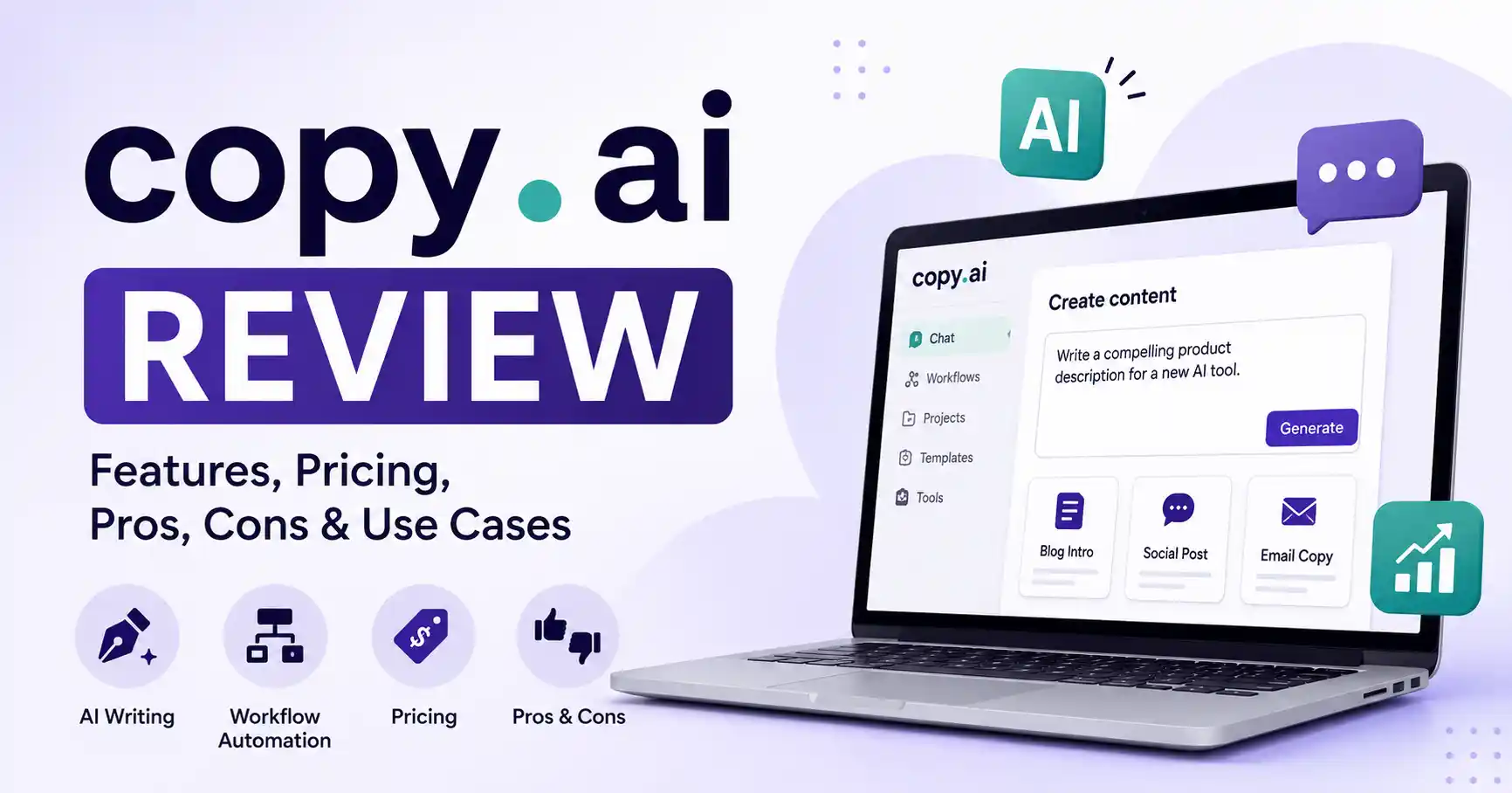
Copy.ai Review: Features, Pricing, Pros, Cons, and Real Use Cases
Published August 29, 2026
Copy. ai isn't just that basic AI writer anymore, it’s grown into a wider platform, handling content creation and automating those go to market tasks. So, in this review, we're digging deeper than just its text generation chops, we want to see how it actually fits into today's marketing grind. Forget asking if Copy, ai can write stuff. The real question is whether it cuts down on grunt work without just creating more editing drudgery. We'll break down its features, cost, what's good, what's not, how you might actually use it, and who it's for.
Table of Contents
What is Copy.ai Review
Why Copy.ai Review is Important
Step by Step Guide
Best Practices and Tips
Common Mistakes
Tools
Copy.ai Comparison
FAQs
Conclusion
What is Copy.ai Review
A Copy.ai review is an evaluation of how useful Copy.ai is for real marketing and business workflows, rather than simply listing its AI writing features.
Copy.ai now positions itself as a go to market AI platform. Fully repeatable, too. Knock out all your research, writing, web scraping, sorting, and system integrations from one single place.
Sales teams shouldn't just stop at one cold email. Instead, they can wire up a whole workflow. It pulls prospect data, digs up context, writes a custom pitch, and feeds that output straight into the existing pipeline. No manual copy pasting required.
For content teams, the same approach can be used for research, content briefs, repurposing, campaign assets, and other repetitive tasks.
If you are comparing AI writing platforms, you can also explore the AI writing tools directory to compare Copy.ai with other solutions.
Why Copy.ai Review is Important
Real world testing counts. AI software can seem slick in a demo, but it often bombs once you actually use it day to day.
Copy. ai is key if your team wants to get past just spitting out single AI prompts.
Key reasons to evaluate it include:
Workflow automation can reduce repetitive marketing and sales tasks.
Multiple AI models are available, including models from OpenAI, Anthropic, and Google Gemini on the Chat plan.
Brand voice and company information can help teams produce more consistent content.
Integrations let you thread AI workflows into your current business.
Cost? That really just depends on how much automation your team wants.
The important distinction is that Copy.ai is increasingly designed around repeatable processes rather than just generating isolated pieces of copy.
Step by Step Guide
Step 1: Define the workflow you want to improve
Start with the business problem rather than the AI feature.
For example, suppose your marketing team spends several hours turning webinar transcripts into LinkedIn posts, email copy, and blog ideas. That repeatable process is a better starting point than simply asking Copy.ai to write something.
Write down the existing process, inputs, outputs, and human review points.
Step 2: Add your context and brand information
AI output improves when it has enough information to work with.
Provide examples of your existing content, preferred tone, product information, audience details, and relevant business rules. Copy.ai also provides brand voice and an information foundation designed to give workflows more context.
For example, instead of prompting for a generic SaaS email, give the system your positioning, target customer, approved terminology, and examples of successful campaigns.
Step 3: Build a repeatable workflow
Copy.ai lets users visually connect multiple actions into workflows. These can include research, content generation, data processing, and other steps.
A simple workflow could look like this:
Enter company information.
Research the company.
Identify relevant business problems.
Generate a personalized outreach email.
Send the result for human approval.
This approach is more valuable than generating every email manually.
Step 4: Test output quality before scaling
Do not immediately automate hundreds of tasks.
Run a small batch and check accuracy, tone, personalization, formatting, and consistency. Allaipedia's current Copy.ai listing also highlights the need to check facts and citations because AI outputs can become generic or require verification.
For example, test 20 generated emails and manually review every one. If eight require major rewriting, the workflow needs better inputs or logic before you increase volume.
Step 5: Measure the business result
The final test is not how impressive the generated text looks.
Measure time saved, approval rates, conversion rates, editing time, output volume, and cost per completed workflow.
Copy.ai currently uses workflow credits for automated processes, with consumption depending on the complexity of each workflow.
This makes cost per useful outcome more important than simply comparing monthly subscription prices.
Best Practices and Tips
Start with repetitive workflows where the desired output is clearly defined.
Give Copy.ai strong examples instead of relying on vague prompts.
Keep a human approval stage for customer facing content.
Hold on before you publish. Double check all facts, numbers, and product info.
Where'd that come from, anyway? Don't write new prompts every time, Bake reusable ones right into your process.
Track real business gains, not just how much stuff you put out. And those workflows aren't set in stone, Change 'em as products, messages, or operations shift.
AI can truly help with SEO. Research, writing, it's a powerful assistant. But let it stay just that, Google wants genuine value, not just bot generated fluff. Humans first.
Common Mistakes
1. Treating Copy.ai as a replacement for strategy
AI can execute a process, but it does not automatically know your positioning, audience, or commercial priorities.
2. Publishing outputs without review
Even good AI writing can contain inaccurate claims, weak examples, or generic language.
3. Automating a broken process
If the original workflow is inefficient, automating it can simply make the inefficiency happen faster.
4. Ignoring workflow costs
Copy.ai's workflow credit model means complex processes can consume more resources than simple content generation.
5. Measuring content volume instead of impact
Producing 500 AI generated emails is not an achievement if response rates fall. Measure outcomes instead.
Tools
Copy.ai works best when used as part of a wider marketing stack.
Copy.ai for AI assisted content creation and workflow automation.
ChatGPT for research, analysis, brainstorming, and flexible content tasks.
Zapier for connecting Copy.ai workflows with other applications. Copy.ai says its platform can connect with more than 2,000 additional applications through its Zapier integration.
Google Search for validating facts and researching current information before publishing.
You can also compare related options through the AI writing tools collection when evaluating alternatives.
Copy.ai Comparison
The main advantage of Copy.ai is not simply AI writing it is the ability to turn repeatable go to market processes into reusable workflows.
Copy.ai Pricing
Copy.ai's current self serve pricing includes a Chat plan at $29 per month when billed monthly or $24 per month when billed annually. Its Growth plan is listed at $1,000 per month with 20,000 workflow credits, while larger Expansion and Scale plans provide higher seat and workflow limits.
Pricing can change, so check the official Copy.ai pricing page before making a purchasing decision.
FAQ’s
Is Copy.ai worth it?
Copy.ai can be worthwhile for teams that have repeatable marketing, sales, or go to market processes. If you only need occasional AI writing, a simpler tool may provide better value.
Is Copy.ai good for SEO content?
Yeah, it'll help you research, outline, and draft. But a human still has to buff it up. AI generated stuff, you see, should bring something fresh, not just echo the existing noise.
Is Copy.ai free?
Copy.ai offers different plans and pricing structures, and its current pricing page lists paid self serve options. The available features and usage limits can change, so check the current official pricing before subscribing.
What is Copy.ai best used for?
Its strongest use cases are repeatable sales and marketing workflows, content operations, prospect research, personalization, and other processes where multiple AI actions need to work together.
Is Copy.ai better than a basic AI writing tool?
Depends on your setup. If you just need quick one off drafts, any bare bones writer will do, but when your team demands rigid pipelines, deep software integrations, and reusable automation, Copy. ai genuinely earns its keep, that distinction changes everything.
Conclusion
This Copy. ai review makes it clear: the platform isn't just about cranking out simple AI copy anymore. Where it really shines is bringing together AI generation with workflows, actual data, integrations, and those repeatable go to market processes.
Here's the practical advice for marketers: grab one repetitive workflow, any one. Test it with a tiny bit of data, see what happens, then tweak it. Scale it up only once it's solid. If Copy. ai genuinely cuts down on manual effort while keeping output quality high, it earns its spot in your marketing stack. Just need a quick rewrite here and there, A less complex AI writing tool might do the trick.