Composio Review 2026: Features, Pricing, Integrations & How It Works
Published November 12, 2026
Building an AI agent that can send emails, create tasks, update CRM records, or retrieve information from other applications takes more than a language model. The agent also needs access to external tools, authentication, and a reliable way to execute actions.
That's where Composio comes in. It connects AI agents to external applications, allowing developers to use existing integrations instead of building every authentication flow and application connection from scratch.
Composio is particularly useful for developers building AI powered products, custom assistants, and business agents. However, if you simply want to automate a few tasks without writing code, a traditional automation platform may be a better fit.
In this Composio review, we'll explore its features, integrations, pricing, practical use cases, limitations, and alternatives to help you determine whether it fits your project.
What Is Composio?
Composio is an AI agent integration platform that helps developers discover tools, authenticate users, and execute actions across connected applications.
According to its official documentation, Composio supports more than 1,000 applications through its toolkits, offering capabilities for authentication, tool execution, and AI agent integration.
Think of Composio as a bridge between an AI agent and the applications it needs to access.
For example, an AI assistant might understand that a customer wants to schedule a meeting. Composio provides the authenticated calendar tools needed to create the event, while the agent determines which information to use and when to call the tool.
Who Should Use Composio?
Composio is particularly useful for:
AI developers: Build agents that interact with external applications.
SaaS founders: Add integrations to AI powered products.
Automation engineers: Connect agent workflows with business software.
Technical teams: Manage authenticated application access without implementing every integration independently.
If you're looking to connect two applications through a simple visual workflow, traditional automation platforms may be easier to manage.
How Does Composio Work?
Composio sits between your AI application and the external services it needs to interact with.
A typical implementation follows these steps:
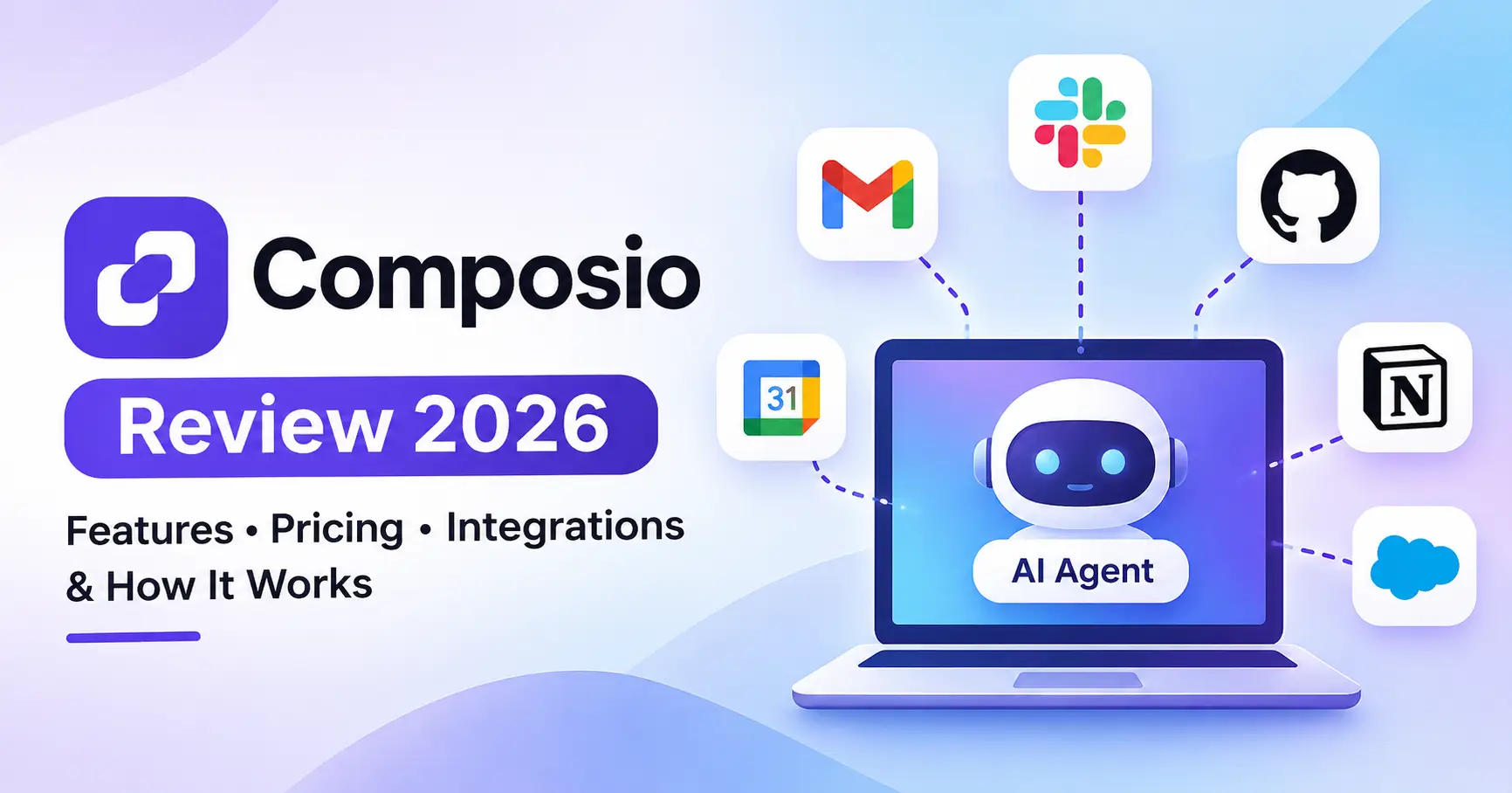
Choose applications: Identify the services your agent needs, such as Gmail, Slack, GitHub, or Notion.
Connect accounts: Configure authentication and authorize the relevant application accounts.
Discover tools: Select the actions your agent should be allowed to perform.
Connect tools to the agent: Integrate Composio with your AI framework or expose the tools through MCP.
Execute actions: The agent calls the appropriate tool when a task requires it.
Handle results: Your application manages errors, permissions, and human approval where necessary.
The distinction matters: Composio provides integration capabilities, but it doesn't automatically build a complete AI agent or define your business logic.
How Composio MCP Works
MCP, or Model Context Protocol, provides a standardized way for AI applications to interact with external tools.
Composio can expose connected application tools through MCP, allowing compatible AI clients and agent frameworks to access them without implementing each integration separately.
This is useful when working with AI development environments or applications that already support MCP connections.
Composio Features Explained
1. Application Integrations and Toolkits
Composio provides toolkits that connect AI agents to external applications. Each toolkit contains tools representing specific actions or operations.
Examples include:
Gmail for email related operations.
GitHub for repository and issue workflows.
Slack for messaging.
Notion for workspace content.
CRM and productivity applications for business workflows.
The available actions depend on the application, toolkit, and permissions you've configured.
2. Authentication and Connected Accounts
Authentication becomes more complicated when an AI product serves multiple users.
Composio provides OAuth management and connected account functionality, helping developers manage authorized access to external applications.
This is especially useful when customers need to connect their own accounts to an AI powered product rather than share a single application account.
3. Tool Discovery and Execution
Developers can discover relevant tools and make them available to their agents.
Rather than exposing every possible application action to a language model, an application can restrict tool access to the operations required for a particular task. This makes it easier to manage permissions and control what an agent can do.
4. Custom Tools and SDK Support
Composio supports custom tools and developer integrations, allowing teams to extend agent capabilities beyond predefined application actions.
Its documentation includes integration approaches for frameworks such as OpenAI Agents SDK, Anthropic, and Vercel AI SDK, alongside MCP based options.
Composio Pricing: Is It Free?
Composio offers a free plan alongside paid options for teams that need additional usage, features, or governance capabilities.
The following pricing details are based on Composio's official pricing page. All prices are in USD.
The Free plan includes unlimited connected accounts for your own app, API key, or MCP usage, subject to other platform limits. It also provides access to the toolkit catalog, OAuth management, sessions, and custom tools.
What Can Increase Your Costs?
Composio's subscription price isn't necessarily the total cost of running an AI agent.
You'll also need to consider:
AI model API usage.
Hosting and infrastructure.
Premium application tools.
Trigger event usage.
Sandbox execution and other add ons.
Development and maintenance.
A prototype using a limited number of application actions may stay within the free allowance. A production agent serving multiple customers, however, may require a more detailed cost calculation.
Before deploying a customer facing application, estimate your expected usage against the current pricing page.
Composio Use Cases for Developers and Businesses
AI Agents for Marketing and Content Workflows
A marketing assistant could retrieve campaign information, organize research in Notion, or prepare a Slack summary for the team.
The agent handles interpretation and decision making, while Composio provides the application tools needed to complete those tasks.
For more workflow ideas, explore Allaipedia's guide to AI automation tools.
Customer Support Automation
A support agent could retrieve information from a connected application, create a ticket, and notify the appropriate team.
Sensitive actions, such as issuing refunds or modifying customer accounts, should still require appropriate permissions and human approval.
Sales and CRM Automation
Sales teams could use AI agents to organize prospect information, update CRM records, or prepare follow up drafts.
This approach is particularly useful when an agent needs dynamic access to multiple applications instead of following a completely predefined workflow.
Developer Productivity
Developers can build agents that interact with GitHub, documentation systems, and project management applications.
If you're exploring coding assistants alongside integration infrastructure, Allaipedia's AI tools for developers guide offers a broader overview.
Composio vs Alternatives
Composio isn't a direct replacement for every automation platform. The key difference is whether you want an AI agent to select and execute tools dynamically or a predefined workflow that runs automatically.
These are broad positioning differences. Features overlap, and each platform continues to evolve.
Composio vs Zapier
Choose Composio when you're building an AI agent that needs authenticated access to external applications through code or an agent framework.
Zapier is a better fit when business users want to create, manage, and maintain automations through a visual interface.
For a closer look at traditional workflow platforms, Allaipedia's AI automation tools comparison covers several alternatives.
Composio vs n8n
n8n is a strong option for teams that want to design workflows visually, customize execution, or self host their automation infrastructure.
Composio focuses more directly on providing authenticated application tools to AI agents.
Depending on your architecture, you could use n8n for structured workflows and Composio for agent driven application access.
Composio vs Pipedream
Pipedream is useful when you want to connect APIs through developer oriented workflows.
Composio is more suitable when your AI agent needs to discover tools and call them dynamically during execution.
Composio vs Nango
Nango is worth considering if your SaaS product needs custom API integrations, ongoing data synchronization, or greater control over integration logic.
Composio is appealing when you want a catalog of ready made tools and managed authentication to accelerate AI agent development.
Composio Pros and Cons
Security and Permissions
Composio's security documentation describes encrypted credentials, organization and project isolation, scoped API keys, and SOC 2 Type II compliance.
However, using a secure integration platform doesn't automatically make an AI agent safe.
Developers should:
Enable only the applications and actions the agent needs.
Restrict access to individual users and connected accounts.
Avoid giving agents unnecessary write permissions.
Verify webhook signatures before processing events.
Require approval for sensitive operations.
Monitor tool executions and handle failures.
Composio supports filtering toolkits and individual actions within sessions, helping developers limit what an agent can access.
Is Composio Worth Using?
Composio is worth evaluating if you're building AI agents that need to interact with real applications and want to avoid implementing every integration independently.
It's particularly relevant for SaaS founders, AI developers, and engineering teams creating multi user agent products.
It may not be the right choice if you simply want to automate repetitive tasks using a visual workflow builder. In that case, Zapier, Make, or n8n may be easier to adopt.
A practical starting point is to connect one application, test authentication and execution, and estimate the cost of your expected usage before expanding.
FAQ’s
What is Composio used for?
Composio connects AI agents to external applications, allowing them to discover tools, authenticate users, and execute application actions. Developers use it to add integrations to AI assistants and agent powered products.
Is Composio free?
Yes. Composio offers a free plan with 100,000 tool calls and 50,000 trigger events monthly, subject to plan conditions. Paid options provide additional usage and features. Check the official pricing page for current details.
Does Composio support MCP?
Yes. Composio supports MCP based connections, allowing compatible AI clients to access tools through sessions and MCP endpoints. See the official MCP documentation for implementation details.
Is Composio suitable for beginners?
Beginners can explore the platform, but building production AI agents generally requires programming knowledge, API understanding, and familiarity with authentication. Developers with Python or TypeScript experience will find it easier to get started.
Conclusion
Composio addresses an important challenge in AI development: connecting agents to the applications they need to use.
Its toolkit catalog, authentication management, sessions, MCP support, and custom tools make it useful for developers building AI powered products and multi application assistants.
The key is choosing the right type of tool. Composio is an integration layer for AI agents, not a universal replacement for workflow automation software.
If you're building a custom AI agent, start with Composio's official quickstart, connect one application, and test a real use case. If your primary goal is no code business automation, compare it with Zapier or n8n before committing.