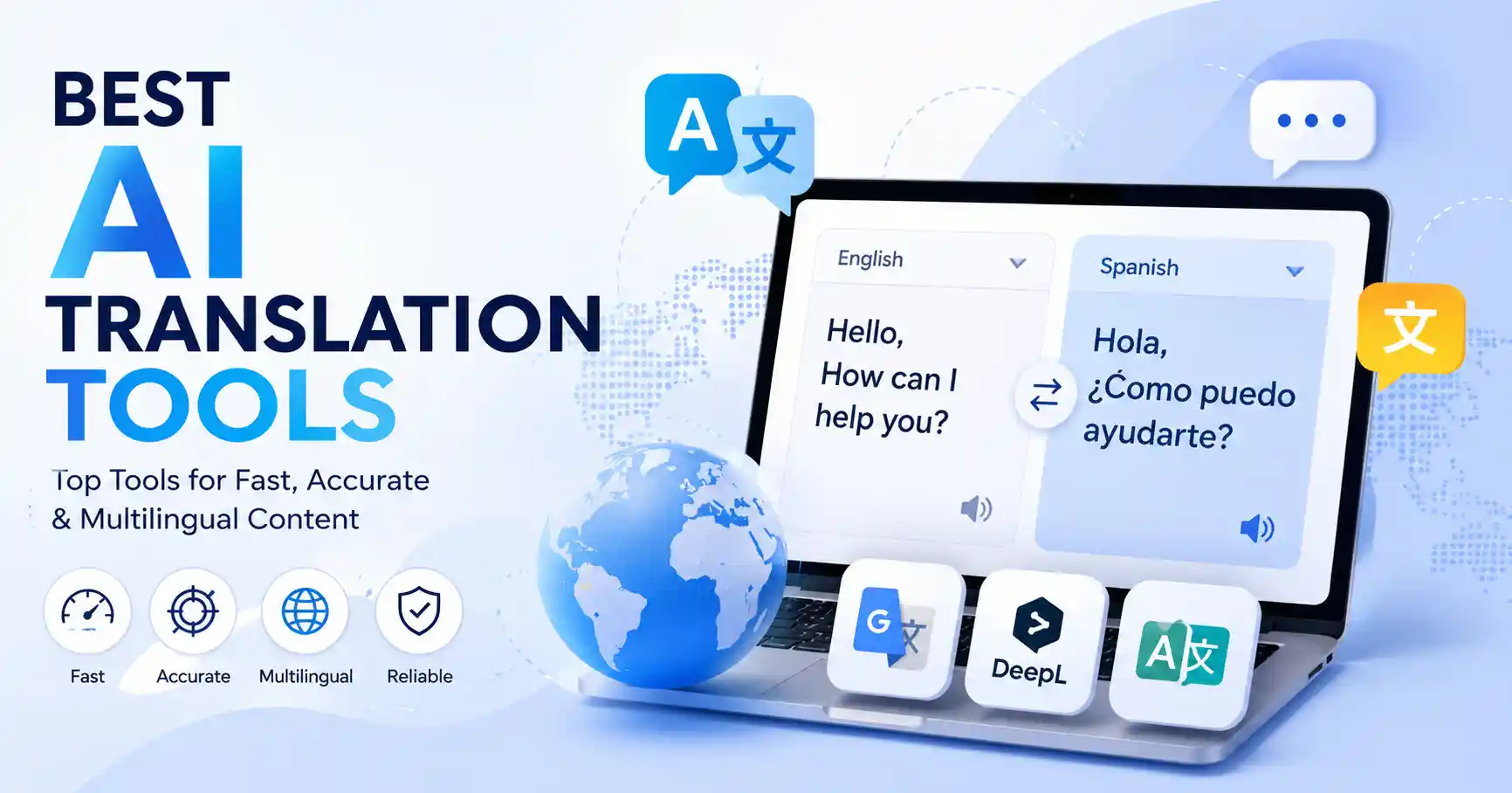
Best AI Translation Tools for Fast and Accurate Multilingual Content
Published August 22, 2026
AI translation services equip companies, marketers, creators, and pros to switch content between languages swiftly and affordably. It wasn’t always like this, oh no. Translation used to demand significant time and resources, especially for things like localizing websites, product descriptions, email campaigns, or customer support docs. The top AI can truly accelerate the process, rendering everything smoother and more natural. This guide explores how AI translation functions, which platforms are worth investigating, how to pinpoint the perfect one for your needs, and how to steer clear of common translation blunders.
Table of Contents
What are AI translation tools
Why AI translation tools are important
Step by step guide
Best practices and tips
Common mistakes
Best AI translation tools
Comparison of AI translation tools
FAQs
Conclusion
What are AI translation tools
AI translation tools are software that use artificial intelligence and machine learning to flip text, documents, websites, images. Or speech from one language to another. Forget translating each sentence by hand. The software figures out the context and just churns out the translation.
Take an e commerce outfit selling in India. They've got an English product description, right, Needs to go out in Spanish. An AI tool can whip up that first Spanish version in seconds. Then, a human can step in to check the important bits, product terms, brand voice, cultural nuances, before it goes live.
These modern platforms do more than just swap words, DeepL Translator, for instance, handles text, documents, speech, and API based translation. Its glossary feature even helps businesses keep their terminology uniform.
For marketers, this means AI translation is a lifesaver for localization, global SEO, customer service, rolling out new products, and running campaigns in multiple languages. It’s a huge time saver, honestly.
Why AI translation tools are important
AI translation is crucial. Multilingual content fuels digital marketing, rendering these modern software systems utterly indispensable for growing companies.
Translate massive text blocks instantly, saving countless tedious hours.
Cut expenses for everyday translation work.
Build global search and multilingual site strategies.
Get product and marketing talking, Really important. Unaligned terms derail things.
Help customer support teams communicate with international customers
Speed wins. A marketing crew rolling out a product across five countries can spin up fast drafts using AI. Then they spend actual human editing hours only where it counts.
Step by Step Guide
Step 1: Define what you need to translate
First, pin down your content type, the audience, target languages, and your quality bar. A quick social post requires a completely different touch than a dense legal contract or medical paper. Blogs demand natural flow. Technical manuals need rigid consistency. Next, figure out the format. Do you need standard text translation, full documents, website code, text hidden inside images, or voiceover translation?
Step 2: Choose the right AI translation tool
Don't just pick a translation tool because it's handy. You need to check its accuracy, what file types it actually handles, how it deals with specific words, if it connects with your other software, data safety. And what makes sense for you. Google Translate is fine for quick, everyday jobs, it handles text, images, files, even full web pages. But for strict language consistency, use something that builds custom term lists or lets you tweak settings.
Step 3: Prepare your source content
AI translation works much better if your source text is clean and tightly structured. Strip out junk formatting, iron out grammatical slip ups, and get your product names uniform before anything goes live. Build a basic glossary too. Toss in critical brand names, technical jargon, product features, and phrases you want kept intact. Take a SaaS firm, for instance. They might decree that Customer Workspace needs the exact same approved rendering across every single target language.
Step 4: Translate and review the output
Translate it first, then manually verify every single critical detail, Never assume fluent phrasing guarantees actual accuracy. Pay close attention to headlines, product names, calls to action, numbers, dates, currency, technical terms, and subtle cultural nuances. For massive projects, always have a native speaker review the output. A solid process? AI handles the initial draft, a human polishes it, and you finally publish.
Step 5: Test the translated content in context
Test translations right where users actually look. Pull up the live site on a desktop and a phone to check every single button, nav label, description, subtitle, and form. Watch out for layout breaks because certain languages simply demand much more room than English. Regarding SEO, carefully inspect translated titles, meta tags, URLs, and links so they match local search intent. Stop translating word for word.
Best Practices and Tips
Use AI for the first draft and human review for high impact content
Create a glossary for important brand and industry terminology
Keep sentences clear and direct in the source language
Translate based on audience and context instead of individual words
Test important translations with native speakers
Review numbers, currencies, dates, names, and calls to action carefully
Keep sensitive business information out of tools unless their privacy terms meet your requirements
For larger teams, terminology management can make a significant difference. DeepL, for example, provides glossaries designed to keep technical, brand, and product terminology consistent across translations.
If you are researching more AI software for your workflow, explore the AI tools directory to compare tools across different categories.
Common Mistakes
Choosing a tool based only on language count
Extra languages rarely fix bad localization. Test the specific dialects your audience actually speaks before committing to any software platform. It pays.
Publishing AI translations without review
AI misses local idioms, weird jargon, and culture constantly. Sales copy, legal text, financial matters, and chatting with real buyers, Human eyes matter most. Always.
Translating word for word
Sure, a direct translation gets the grammar right. But it often misses the mark, Localization isn't just word swapping it's about nailing audience expectations.
Ignoring brand terminology
Confused customers? Weak brand consistency? That happens when product features get translated differently every time. Fix it. Just keep an approved glossary close.
Forgetting the user experience
Localized text shifts every single button, header, and menu, Test those final strings inside the actual live interface before launch. Always.
Best AI Translation Tools
The right tool depends on your workflow. Here are five practical options worth considering.
Google Translate
Google Translate excels at rapid translations, massive language support, and travel, it handles basic text, documents, and images remarkably fast. That clean interface helps immensely. When you urgently need speed, nothing else comes close.
DeepL
DeepL is particularly useful for professional content where natural wording and terminology consistency matter. It supports text, documents, images, speech, and API workflows, with glossary features for teams that need consistent translations.
Microsoft Translator
Microsoft Translator fits right into your daily work, If your company needs effortless global reach, it just delivers the goods. Exactly what you need to get things done without any fuss.
Amazon Translate
Amazon Translate fits businesses needing automated translation inside applications and cloud workflows. The tool works well for developers. If your team wants localization baked straight into an automated product experience, this service is definitely worth a close look.
QuillBot
QuillBot can be useful when translation is part of a broader writing workflow. Its platform includes translation alongside writing and editing capabilities. You can also explore the QuillBot listing on Allaipedia when comparing AI writing and translation tools.
Comparison of AI Translation Tools
The right pick? It depends. Look at your content type, the languages you need, and terminology rules, How deeply does translation fit your daily workflow?
Looking for AI tools in marketing, content, or productivity? Allaipedia uncovers dozens of hidden alternatives, Go explore this directory right now.
FAQ’s
What is the best AI translation tool?
No single tool fits every scenario. DeepL excels at professional copy and precise terminology control, whereas Google Translate offers unmatched convenience for quick, everyday use and sheer global accessibility.
Are AI translation tools accurate?
They can produce highly useful translations, but accuracy varies by language, context, and content type. Important business content should still receive human review.
Can AI translation tools translate websites?
Yes. Some platforms support website or document translation directly, while developers can connect translation APIs to websites and applications.
Are AI translations good for SEO?
Fast automated translation helps global SEO, yet swapping keywords misses the mark. You must dig deep into true search intent, specific terminology, and local phrasing for each unique market..
Should businesses replace human translators with AI?
Treat AI as your handy helper, not a full human replacement. Merely a tool to shave down tedious hours. Let people steer precision, unique voice, and culture, that exact balance wins every single time.
Conclusion
AI translation tools speed up multilingual creation, yet choosing the right platform involves way more than just counting supported languages. You must weigh accuracy, privacy, terminology controls, and how much human oversight your workflow actually demands.
Why rush this decision?
Test two or three distinct tools on a single live project. Track the raw output for quality, editing hours, and overall expense. Once a solid workflow finally clicks, build a robust glossary alongside a strict review routine. That is precisely how you forge a fleeting shortcut into a dependable localization engine.