Best AI Tools for Web Development: 5 Tools Developers Should Know
Published October 1, 2026
Artificial intelligence is transforming how web properties are planned, designed, coded, tested, and ultimately launched. The top development utilities trim away tedious keystrokes, make sense of towering codebases, generate fresh interfaces, and obliterate bugs. They just work. Finding a utility that meshes with your daily habits is crucial, or you will simply create more administrative overhead. This guide breaks down how smart software assists creators, how to pick the ideal platform, and which specific options deserve space in your toolkit.
Table of Contents
What are the Best AI Tools for Web Development
Why the Best AI Tools for Web Development are Important
Best AI Tools for Web Development Comparison
Step by Step Guide
Best Practices and Tips
Common Mistakes
Tools to Consider
FAQs
Conclusion
What are the Best AI Tools for Web Development
The best AI tools for web development are software platforms that use artificial intelligence to help with tasks such as writing code, generating components, debugging, creating interfaces, explaining code, and building applications from natural language instructions.
Take pricing pages. Instead of coding a React component from scratch, a developer can just talk to an AI tool, explaining the layout and features they need. The software spits out a first draft. From there, the coder reviews it, runs tests, tweaks things, and drops it right into the project.
It doesn't mean AI takes over coding, Think of it more like an assistant that kills off grunt work. The human still owns the architecture, security, performance, accessibility, and overall code quality.
For more AI development resources, explore the AI tools directory to discover tools across coding, design, productivity, and other categories.
Why the Best AI Tools for Web Development are Important
AI development tools are becoming useful across both frontend and backend workflows.
They can help developers:
Reduce repetitive coding and boilerplate work
Generate prototypes and interface components faster
Understand unfamiliar code and documentation
Find bugs and suggest possible fixes
Experiment with new features before committing significant development time
For example, GitHub Copilot provides coding assistance through features such as code completion, chat, code explanation, and agent based workflows across supported development environments.
Best AI Tools for Web Development Comparison
Your goal dictates the correct utility. While certain platforms handle basic coding just fine, others conjure complete web applications from nothing. Choose wisely.
The key difference is workflow: coding assistants fit existing projects, while AI app builders can take you from an idea toward a working application.
Step by Step Guide
Step 1: Define the Development Task
First off, figure out precisely what kind of AI help you need. A React component? Better CSS? Debugging a tricky bug? Maybe a whole landing page, or just an API hooked up, or even a basic prototype.
Be specific. "Build me a website" is too vague you won't get good results, Instead, try something like: "I need a responsive pricing section. Three plans, accessible buttons, mobile friendly spacing, and reusable React components." See the difference?
Step 2: Choose the Right AI Development Tool
Pick whatever tool matches your current workflow, Are you already buried deep inside GitHub and a favorite IDE? Copilot jumps right into that familiar routine.If you want an AI editor that can understand a repository, plan changes, edit files, find bugs, and review modifications, Cursor is designed around that workflow.
For UI focused development, v0 can generate web interfaces and applications from natural language prompts and connect projects with GitHub and Vercel.
Step 3: Give the AI Enough Context
Better AI output comes down to context. Drop the lazy "fix this code" prompt. Tell the tool what should happen, name your framework, paste the error, and list your constraints.
Say your checkout form uses Next. js. Mention that validation crashes on mobile only, or drop the exact API response code. Details win.This gives the AI a much clearer problem to work with.
Step 4: Review and Test the Generated Code
Never assume AI generated code is production ready.
Review the implementation for:
Security vulnerabilities
Incorrect business logic
Poor performance
Unnecessary dependencies
Incorrect API usage
Run your normal tests and inspect the actual browser behavior before merging changes.
Step 5: Add AI to Your Existing Workflow
AI gets useful fast once you bake it into a repeatable routine. Try this workflow: plan with the model, spit out a first draft, review the code, run your tests, patch bugs. And finally commit the thing to version control. For massive projects, repo aware tools matter. They let developers touch multiple files at once instead of treating every prompt like a blind, isolated snippet.
Best Practices and Tips
Start with small tasks before giving an AI tool ownership of larger changes.
Provide project context, framework details, coding conventions, and expected behavior.
Ask AI to explain unfamiliar code before changing it.
Review every security sensitive change manually.
Use automated tests to validate AI generated code.
Keep human approval in the workflow before production deployment.
Maintain clear project instructions so AI tools follow your existing architecture and coding standards.
For developers looking for more AI resources, the AI tools directory can also help when evaluating tools for specific development tasks.
Common Mistakes
Using AI Without Understanding the Code
Generated code can look correct while containing subtle problems. Developers should understand what the code does before deploying it.
Giving Vague Prompts
A vague prompt usually produces generic output. Include the framework, requirements, constraints, and expected result.
Accepting the First Solution
The first generated implementation may not be the most efficient or maintainable option. Treat it as a starting point.
Ignoring Security
Never blindly accept authentication, payment, database, or API code. Review sensitive implementations carefully.
Using Too Many AI Tools
Switching between several coding assistants can create inconsistent approaches. Choose tools that fit your existing development workflow.
Tools to Consider
GitHub Copilot
GitHub Copilot is useful for developers who want AI assistance inside their existing coding workflow. It supports code completion, chat, agent mode, code review, and other development features across supported environments.
Cursor
Cursor is an AI code editor built around repository understanding and coding agents. It can help developers plan features, edit multiple files, debug problems, and review changes.
Windsurf
Windsurf focuses on agentic development, combining an AI enabled editor with codebase context and agent workflows. Its current platform also includes local and cloud agent capabilities.
v0
v0 is particularly useful for generating web interfaces and applications from natural language. It can create high fidelity UI, connect with repositories, integrate APIs, and deploy applications through Vercel.
Replit
Replit is designed for going from an idea to a working application using natural language. Its AI app builder can generate frontend, backend, database components, and deployment workflows within its platform.
FAQ’s
What are the best AI tools for web development?
No single tool fits every workflow. GitHub Copilot, Cursor, Windsurf, v0. And Replit each tackle different parts of web development, spanning from basic coding help to full app generation.
Can AI tools build complete websites?
Absolutely. Tools like v0 and Replit crank out websites or apps from plain text. But here’s the thing: you still need real people for production sites, Someone's got to check, test, secure, and maintain them.
Are AI coding tools useful for professional developers?
Sure, they crush routine tasks and speed up mockups, untangle cryptic code, plus squash stubborn bugs. Yet their real value rests entirely on how effortlessly they integrate into your daily grind.
Should beginners use AI tools for web development?
Beginners tinker easily enough. Yet you still require HTML, CSS, JavaScript, databases, APIs, and fundamental software know how. Mastering those bedrock principles? Suddenly, spotting bugs in machine generated code becomes a breeze.
Can AI replace web developers?
AI handles some coding bits, sure, but real web work demands architecture, security, and tough testing. Human oversight? Absolutely critical for user experience, business logic, and maintenance.
Conclusion
The best AI tools for web development are rarely the ones stuffed with endless features. Sometimes, the real winner is simply the one that fits your exact workflow, it fixes a stubborn coding headache without piling on extra mess. Exactly.
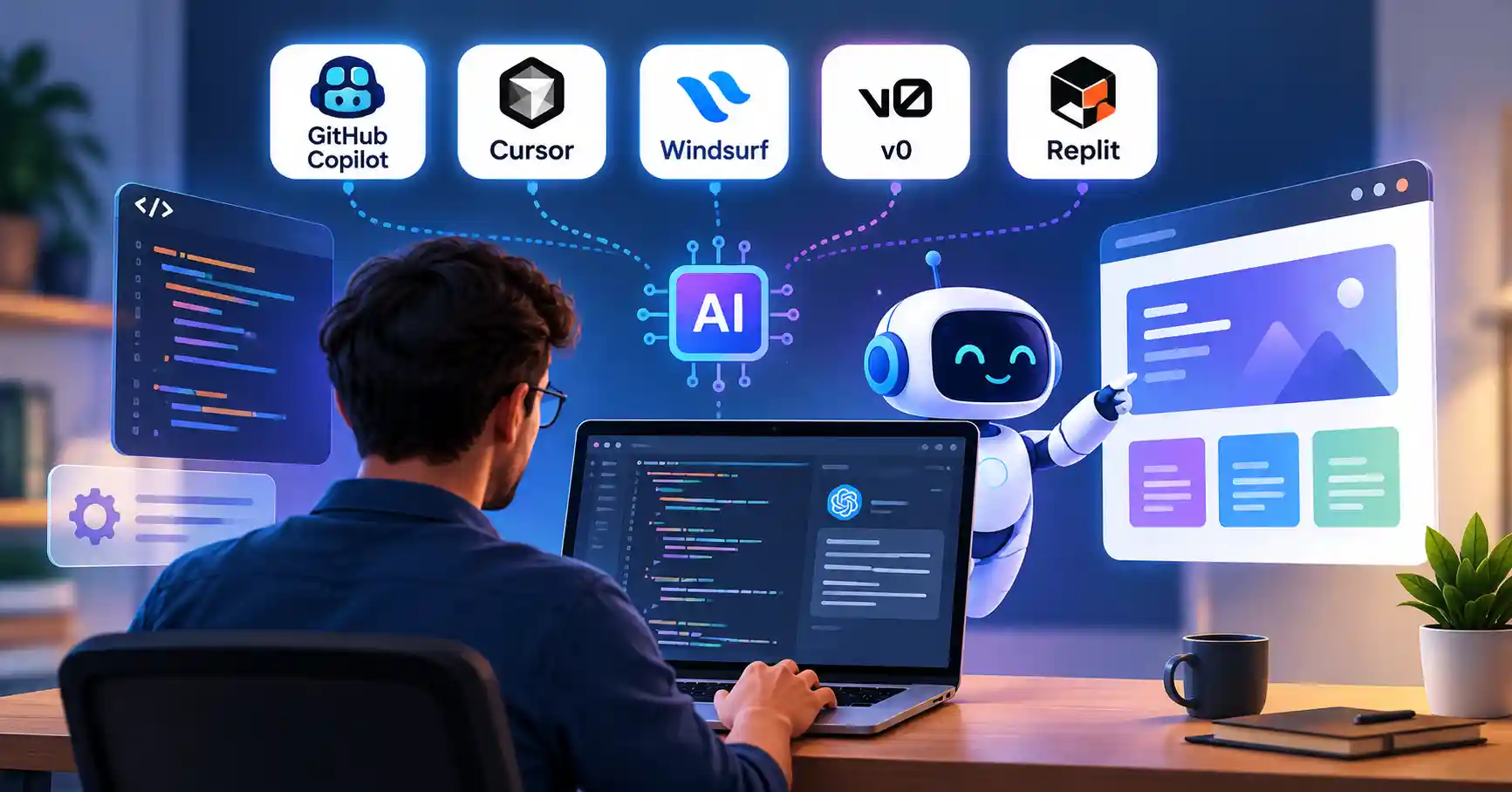
You can mix GitHub Copilot, Cursor, Windsurf, v0, and Replit across different stages of any project. Pick one small test first. Maybe spin up a quick component or track down an annoying bug. See if it actually speeds things up while keeping your codebase clean.
Need to evaluate more software for design, SEO, or general productivity, Dive straight into the directory. Compare every option strictly against what you actually need.