Best AI Note Taking Apps for Smarter Meetings and Better Workflows
Published August 20, 2026
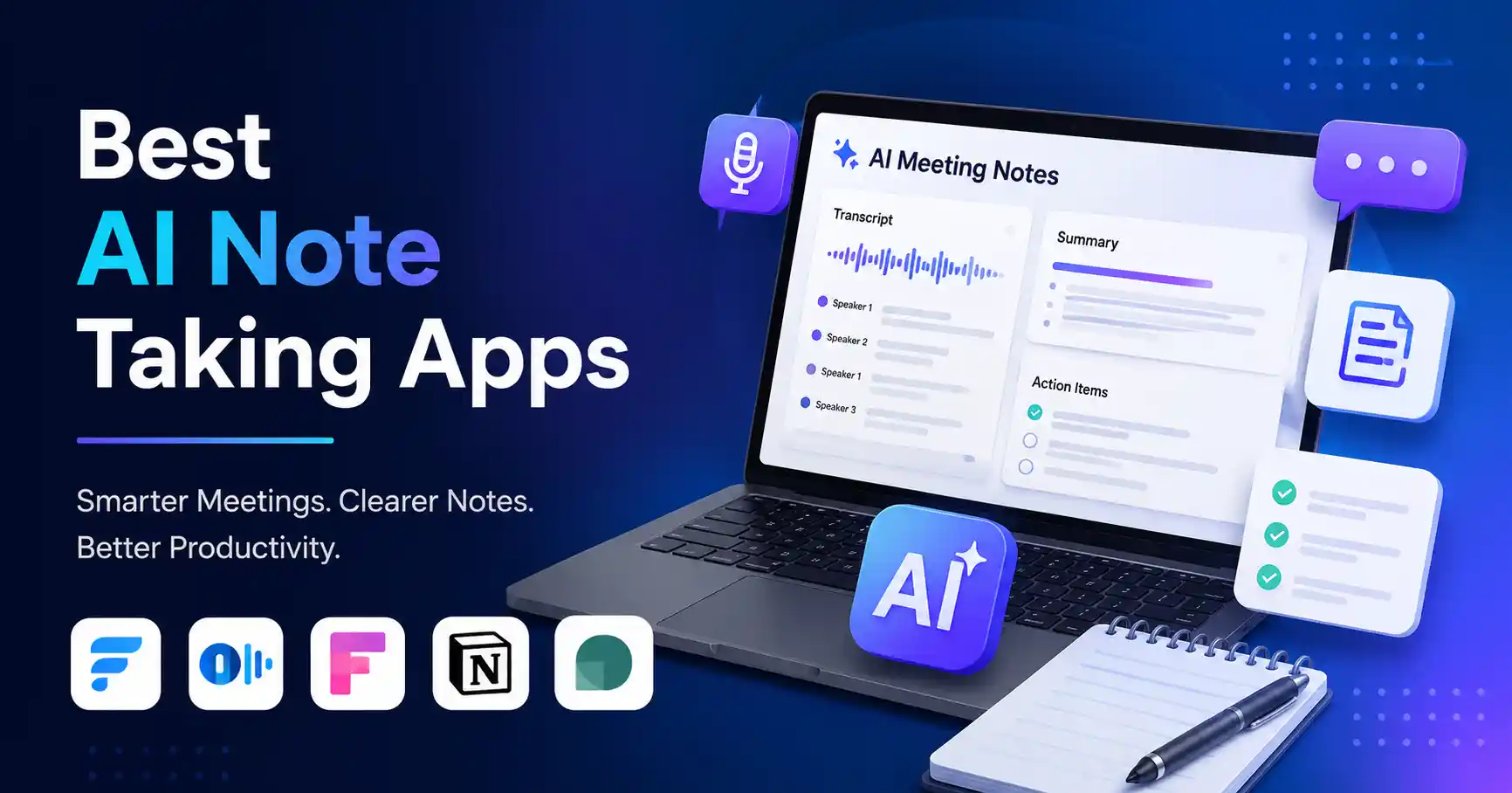
AI note taking apps are changing how professionals capture meetings, interviews, research, and critical chats. No more frantic manual typing. These tools record discussions, spin out clean transcripts, boil down key points, and flag action items.
The real trick isn't grabbing the flashiest app on the market, it is finding one that actually fits your workflow.
This guide breaks down what these tools actually do, why they matter, how to pick the right one, and which options deserve your attention in 2026.
Table of Contents
What is AI Note Taking Apps
Why AI Note Taking Apps are Important
Best AI Note Taking Apps Compared
Step by Step Guide
Best Practices and Tips
Common Mistakes
Tools
FAQs
Conclusion
What is AI Note Taking Apps
AI note taking apps use smart algorithms to scoop up and sort out info from meetings, interviews, lectures. And pretty much any chat you throw at them. Most current tools turn raw speech into text first. Then they use AI muscle to spin up summaries, pull out action items, log decisions, and prep follow ups.
Picture a marketing manager stuck on a 45 minute client call. Instead of scribbling frantically while trying to listen, an AI app grabs the whole chat. It picks out the core needs, wraps up the discussion in a tidy summary, and flags specific tasks like firing off a proposal or tweaking a campaign plan.
Some apps just target meetings. Others mix note taking with project tracking, CRM workflows, or document archiving.
Why AI Note Taking Apps are Important
AI note taking apps are useful because they reduce the amount of manual work involved in capturing information.
Save time
Experts jawbone endlessly today, almost entirely abandoning the old habit of penning quick notes.Reduce missed details
Post meeting epiphanies always strike, Vital choices and action items emerge right then..Improve follow up
Chat summaries instantly turn chats into emails, tasks, or CRM records. Simply put: work becomes much easier.Create searchable knowledge
Transcripts create searchable archives, rescuing teams from the endless trap of faulty memory.Support better collaboration
People who missed a meeting can quickly understand what happened without watching the entire recording.
Best AI Note Taking Apps Compared
The best AI note taking app comes down to your personal workflow. Fathom works well if you want a solid free tier. Otter shines at live transcription and capturing meetings. Fireflies? That one fits teams needing heavy workflow connections and CRM links. Notion AI is a strong option when meeting notes need to live alongside projects and company knowledge. Granola is worth considering when you want a bot free approach to meeting notes.
The takeaway? Pick your app around how you actually work, what tools it plugs into, and its privacy rules. Forget the longest feature list.
Fathom gives you unlimited recordings and storage on its free individual plan, Advanced AI summaries on that same tier? Strictly rationed each month.
Otter brings live transcription, speaker identification, AI chat, mobile apps, and solid integrations with major meeting platforms. Look at their pricing page and you will spot a free Basic plan alongside a Pro option starting at 8. 49 dollars per user per month when billed annually.
Fireflies throws in unlimited transcription and AI summaries across its tiers. Ten dollars monthly per user gets you the Pro plan on annual billing. Meanwhile, the Business tier climbs to nineteen under that exact same setup. Why pay more?
Notion AI really shines when your meeting notes simply have to link up with everyday documents, projects, databases, and sprawling company knowledge. Right now, Notion bundles AI tools like AI Meeting Notes and Notion Agent straight into its Business and Enterprise plans.
For more options, explore the AI productivity tools directory to compare different AI tools based on your specific workflow.
Step by Step Guide
Step 1: Define What You Need to Capture
Figure out where you actually need AI note taking first, Sales calls demand totally different features than internal team syncs or one on one interviews.
A sales rep needs CRM hookups and clear action items, A content marketer? They care about exact transcripts and searchable archives. Your use case dictates everything.
Step 2: Check Meeting Platform Support
Check the apps you already use. Does it handle Zoom, Google Meet, Teams, phone calls, or face to face chats? This matters. A tool that fits right into your current workflow needs practically no manual setup at all.
Step 3: Compare Transcription and Summary Quality
Look past the feature list when you evaluate a tool. Run actual conversations through it instead. Check how well it catches the right speakers, critical statements, final decisions, and action items. A slick meeting summary that drops a key client demand is a total failure compared to a plain, spot on transcript.
Step 4: Review Integrations
As your usage grows, integrations matter more. Can your notes hook into your CRM, project management tool, calendar, or knowledge base? Check. Fireflies is one example. It brings workflow features and integrations for business teams. Paid tiers add tasks, AI skills, and extra connections.
Step 5: Test the Workflow Before Paying
Start with a free tier if they offer one. Put the tool through its paces on a handful of actual meetings instead of running a single quick test chat. Track the minutes you get back, check the note accuracy, and see if the output drives your next steps. Take your time. Look around at competing productivity apps before you lock anything into your daily routine.
Best Practices and Tips
Create a consistent meeting template
Use the same structure for recurring meetings so summaries remain easy to compare.Review important summaries
AI can misunderstand names, numbers, technical terms, or decisions. Review important notes before sharing them.Turn action items into tasks
Do not let AI generated action items become another list that nobody checks. Connect them to your existing task management process.Customize your vocabulary
If your business uses product names, technical terms, or industry terminology, use tools that support custom vocabulary where available.Check privacy settings
Understand where recordings and transcripts are stored and how the provider handles your information.Focus on outcomes
The goal is not to create more notes. The goal is to make meetings easier to act on.Compare total workflow value
A cheaper tool is not always better if employees spend additional time exporting, cleaning, and organizing its output.
For additional productivity ideas, browse the best AI tools for work and compare options based on your use case.
Common Mistakes
Choosing a tool only because it has the most features
More features can create unnecessary complexity. Choose the capabilities your team will actually use.Ignoring privacy
Meeting recordings hide sensitive financial secrets and customer details. Always check privacy rules before installing any AI note taker.Trusting summaries without checking them
Automated digests frequently omit crucial context, missing the point entirely. Always verify critical decisions before you act.Focusing only on transcription
Transcripts are okay. But smart integrations, quick summaries, and follow up workflows actually drive real work forward.Buying before testing
Use a realistic trial period before committing to a paid plan.
Tools
Fathom is a strong starting point for professionals who want a simple meeting note taking workflow and a generous free plan.
Need live transcription and speaker IDs across platforms, Otter. ai handles it well. Fireflies, ai fits teams chasing deep meeting intelligence, action items, and CRM hooks. Notion AI, Handy if your group already lives inside Notion for docs and databases. Granola takes a totally different route. It skips the annoying bot entirely, giving you notes that just slide right into whatever workflow you already use.
FAQ's
What are AI note taking apps used for?
They archive chats, transcribe speech, and summarize meetings. They nail down tasks, catch key choices, and make future searches vastly less painful overall.
Which AI note taking app is best?
No single top pick exists. Fathom wins on freebies. Otter excels at live dictation, while Fireflies seamlessly integrates into corporate operations. Notion AI? That clicks for teams already entrenched in the workspace, Just grab whatever matches your exact workflow.
Are AI note taking apps accurate?
Sometimes they’re perfect. But accuracy, it's a crapshoot, depending on the audio, accents, noise, speakers, jargon. Key info still needs a human eye.
Are AI note taking apps free?
Several offer free plans, although limits may apply to advanced summaries, storage, transcription minutes, or integrations. For example, Fathom offers a free individual plan, while Otter and Fireflies also provide free tiers.
Should businesses use AI note taking apps?
Yes, assuming the tool hits strict security, compliance, and workflow standards. Enterprises demand absolute governance over every transcript and recording before they deploy anything. Period. It is non negotiable.
Conclusion
Top AI note taking apps do way more than just dump audio into text. The real magic happens when they help professionals grab critical details, actually make sense of the chaos, and turn meetings into real work that gets done.
Don't overcomplicate it, Pick one or two tools that fit how you already work. Run a test drive during actual meetings. Compare how well they summarize things and pull out action items. And see if they plug nicely into your team's existing software stack.
If the app shaves hours off your week and tightens up follow ups, keep it. But if it just leaves you with yet another pile of digital clutter to sort through? Dump it.
For current tool options and additional AI productivity solutions, visit Allaipedia AI Tools.