Best AI Tools for Small Businesses in 2026: 7 Tools Worth Trying
Published October 14, 2026
Running a small business means juggling several responsibilities, from marketing and sales to customer support and administration. With a small team, finding time for everything can be challenging. The right AI tools can take some of that pressure off by helping you handle routine work more efficiently.
However, the best AI tools for small businesses aren't necessarily the ones with the most features or the highest price tags. What matters is whether a tool solves a genuine business problem, fits your budget, and works with your existing software.
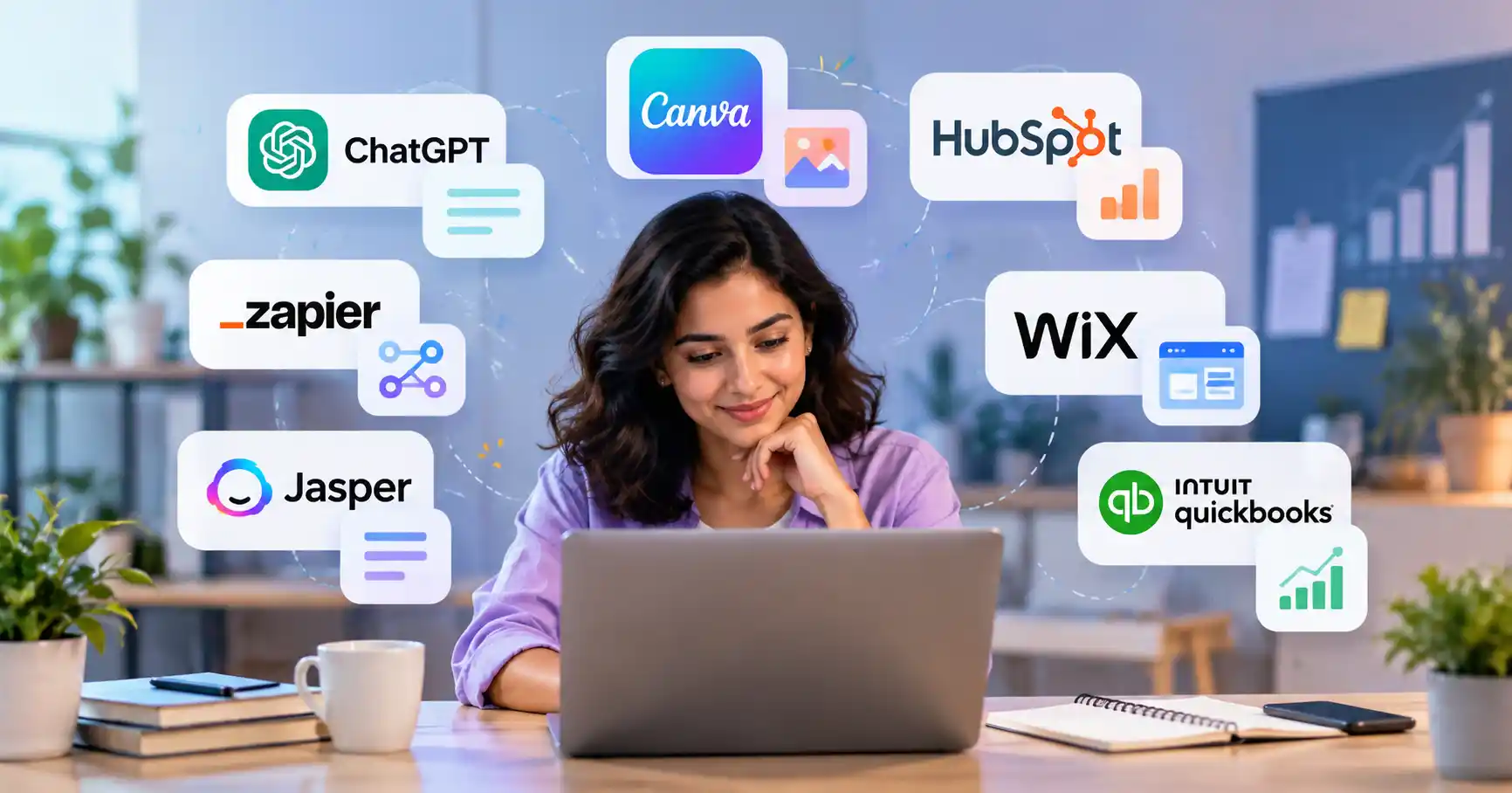
This guide compares seven AI tools for small business owners, covering their key uses, pricing considerations, limitations, and practical applications. Whether you're a freelancer, consultant, local business owner, or startup founder, you'll find options worth considering.
Best AI Tools for Small Businesses in 2026: Quick Comparison
Each tool serves a different purpose, so there's no need to adopt all seven. Start with the one that addresses your biggest operational challenge and add other tools only when you have a clear reason to do so.
1. ChatGPT : Best for Everyday Business Tasks
Best for: Freelancers, entrepreneurs, consultants, and small teams
ChatGPT is a useful starting point for businesses that need help with a variety of tasks. It can assist with marketing ideas, email drafts, document summaries, spreadsheet analysis, and customer communications.
Practical example: A local bakery could use ChatGPT to plan a week's worth of social media captions, draft a promotional email, and brainstorm seasonal offers.
The free plan includes web search and limited access to features such as file uploads, data analysis, and image generation. Paid plans offer higher usage limits and additional capabilities.
Advantages: Versatile, accessible to beginners, and useful across multiple business functions.
Limitations: Responses can contain errors, and free usage is limited. Review business information carefully before publishing or sharing it.
Pricing: A free plan is available. Visit the official ChatGPT pricing page for current paid options.
Choose ChatGPT if you want a general purpose assistant rather than a tool designed for just one business function.
2. Canva : Best for Design and Marketing Content
Best for: Small retailers, content creators, and businesses without a dedicated designer
Canva makes it easier to create social media posts, presentations, flyers, advertisements, and other marketing materials. Its AI features support design and content creation, while ready made templates help beginners produce consistent visuals.
Practical example: A clothing boutique could design a festive sale graphic, adapt it for different social platforms, and prepare promotional materials without outsourcing every design task.
Canva's India pricing page lists a free plan at ₹0 per year, alongside paid options including Pro at ₹4,000 per year and Business at ₹6,800 per person per year. AI allowances depend on the plan and feature.
Advantages: Accessible design tools, a broad template library, and support for multiple content formats.
Limitations: Some premium assets and AI features require a paid plan. Designs still need to be checked for brand consistency and accuracy.
Pricing: A free plan is available. Compare options on Canva's India pricing page.
Canva is a strong option if creating visual content is a regular part of your marketing work.
3. HubSpot : Best for CRM and Lead Management
Best for: Service businesses, B2B companies, and growing sales teams
HubSpot helps businesses organize contact information, track leads, and manage customer relationships. Its broader platform includes marketing, sales, customer service, and AI supported features.
Practical example: A small web design agency could record incoming inquiries, track follow ups, and give its team a shared view of each prospect's progress.
HubSpot offers free foundational tools for up to two users. Its India pricing page lists a Starter option beginning at ₹585 per seat per month under the displayed annual billing offer. Pricing and eligibility may change.
Advantages: Keeps customer information organized and makes follow ups easier to manage.
Limitations: Advanced automation and other capabilities may require paid plans. A full CRM setup can be unnecessary for a business with very few customers.
Pricing: Free tools are available. Check HubSpot's CRM pricing.
Consider HubSpot when customer records are scattered across spreadsheets, emails, and other applications, or when leads are slipping through the cracks.
4. Zapier : Best for Automating Repetitive Tasks
Best for: Small teams that use several business applications
Zapier connects supported applications so information can move between them automatically. Depending on the apps involved, workflows can transfer form submissions, create records, send notifications, and trigger follow up tasks.
Practical example: When a prospective customer submits an inquiry form, a Zapier workflow could add the contact to a CRM and notify the person responsible for sales.
Zapier's official pricing page lists a free plan with 100 tasks per month and two step Zaps. Multi step workflows and additional capabilities are available on paid plans.
Advantages: Reduces manual data entry and connects software your business already uses.
Limitations: Task limits can become restrictive, and incorrectly configured workflows may transfer inaccurate information.
Pricing: A free plan is available. See Zapier's pricing page.
Zapier is worth considering when your team spends too much time moving information between applications or repeating the same administrative steps.
5. Jasper : Best for Marketing Content
Best for: Marketing teams producing content across multiple channels
Jasper focuses on marketing content, with features designed to support brand voice, audience customization, and campaign workflows.
Practical example: A small marketing agency could use Jasper to develop consistent messaging for email campaigns, website copy, and social media promotions.
Jasper's official pricing page lists its Pro plan at $59 per month with annual billing or $69 per month with monthly billing. A seven day free trial is available, while Business pricing is customized.
Advantages: Marketing focused workflows and tools for maintaining consistent brand messaging.
Limitations: The subscription may be difficult to justify for businesses that publish infrequently or already have a suitable AI writing assistant.
Pricing: The Pro plan is paid, with a free trial available. Check Jasper's pricing.
Jasper makes more sense when content production is a significant, ongoing responsibility. For occasional emails, blog outlines, or brainstorming, ChatGPT may be enough.
6. Wix : Best for Building a Business Website
Best for: Local businesses, service providers, and entrepreneurs establishing an online presence
Wix combines AI assisted website creation with templates, hosting, and business features. Its AI website builder can generate an initial website from a prompt, which you can then edit to suit your brand and business needs.
Practical example: A fitness instructor could create a website outlining their services, explaining membership options, and directing visitors to booking or contact pages.
Wix offers a free starting option. Paid plans vary by region and billing period, while features such as custom domains and payment acceptance depend on the selected plan.
Advantages: Brings website creation, hosting, and additional business tools together.
Limitations: AI generated layouts and copy need editing. Advanced commerce features may require a paid plan.
Pricing: A free option is available. Compare current plans on Wix's pricing page.
If you're launching a business website, Wix is worth considering. If your existing website already performs well, improving its content and conversion experience may be more useful than rebuilding it.
7. QuickBooks : Best for Financial Administration
Best for: Small businesses that need structured bookkeeping and financial reporting
QuickBooks supports accounting tasks such as expense categorization, invoicing, transaction management, and financial reporting. Its official product information also describes AI supported financial insights and assistance in eligible plans.
Practical example: A small consultancy could use accounting software to organize transactions, issue invoices, and review income and expenses instead of relying entirely on spreadsheets.
Advantages: Brings important financial records and reporting into one system.
Limitations: Most full accounting plans require a subscription. Availability, tax support, integrations, and compliance features vary by country.
Pricing: Paid plans and trial offers vary. Consult QuickBooks' pricing page.
Before choosing QuickBooks, confirm that it supports your local tax and invoicing requirements. Businesses in India may prefer accounting software built specifically around Indian GST and compliance needs.
How to Choose the Right AI Tools for Your Small Business
The best starting point is the problem you want to solve, not the product with the longest feature list.
Identify your biggest bottleneck. Decide whether you need help with content creation, lead management, website development, or repetitive administration.
Calculate the actual cost. Consider annual billing, usage limits, required add ons, and the number of team members who need access.
Test a real workflow. Use a free plan or trial where available and check whether the output meets your requirements.
Review privacy and accuracy. Check data handling policies and account settings before sharing sensitive customer or financial information.
Measure the value. Track relevant outcomes, such as time saved, response speed, or lead follow ups, before adding more subscriptions.
For example, a solo consultant might begin with ChatGPT and Canva. A growing agency could add HubSpot to manage leads and Zapier to reduce repetitive work.
You can discover more options in the Allaipedia AI tools directory .
FAQ’s
What are the best free AI tools for small businesses?
ChatGPT, Canva, HubSpot, Zapier, and Wix offer free starting options, although their features and usage limits differ. Check each provider's current plan details before relying on a free tier for essential business tasks.
Can AI tools help a small business increase sales?
AI tools can support sales activities by helping draft campaigns, organize leads, and automate follow ups. However, better sales results aren't guaranteed. Product quality, pricing, customer demand, and how effectively you use the tools still matter.
How many AI tools does a small business need?
Start with one or two tools that address clear business needs. Add more only when a specific gap remains. A smaller, well connected setup is often easier to manage than several overlapping subscriptions.
Is it safe to use AI tools for business?
Safety depends on the provider, plan, settings, and information you share. Review data handling policies, limit access where possible, and verify important outputs before using them in customer communications or business decisions.
Conclusion
The best AI tools for small businesses solve practical problems without creating unnecessary costs. ChatGPT is a flexible starting point, Canva supports visual marketing, HubSpot helps organize customer relationships, and Zapier connects repetitive workflows. Jasper, Wix, and QuickBooks address more specialized needs.
You don't need every tool on this list. Choose the one that tackles your biggest bottleneck, assess its value, and expand your setup when there's a clear business case.
The aim isn't to use more AI. It's to run your business more efficiently while keeping human judgment at the center of important decisions.