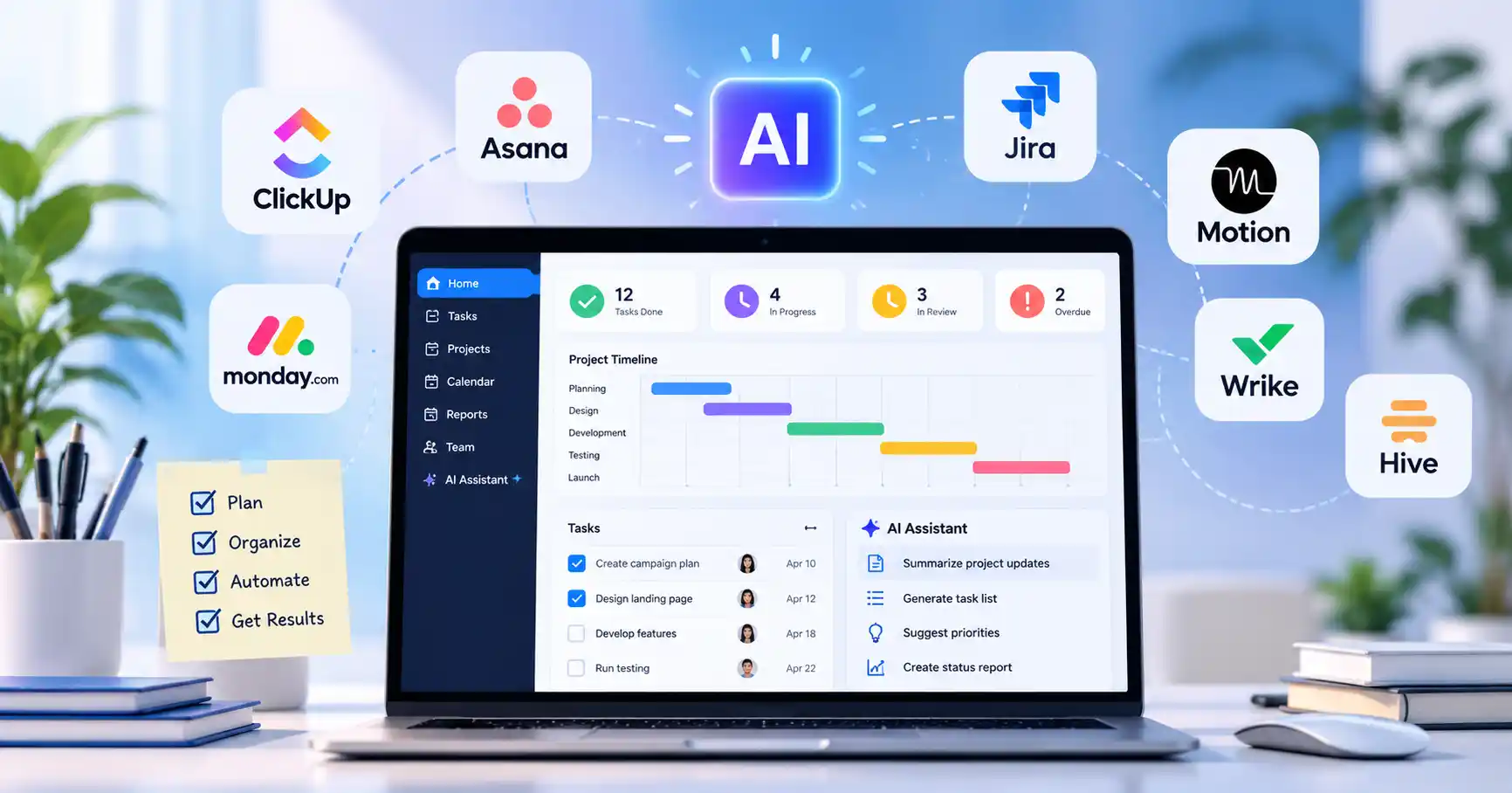
Best AI Tools for Project Management in 2026: 7 Tools Compared
Published October 17, 2026
Managing projects takes more than assigning tasks and setting deadlines. Teams also need to coordinate people, monitor progress, adapt to unexpected changes, and keep stakeholders informed. The best AI tools for project management can ease this workload by helping with planning, scheduling, reporting, and routine tasks.
Not every platform works for every team. Some are built for complex projects, while others focus on software development, visual workflows, or automated scheduling. This guide compares seven AI project management tools to help marketers, developers, freelancers, and small business owners find the right fit.
What Are AI Project Management Tools?
AI project management tools combine traditional project management features with artificial intelligence. Depending on the platform and subscription, they can generate task lists, summarize updates, recommend priorities, answer questions about project information, and automate repetitive processes.
Consider a marketing team preparing for a product launch. AI could turn the campaign brief into tasks for content, design, email, and social media. The project manager would still need to assign owners, confirm deadlines, and check dependencies before work begins.
Best AI Tools for Project Management Compared
The following tools address different project management needs. Their features, AI allowances, and prices vary by subscription, so check the official product pages before making a decision.
1. ClickUp AI: Best for All in One Project Management
ClickUp brings tasks, documents, dashboards, and team collaboration together in one workspace. Depending on the plan, its AI capabilities support project summaries, writing, search, task prioritization, and workflow automation.
Example: A content marketing team can manage blog production, assign writers and editors, track publication dates, and use AI to summarize project progress.
Limitation: ClickUp offers plenty of functionality, but configuring workspaces and establishing consistent workflows takes time. AI access and usage allowances also depend on the subscription available to the workspace.
Explore our ClickUp AI listing for more product information.
2. Asana AI: Best for Team Coordination
Asana helps teams organize projects, goals, responsibilities, and cross functional workflows. Its AI features support task automation, project summaries, status updates, and other work management activities.
Example: A product launch manager can coordinate marketing, design, sales, and development tasks while using AI to prepare progress updates for stakeholders.
Limitation: Complex projects may require time to configure workflows and permissions. AI features and usage based capabilities also depend on the subscription and specific feature.
Asana is a good option for teams that need clear visibility across departments without necessarily putting every business function into one highly customized workspace.
3. monday.com AI: Best for Visual Project Workflows
monday.com uses configurable boards, dashboards, and automations to organize projects. Its AI features support selected workflows, including task processing and AI assisted operations.
Example: A small agency can create a campaign board covering copywriting, design, client approvals, and publishing. AI assisted workflows can help process repetitive information when the relevant features are enabled.
Limitation: The flexibility comes with some setup work. Available AI capabilities and credits vary by product, plan, and account configuration. Check the monday.com AI feature catalog before estimating ongoing costs.
Choose monday.com if your team prefers visual project tracking and wants to customize workflows without building a system from scratch.
4. Jira: Best for Software Development Teams
Jira is designed for issue tracking, development backlogs, and agile project management. Atlassian's AI powered Rovo capabilities support search, chat, and AI assisted collaboration in eligible plans.
Example: A development team can manage bugs, organize sprint tasks, and track feature requests. AI assisted search can also help team members find relevant project information.
Limitation: Jira's terminology and configuration can be challenging for beginners. Teams managing simple client projects or content calendars may find it more complex than necessary.
Jira offers a free cloud plan for up to 10 users. Paid plans and AI capabilities have their own eligibility and usage conditions, so check the official Jira pricing page.
5. Motion: Best for AI Powered Scheduling
Motion combines tasks, calendars, and project planning to help users organize work around available time and changing priorities.
Example: A freelancer balancing client deliverables, meetings, and administrative work can use Motion to build a schedule around deadlines and calendar availability.
Limitation: Automatic scheduling cannot account for every real world constraint. Inaccurate task estimates, missing deadlines, and frequent changes can make the resulting schedule less useful. Motion's AI plans are paid, with pricing and allowances depending on the selected plan.
Motion is particularly relevant for people who struggle to decide when to complete tasks. Teams that need detailed sprint reporting or complex project governance may prefer another platform.
6. Wrike: Best for Complex Projects
Wrike supports structured project management, dashboards, reporting, and collaboration across teams. Its AI capabilities vary by subscription, with advanced functionality and usage allowances tied to eligible plans.
Example: An enterprise marketing department running several campaigns can coordinate deadlines, dependencies, approvals, and reporting across multiple teams.
Limitation: Smaller teams may not need its broader project controls. Advanced reporting and AI capabilities may also require a higher tier subscription.
Wrike is worth considering when accountability, project complexity, and visibility across workstreams matter more than keeping the software lightweight.
7. Hive: Best for AI Assisted Project Planning
Hive combines project management, collaboration, and AI assistance. Depending on the available feature and plan, its AI tools can help develop project plans and generate tasks from prompts.
Example: A small business planning a webinar could enter its objective, target audience, and deadline, then use the generated tasks as a starting point for promotion, speaker coordination, registration, and follow up.
Limitation: AI generated plans still need realistic deadlines, assigned owners, and dependency checks. Hive's free plan lists 1,000 AI credits per month and up to 10 workspace members. Paid plans have different allowances and capabilities. Check Hive's official pricing for current terms.
Hive is a useful candidate for teams that want help turning an initial idea into an organized task list.
How to Choose the Right AI Project Management Software
Before committing to a platform, consider four factors:
Workflow fit: ClickUp suits teams looking for a broad work hub, Jira focuses on development, Motion emphasizes scheduling, and monday.com supports visual workflows.
Total cost: Compare subscription fees with AI credits, add ons, user seats, and automation limits. A free plan may not include the AI features your team needs.
Integrations: Confirm that the platform works with your existing calendar, communication tools, document storage, and development software.
Security and control: Review permissions, data handling, retention policies, and administrative controls before uploading confidential project information.
If your main goal is to connect processes across multiple apps, explore AI automation tools alongside your project management platform.
Benefits and Limitations of AI in Project Management
AI can reduce repetitive planning work, simplify project updates, and help teams find information. It can also suggest priorities and turn an unstructured project brief into a starting point for an actionable plan.
There are limits, though. AI may misunderstand requirements, overlook dependencies, or recommend unrealistic timelines. It also cannot automatically account for every business constraint or team commitment.
A sensible approach is to let AI draft plans and summaries, then have a team member verify deadlines, owners, budgets, and important decisions. For meeting follow ups, AI meeting assistants can complement project management software by helping turn discussions into action items.
FAQ’s
What is the best AI tool for project management?
The right choice depends on your workflow. ClickUp suits teams looking for an all in one workspace, Asana supports cross functional coordination, Jira is designed for software development, and Motion focuses on scheduling.
Are there free AI project management tools?
Yes. ClickUp, Asana, monday.com, Jira, and Hive offer free plans, but their AI features and usage limits differ. Check the current plan details before relying on a specific capability.
Can AI create a project plan automatically?
Some tools can generate draft project plans or task lists from a prompt. Review dependencies, estimates, deadlines, and ownership before putting the plan into action.
Can AI project management tools replace project managers?
No. These tools can assist with planning, reporting, and repetitive tasks, but people remain responsible for decisions, stakeholder communication, risk management, and accountability.
Conclusion:
The best AI tools for project management are those that fit your team's workflow and solve a specific problem. Shortlist two or three options, test them against a real project, and compare their AI capabilities, ease of adoption, integrations, and total cost.
AI should simplify project management, not introduce another complicated system your team has to maintain.